Mockups for Apps: 138+ Resources
EpicPxls offers 139+ curated mockups, all with a commercial license and editable source files (Figma, Sketch, PSD). Purpose-built mockups for app projects save time and ensure professional results with design elements tailored to app requirements.
Last updated February 12, 2026
Discover 138+ mockups ideal for app design projects.
Trusted by designers at leading companies
Top Mockups
Handpicked resources from our curated collection




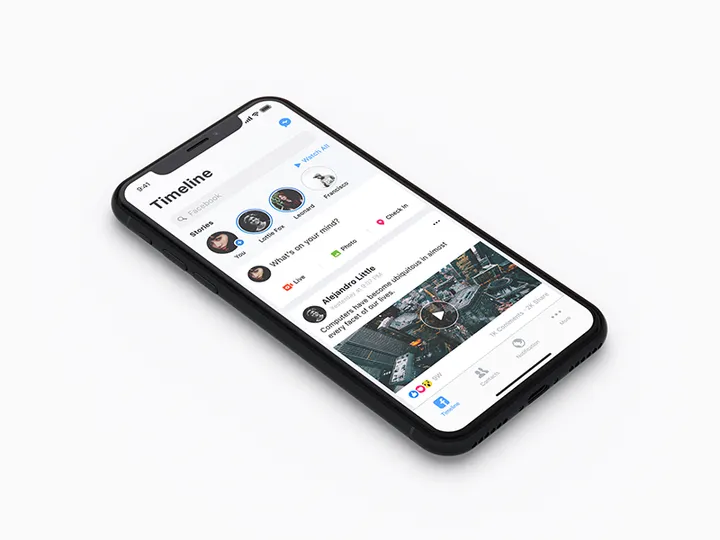

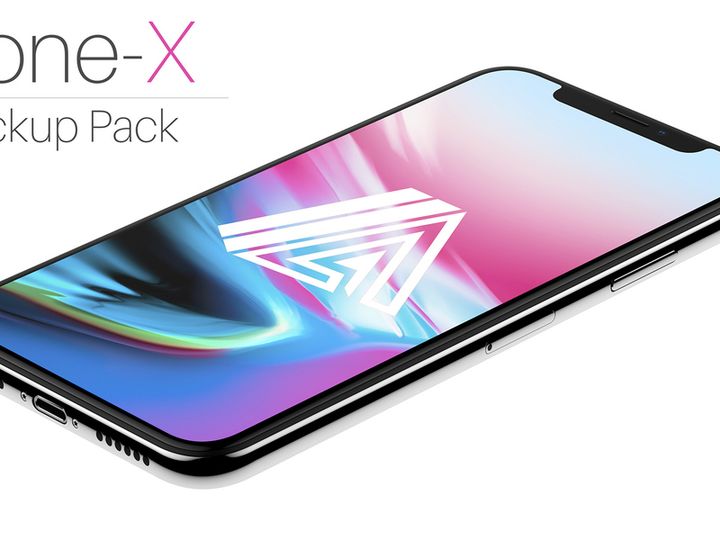
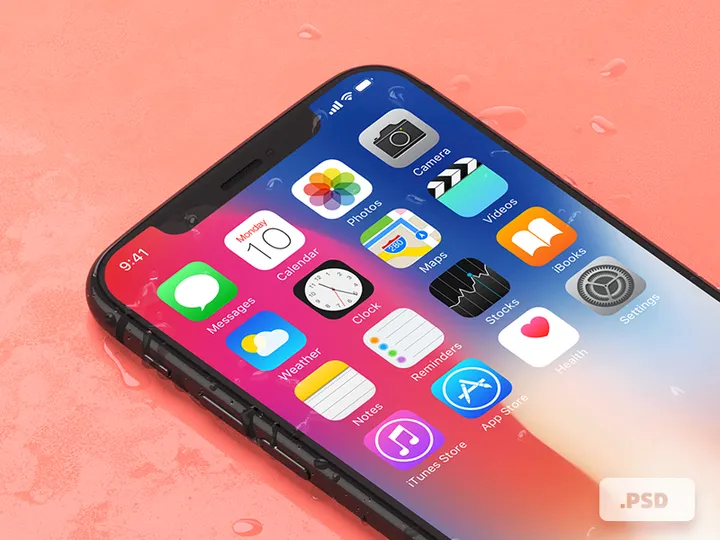
![Google Pixel Mockup [PSD, Sketch] preview picture](https://imgproxy.epicpxls.com/0S9OGY_9_ODKLxjds_PmC53SgImFi3raoTcTGolkJec/rs:fill:720:540:0/g:no/aHR0cHM6Ly9pdGVt/cy5lcGljcHhscy5j/b20vdXBsb2Fkcy9w/aG90by9jNjY0OGE4/ZGZiMTU5Zjk4NjJh/ZGJiYzcwZmNkODUx/NC5qcGc.jpg)
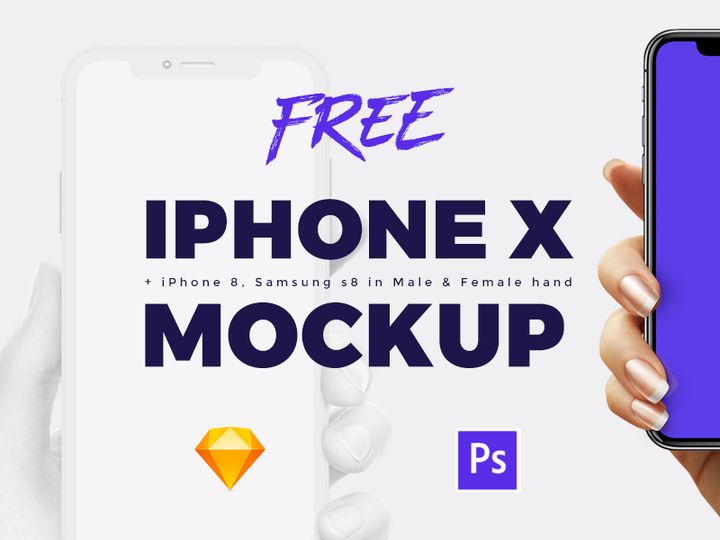
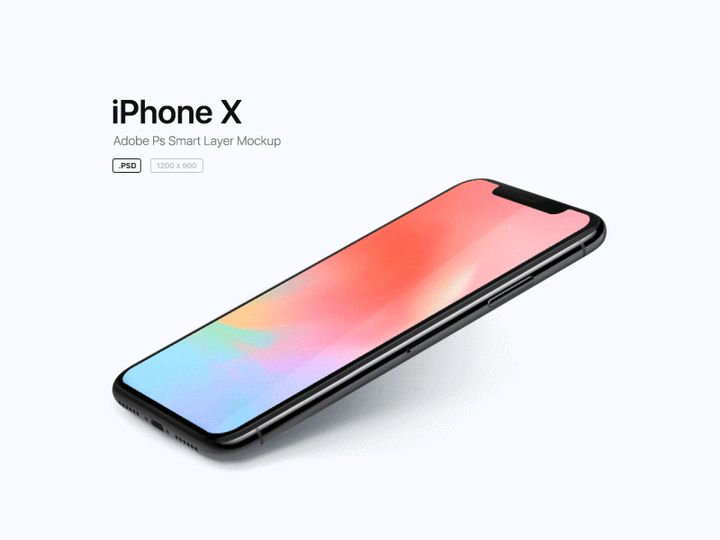
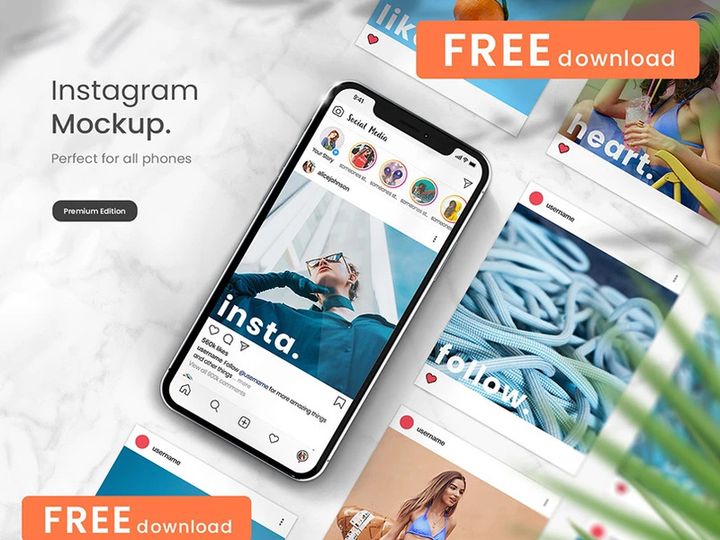
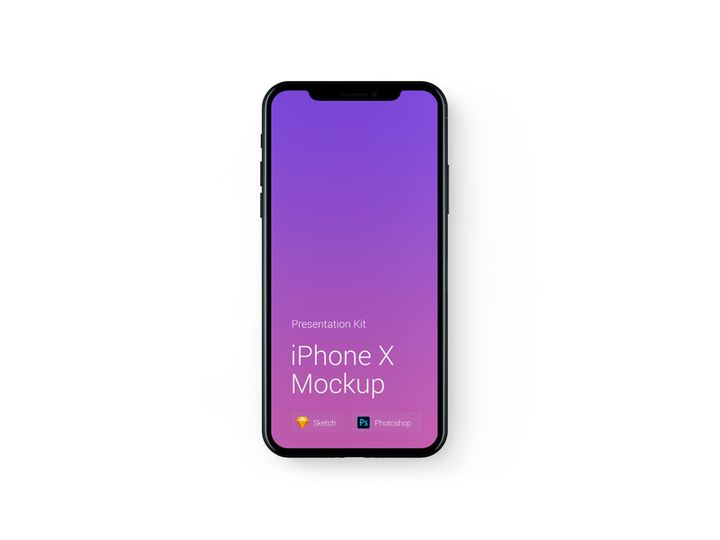
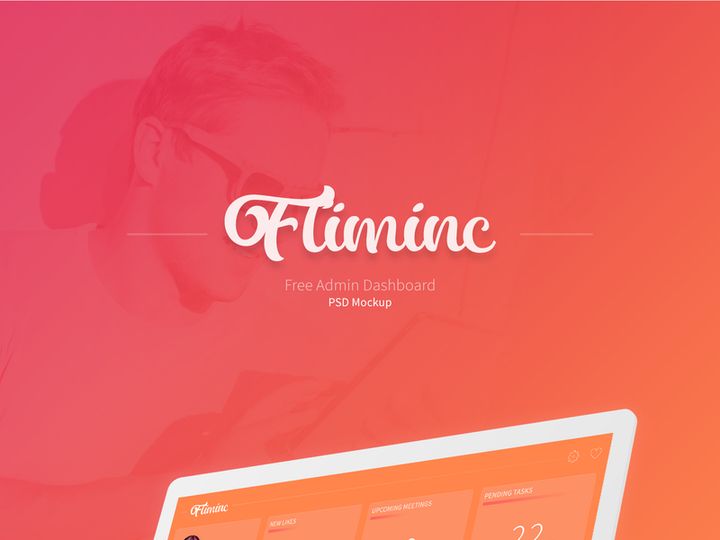
Try Our Free Resources
Download any of these for free - no account required
Why Mockups for App Projects?
Creating a compelling app design requires more than just a great idea—it demands a visual strategy that communicates functionality, aesthetic appeal, and user experience. This is where mockups become an indispensable tool in the app design process. Pre-made mockups significantly accelerate development by offering ready-to-use templates that allow designers to focus on creativity and usability rather than starting from scratch. Instead of spending valuable time building device frames or interface placeholders, designers can import content directly into professionally crafted mockups, streamlining the workflow and reducing time to presentation.
App design projects often come with strict requirements: responsive layouts, platform-specific UI elements (iOS vs. Android), and integration with real-world device environments. Whether designing for smartphones, tablets, or wearables, the need for accurate, high-fidelity representations is critical. Mockups meet these demands by providing realistic contexts—such as a mobile screen held in hand or an app interface displayed on a tablet at a coffee shop—helping stakeholders visualize the final product in authentic scenarios.
At EpicPxls, we understand the importance of speed, precision, and realism in app design. That’s why we’ve curated a collection of 138+ app-ready resources to support designers at every stage. Each mockup is selected for its usability, resolution, and compatibility with modern design tools. From sleek smartphone displays to interactive tablet frames, these resources are optimized for rapid integration into real-world projects. Whether you're pitching to a client, testing user flows, or preparing marketing visuals, our handpicked library ensures you have the right mockup when you need it. With EpicPxls, turning concepts into convincing presentations has never been easier.
What App Designers Need
Essential Mockup Types
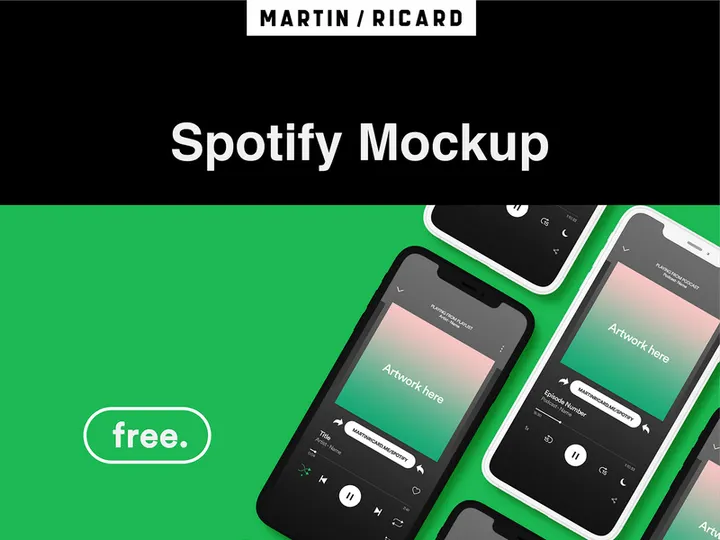
Successful app design relies on using the right type of mockup for the right purpose. Commonly used mockup types include smartphone screen mockups, which allow designers to showcase app interfaces on realistic device frames such as iPhones and Android phones. Tablet mockups are essential for apps targeting larger screens, especially in enterprise or educational contexts. Wearable device mockups, like those for smartwatches, are growing in demand as fitness and health apps expand. Additionally, lifestyle mockups—featuring hands holding devices in natural settings—help convey user engagement and emotional connection.
Other valuable types include desktop app mockups for cross-platform applications, dashboard UI mockups for data-heavy interfaces, and AR/VR headset mockups for immersive experiences. EpicPxls offers a diverse range of these essential mockup types, ensuring that every app project—no matter the platform or target audience—can be accurately represented.
Format Requirements
The file format of a mockup can make or break its usefulness in an app design workflow. PSD (Photoshop) files remain a popular choice due to their layer-based structure, smart objects, and wide support across design teams. They allow for non-destructive editing, making it easy to swap in app screens without affecting the overall composition. Figma and Sketch files are increasingly vital for collaborative environments, supporting real-time editing and design system integration. XD (Adobe Experience Design) files are also valuable for prototyping and user testing.
For final presentations or marketing materials, PNG and PDF formats offer high-resolution, print-ready outputs with transparent backgrounds where needed. The 138+ resources available through EpicPxls are delivered in multiple compatible formats, ensuring seamless integration into any designer’s preferred toolset.
Quality Standards
Not all mockups are created equal. App-ready mockups must meet high standards of resolution, realism, and adaptability. Look for mockups with high DPI (300+) to ensure clarity on retina displays and printed materials. Realistic lighting, shadows, and perspective help create believable scenes, especially for client presentations. Smart object layers or well-organized groups simplify customization, allowing you to insert your app interface with minimal effort.
Additionally, check for attention to detail—accurate device bezels, updated UI notches, and current design trends like curved edges or foldable screens. EpicPxls enforces strict quality control across its library, ensuring every mockup meets professional design standards. With realistic textures, accurate proportions, and easy editing, our resources empower designers to deliver polished, credible app visuals every time.
App Design Project Walkthrough
- Define Your App’s Purpose and Platform: Begin by identifying whether your app is for iOS, Android, or both. Determine the primary devices it will run on—smartphones, tablets, or wearables. This informs which mockups you’ll need from the 138+ resources available. For example, an iOS fitness app may require iPhone 15 and Apple Watch mockups.
- Select Appropriate Mockups from Your Library: Browse your collection—such as the curated assets from EpicPxls—and choose mockups that match your target devices and presentation goals. Prioritize high-quality, layered files (PSD, Figma, or Sketch) for maximum flexibility.
- Prepare Your App Screens: Export your designed app screens from your UI tool (e.g., Figma or Adobe XD) in the correct resolution and aspect ratio. Ensure consistent typography, iconography, and spacing to maintain a professional look when inserted into mockups.
- Insert Screens into Mockups: Use smart objects or layer masks to place your app interface into the device screen. Adjust lighting or blending modes if necessary to match the mockup’s environment. For lifestyle scenes, ensure the screen brightness and reflections appear natural.
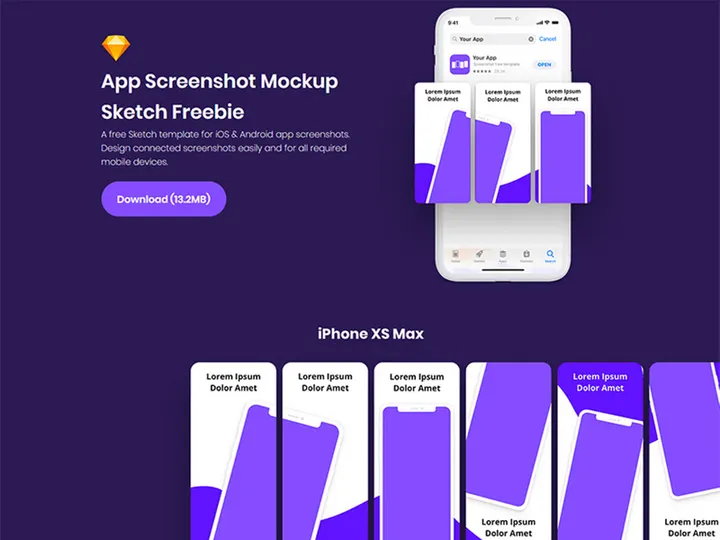
- Combine Multiple Mockups for Context: Create a comprehensive view by combining different mockups—such as a user holding a phone, a close-up of the app interface, and a tablet version side-by-side. This helps tell a visual story and shows cross-device consistency.
- Finalize and Export for Presentation: Assemble your mockup visuals into a cohesive layout. Add annotations, branding, or explanatory text if presenting to clients. Export in high-resolution PNG or PDF for digital or print use. With the right resources, this entire process can be completed efficiently using the versatile tools in the EpicPxls library.
App Design Workflow Tips
Speed Up Your Process
Time is a precious commodity in app design, and pre-made mockups are one of the most effective ways to save it. Instead of modeling device frames or rendering 3D scenes from scratch, leverage high-quality mockups that are ready for immediate use. With the 138+ resources available at EpicPxls, you can find the exact device, angle, and style you need in seconds. Use batch processing or design templates to apply your app screens across multiple mockups at once. Many of our files support smart object integration, allowing you to update all instances with a single edit—ideal for rapid iteration and A/B testing.
Maintain Consistency
A professional app design feels unified across all touchpoints. When using multiple mockups, ensure consistency in lighting, color temperature, and screen brightness. Stick to a cohesive style—whether minimalist, lifestyle-focused, or technical—throughout your presentation. Use matching device models (e.g., all iPhone 15 Pro Max) when showcasing different app states. Organize your layers and naming conventions to avoid confusion, especially when collaborating with developers or stakeholders. EpicPxls designs its mockup collections with thematic consistency in mind, making it easier to create harmonious, branded presentations.
Client Presentation
How you present your app design can be just as important as the design itself. Use high-resolution mockups in real-world contexts to help clients envision the app in use. Combine interface close-ups with lifestyle scenes to demonstrate usability and appeal. Create storyboards or slide decks that walk clients through key user journeys. Include annotations or callouts to explain features, interactions, or design decisions. The polished, professional quality of EpicPxls mockups ensures your work is taken seriously, helping you win approval and build trust with clients.
App Design Inspiration
Staying inspired is key to creating innovative and engaging app experiences. Current trends in app design emphasize minimalism, dark mode interfaces, micro-interactions, and inclusive design. Designers are increasingly focusing on accessibility—using readable fonts, high-contrast colors, and intuitive navigation. Neumorphism and glassmorphism continue to influence visual styles, adding depth and elegance to flat UIs. Motion design and micro-animations are also being used to enhance feedback and guide user behavior.
Top designers approach app projects with a user-first mindset, conducting research, creating wireframes, and validating ideas through prototyping before committing to final visuals. They use mockups not just for presentation, but as tools for testing concepts in realistic contexts. Platforms like EpicPxls support this process by offering diverse, up-to-date mockups that reflect current device trends and design standards. Whether you're designing a fintech dashboard, a social media app, or a health tracker, exploring the 138+ resources available can spark fresh ideas and elevate your creative output.
To stay ahead, follow design communities, study award-winning apps, and experiment with new mockup styles. Incorporate real-world feedback by testing your mockups with users in early stages. With the right inspiration and tools, your app designs can stand out in a crowded marketplace. Let EpicPxls be your go-to source for high-quality, app-ready mockups that support both your creativity and efficiency.
Why Download from EpicPxls?
Commercial License
Use in personal and commercial projects
No Account Required
Download free resources instantly
Quality Curated
Every resource is reviewed for quality
Preview Files
See Figma and Photoshop files before downloading
Who Uses These Mockups?
Professionals and teams who benefit most from our collection
UI/UX Designers
Speed up your workflow with ready-to-use mockups for design tools. Perfect for prototyping and client presentations.
Developers
Get production-ready assets without design skills. Export in any format for web and mobile apps.
Startups & Agencies
Save design budget with affordable premium mockups. Commercial license included for client work.
Marketing Teams
Create professional campaigns faster. All mockups are optimized for social media and ads.
Mockups FAQCommon questions about these resources
Simple, Transparent Pricing
Get unlimited access to all premium resources
Yearly
- 20 downloads per month
- All file formats
- Commercial license
Lifetime
- Unlimited downloads forever
- All file formats
- Commercial license
Ready to Get Started?
Access 4,441+ free design resources today.
Browse Free ResourcesView Premium PlansEarn 85% and
more on all sales
Upload your products and put them up
for sale at whatever price you want.


