Icons for HTML: 11+ Resources
EpicPxls offers 11+ curated icons for HTML, all with a commercial license and editable source files (Figma, Sketch, PSD). We have 11+ icons compatible with HTML, tested and verified for seamless integration.
Last updated February 12, 2026
Discover 11+ handpicked icons for HTML.
Trusted by designers at leading companies
Top Icons for HTML
Handpicked resources from our curated collection
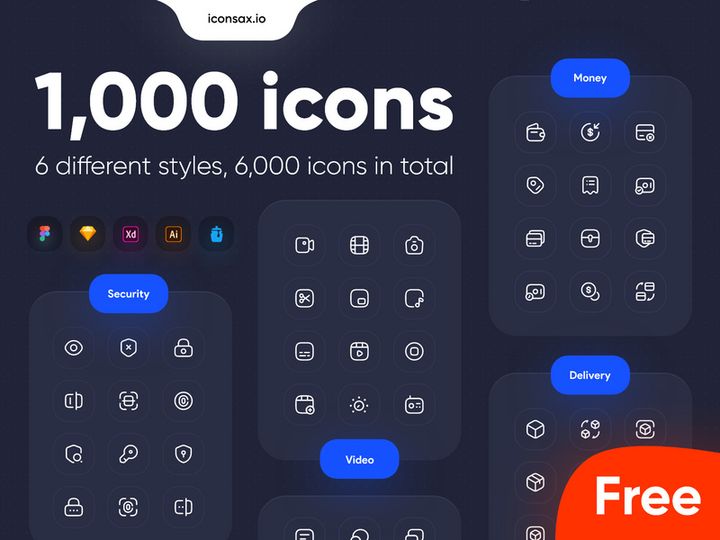
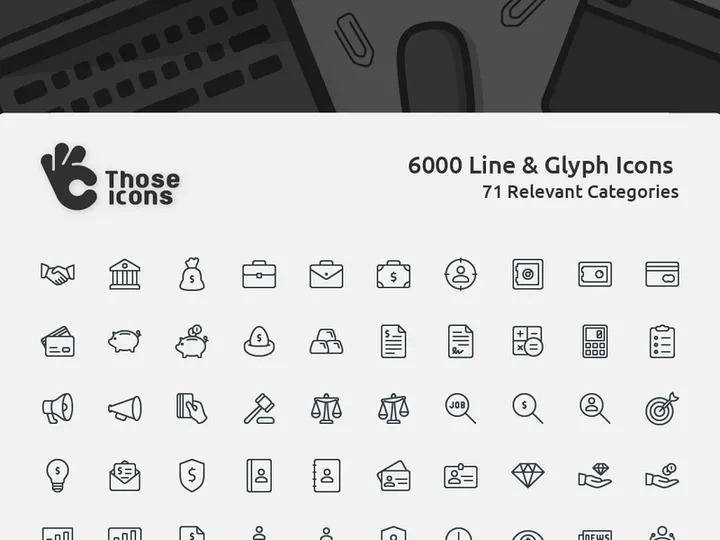
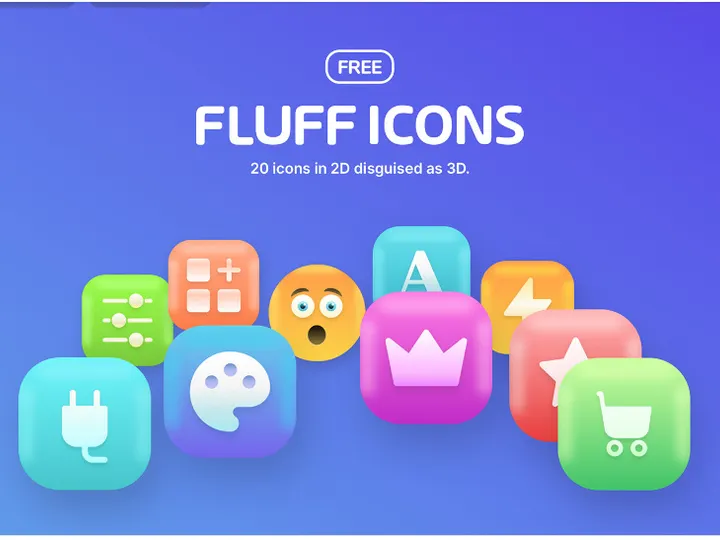
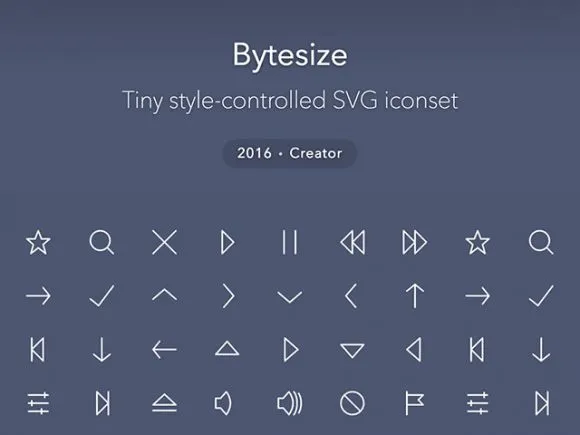


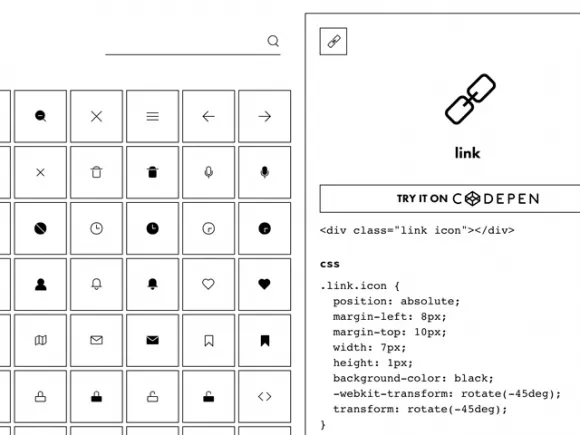
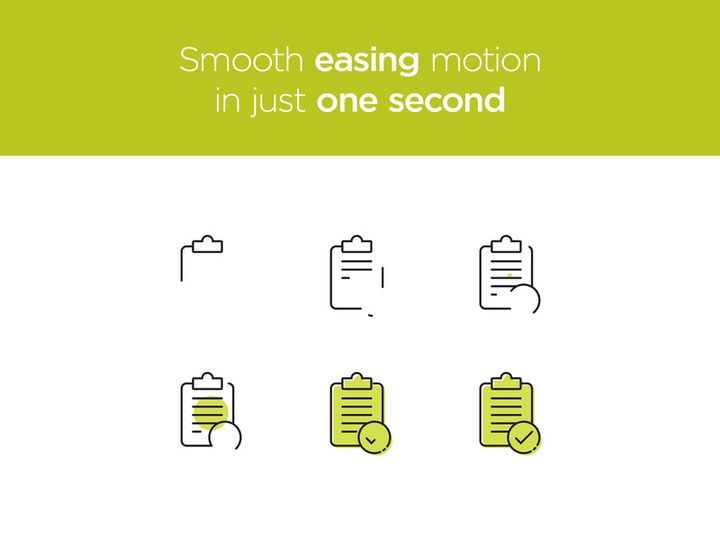
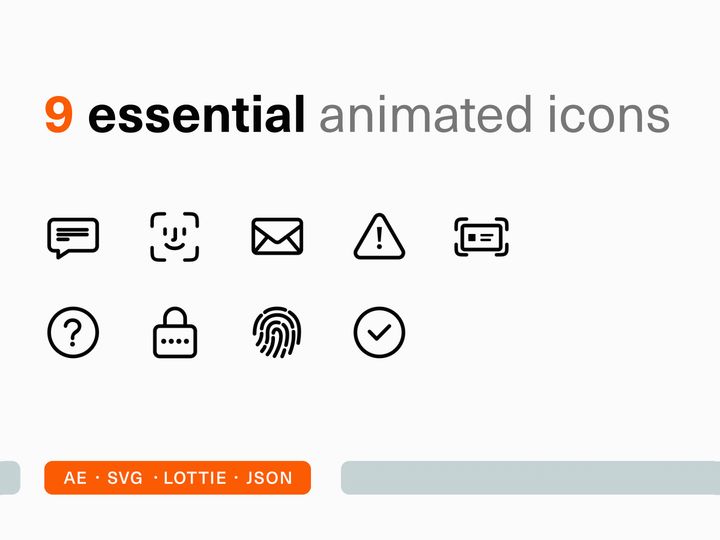


Try Our Free Resources
Download any of these for free - no account required

Why HTML for Icons?
HTML has become a foundational technology for delivering icons on the web, offering developers and designers a flexible, accessible, and scalable way to integrate visual elements into websites and web applications. Unlike static image formats such as PNG or JPEG, icons implemented through HTML—especially when paired with CSS and font or SVG techniques—can be manipulated with code, styled dynamically, and optimized for performance without sacrificing quality. This makes HTML a preferred medium for modern web development where responsiveness, accessibility, and fast load times are essential.
One of the key strengths of HTML in handling icons is its seamless integration with other web technologies. With HTML, icons can be embedded directly into the document structure, making them part of the DOM (Document Object Model). This allows developers to apply CSS transitions, animations, hover effects, and responsive sizing effortlessly. Furthermore, using semantic HTML tags ensures icons are accessible to screen readers when paired with ARIA attributes, enhancing the user experience for people with disabilities. Scalable Vector Graphics (SVGs), often embedded directly into HTML, maintain clarity at any resolution, making them ideal for today’s diverse range of screen sizes and pixel densities.
EpicPxls curates 11+ high-quality icon resources that are fully compatible with HTML, ensuring each option supports modern web standards. These resources are vetted for ease of implementation, visual consistency, licensing clarity, and performance efficiency. Whether you're building a personal blog or an enterprise-level platform, the curated tools available through EpicPxls streamline the process of incorporating icons into your HTML-based projects. From font icon libraries to modular SVG frameworks, each resource is selected to empower developers to create cleaner, faster, and more engaging user interfaces using the full potential of HTML.
Top Icons Picks for HTML
Selecting the right icon resource can significantly impact the efficiency and aesthetics of your web project. With over 11+ resources available, it's essential to choose tools that align with your technical skill level, design goals, and performance requirements. At EpicPxls, we’ve evaluated each option based on documentation quality, implementation ease, customization capabilities, and visual fidelity to help you make informed decisions. Whether you're just starting out or leading a complex development team, there's an ideal icon solution waiting for you in our curated list.
Best for Beginners
For those new to web development, simplicity and clear documentation are crucial. Font Awesome and Material Icons are excellent starting points, offering straightforward integration via CDN links and intuitive class-based syntax. These libraries require minimal setup—just add a link to your HTML head, and you’re ready to insert icons using simple tags. Their extensive documentation includes live examples, making learning and troubleshooting easy. Additionally, both support accessibility features out of the box, helping beginners build inclusive designs from day one.
Best for Professionals
Experienced developers benefit from advanced features like tree-shaking, modular imports, and fine-grained control over styling. Libraries such as Lucide and Tabler Icons provide lightweight, customizable SVG-based solutions that integrate seamlessly with modern build tools like Webpack or Vite. These resources support programmatic manipulation, dark mode compatibility, and dynamic theming—essential capabilities for large-scale applications. Their open-source nature also allows deep customization and contribution to ongoing improvements.
Best Free Options
Budget-friendly doesn’t mean low quality. Feather Icons, Remix Icon, and BoxIcons offer robust, MIT-licensed icon sets that are free to use in both personal and commercial projects. These resources deliver crisp, consistent designs across hundreds of categories—from navigation and social media to file management and UI controls. Many also include Figma and Sketch assets, making them valuable not just for HTML implementation but for cross-platform design workflows. With EpicPxls’ 11+ curated picks, finding a powerful, no-cost solution has never been easier.
HTML vs Other Tools for Icons
When it comes to implementing icons, HTML stands out for its native compatibility with the web environment. Unlike desktop design tools or image editors, HTML allows icons to be part of the live interface, enabling real-time interaction, dynamic updates, and responsive behavior without reloading assets. While tools like Adobe Illustrator or Figma are excellent for creating icon designs, they serve a different purpose—they're authoring environments, not deployment platforms. HTML bridges the gap between design and delivery, ensuring icons function as intended across devices and contexts.
The HTML ecosystem offers unique advantages, particularly through the use of SVG and icon fonts. SVGs embedded directly in HTML are resolution-independent, lightweight, and animatable via CSS or JavaScript. Icon fonts, though less common today due to accessibility concerns, still offer global styling through font properties like color and size. Both formats integrate smoothly into component-based frameworks like React or Vue when used within HTML structures. Additionally, modern build processes allow for automated optimization, such as inlining SVGs or lazy-loading icon sets, further enhancing performance.
Format compatibility is another area where HTML excels. With support for inline SVG, external SVG sprites, web fonts, and even icon libraries delivered via JavaScript modules, HTML provides multiple pathways to suit different project needs. By focusing on standards-compliant formats, the 11+ resources curated by EpicPxls ensure long-term maintainability and cross-browser reliability. This flexibility makes HTML not just a container for icons, but an active participant in how they’re displayed, styled, and interacted with on the web.
Setting Up Icons in HTML
Integrating icons into your HTML project is a straightforward process when you follow best practices. Whether you're using a CDN, installing via package manager, or embedding SVGs directly, these six essential steps will help you set up icons efficiently and maintainably.
- Choose Your Icon Resource: Select one of the 11+ high-quality options curated by EpicPxls based on your project's needs—consider factors like license, file size, and customization options.
- Include the Library: For font-based or JS-driven icons, add the CDN link to your HTML
<head>section. For npm-installed libraries, import the module in your build system. - Add Icons to Your Markup: Use the appropriate syntax—typically a class-based tag like
<i class="fa fa-home"></i>or an SVG element with proper namespace attributes. - Style with CSS: Customize size, color, and spacing using CSS. Take advantage of variables or utility classes if supported by your chosen library.
- Ensure Accessibility: Add
aria-hidden="true"for decorative icons oraria-labelwhen the icon conveys meaning, ensuring screen readers interpret them correctly. - Optimize Performance: For production, consider inlining critical icons, using SVG sprites, or enabling lazy loading for non-essential icons to reduce HTTP requests and improve load times.
Managing large icon collections becomes easier when you organize them by category—navigation, actions, status, etc.—and maintain a consistent naming convention. Tools like Iconify or SVG sprite generators can help bundle and serve only what’s needed, reducing bloat. EpicPxls recommends auditing your icon usage regularly to remove unused assets and keep your HTML lean and efficient.
HTML Workflow Tips
Efficiently managing icons in HTML requires thoughtful planning and smart workflows. As projects grow in complexity, maintaining a clean, scalable icon system becomes crucial for both performance and team collaboration. These best practices will help you stay organized, reduce technical debt, and ensure consistency across your web applications.
Organizing Icons Libraries
Create a dedicated directory for icon assets, especially if using SVG files. Group them by function—such as ui, social, or file-types—and use clear, descriptive filenames. For font or JS-based libraries, document which icons are in use and where, either in comments or a separate reference file. This structure simplifies audits and makes onboarding new team members faster. EpicPxls emphasizes organization as a cornerstone of sustainable development, and their 11+ curated resources often include built-in categorization to support this practice.
Batch Operations
When updating or converting multiple icons, automate repetitive tasks using tools like SVGO for SVG optimization or scripts that generate icon components programmatically. For example, you can write a simple Node.js script to scan an SVG folder and output React or HTML components with standardized props. This approach ensures consistency and saves hours of manual work. Some of the advanced resources in the EpicPxls collection offer CLI tools specifically designed for batch processing, making large-scale updates seamless.
Collaboration Best Practices
Clear communication between designers and developers is essential. Use shared design systems or style guides that define which icons are approved for use and how they should be implemented. Tools that sync with Figma or Sketch while generating HTML-ready output can bridge the gap between design and code. Encourage documentation of icon usage patterns and conduct regular reviews to eliminate redundancy. By leveraging the 11+ resources available through EpicPxls, teams gain access to well-documented, community-supported tools that promote consistency and reduce friction across roles.
Why Download from EpicPxls?
Commercial License
Use in personal and commercial projects
No Account Required
Download free resources instantly
Quality Curated
Every resource is reviewed for quality
Preview Files
See Figma and Photoshop files before downloading
Who Uses These Icons?
Professionals and teams who benefit most from our collection
UI/UX Designers
Speed up your workflow with ready-to-use icons for HTML. Perfect for prototyping and client presentations.
Developers
Get production-ready assets without design skills. Export in any format for web and mobile apps.
Startups & Agencies
Save design budget with affordable premium icons. Commercial license included.
Marketing Teams
Create professional campaigns faster. All icons are optimized for social media and ads.
Icons for HTML FAQCommon questions about these resources
Simple, Transparent Pricing
Get unlimited access to all premium resources
Yearly
- 20 downloads per month
- All file formats
- Commercial license
Lifetime
- Unlimited downloads forever
- All file formats
- Commercial license
Ready to Get Started?
Access 4,442+ free design resources today.
Browse Free ResourcesView Premium PlansEarn 85% and
more on all sales
Upload your products and put them up
for sale at whatever price you want.


