Illustrations for PDF: 241+ Resources
EpicPxls offers 183+ curated illustrations for PDF, all with a commercial license and editable source files (Figma, Sketch, PSD). We have 183+ illustrations compatible with PDF, tested and verified for seamless integration.
Last updated February 12, 2026
Discover 241+ handpicked illustrations for PDF.
Trusted by designers at leading companies
Top Illustrations for PDF
Handpicked resources from our curated collection
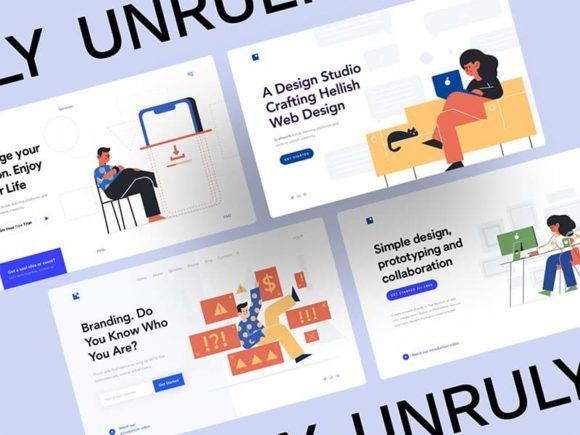
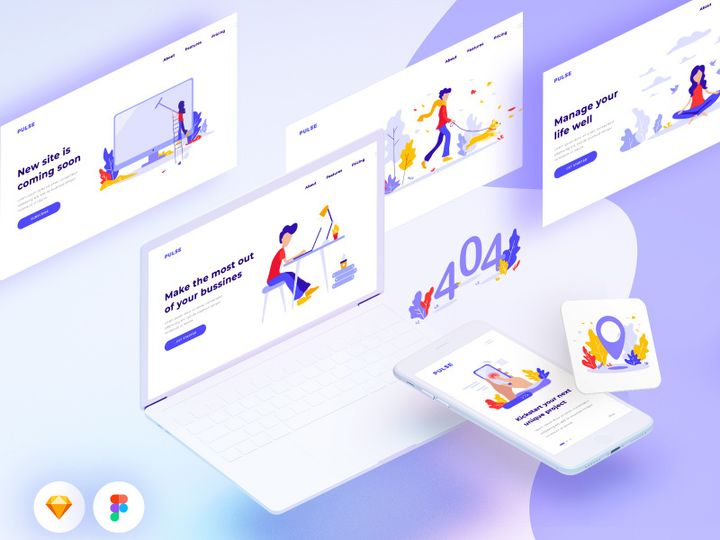
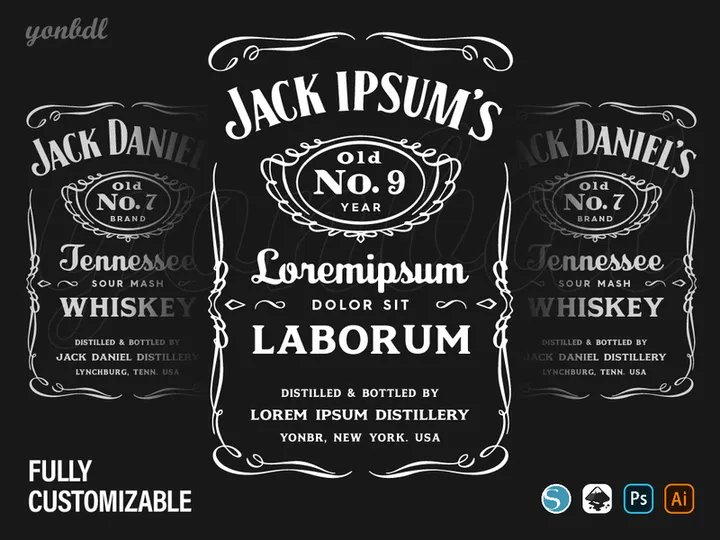

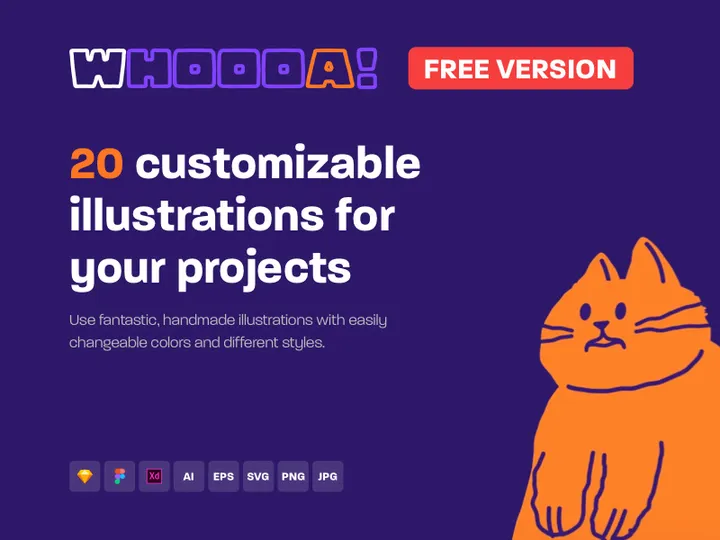

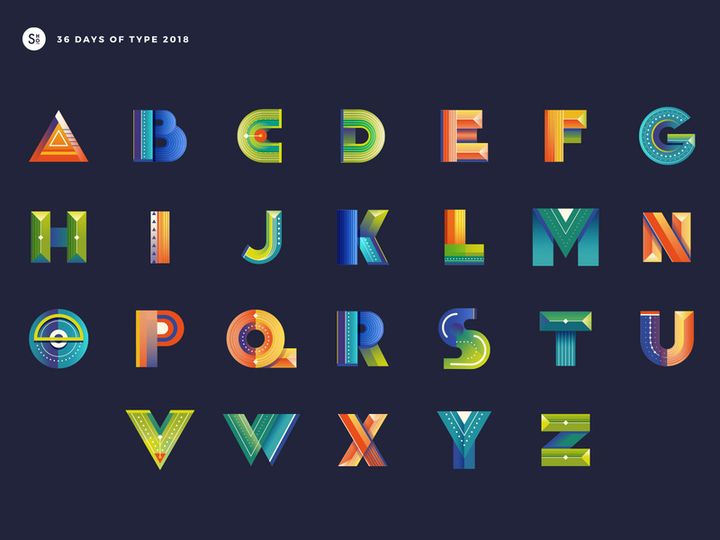
![[Part 7] Website illustrations set preview picture](https://imgproxy.epicpxls.com/De1k26J4yn21FJLEkO1cx5SRoMTVQ2x9Lt7-lTmY_dQ/rs:fill:720:540:0/g:no/aHR0cHM6Ly9pdGVt/cy5lcGljcHhscy5j/b20vdXBsb2Fkcy9w/aG90by9hYzc0NGY5/MWM1MmY3NjIyYmY5/ZWM4MjgxNjNmNTc2/Ng.jpg)

![[Part 1] Website illustrations set preview picture](https://imgproxy.epicpxls.com/Pr8PqmBLDUSXAZIpbQPhTjm6m6UCzjhQHAPKp2DulYY/rs:fill:720:540:0/g:no/aHR0cHM6Ly9pdGVt/cy5lcGljcHhscy5j/b20vdXBsb2Fkcy9w/aG90by9hYzY5ODRm/MmE0Y2RhYjNkZmFk/NWUwZTkzMDk3MzM5/Zg.jpg)
![[Part 9] Website illustrations set preview picture](https://imgproxy.epicpxls.com/CgUecmRGjyfg-Slsf00g3PK3nax_23m9PNDNjcQlTrI/rs:fill:720:540:0/g:no/aHR0cHM6Ly9pdGVt/cy5lcGljcHhscy5j/b20vdXBsb2Fkcy9w/aG90by9kMThhN2Vh/NWYyMGI3ZThmN2Y2/MGNhYjBkMjg1YTM3/Mw.jpg)
![[Part 11] Website illustrations set preview picture](https://imgproxy.epicpxls.com/1CSOJmg3bBb4kJ5KToaDSFBa45JXISSBWvSEgCC6lU8/rs:fill:720:540:0/g:no/aHR0cHM6Ly9pdGVt/cy5lcGljcHhscy5j/b20vdXBsb2Fkcy9w/aG90by9jYTk5NzIw/MWVlYmMzM2U5MWE0/OGViMmJiYTIzMThl/OA.jpg)
![[Part 4] Website illustrations set preview picture](https://imgproxy.epicpxls.com/I5CQ8IRtNAT8l1ihjP2-Y5UbDM5cSMrw8vnr7ApXeHQ/rs:fill:720:540:0/g:no/aHR0cHM6Ly9pdGVt/cy5lcGljcHhscy5j/b20vdXBsb2Fkcy9w/aG90by83NmM3OGUy/ZDE4OGU4MzkxMzI5/NTA1Yjc0NjM1OTVj/OQ.jpg)

![[Part 14] Website illustrations set preview picture](https://imgproxy.epicpxls.com/JlQfbjnOuoJzgMRcjfcadZzq-avv-O-YaHgAMpW0Wzs/rs:fill:720:540:0/g:no/aHR0cHM6Ly9pdGVt/cy5lcGljcHhscy5j/b20vdXBsb2Fkcy9w/aG90by80ZmNjYjYy/YzVhOTA5OGZkNDVl/NjUyZjk3MDdkOTY2/Yg.jpg)
![[Part 8] Website illustrations set preview picture](https://imgproxy.epicpxls.com/gC22oqmkDIJug2tifOWpYHTytjQMLCdh9fuPwe0Bp28/rs:fill:720:540:0/g:no/aHR0cHM6Ly9pdGVt/cy5lcGljcHhscy5j/b20vdXBsb2Fkcy9w/aG90by81MjFmNWU3/OTBmM2E2OWE1ZmU2/ODdmNTM5ZDk4ZTRm/NA.jpg)
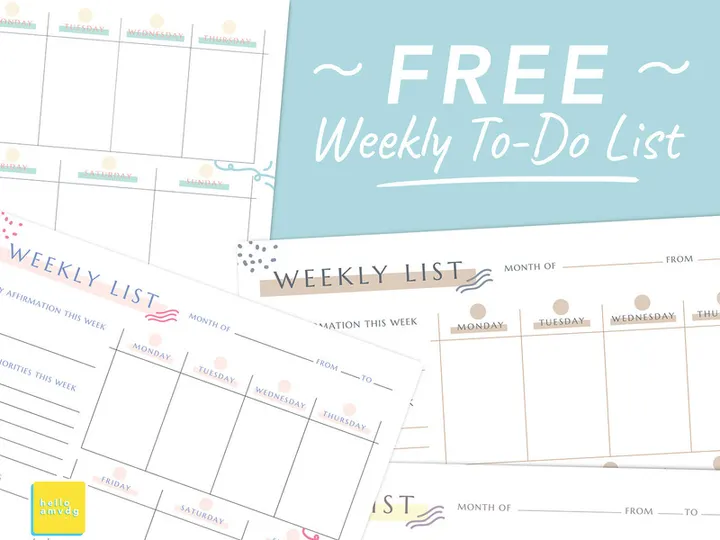
![[Part 5] Website illustrations set preview picture](https://imgproxy.epicpxls.com/haf-GDxSCVMrmu_MtbcgjHokm-Q4X-nbsLfxZToLqh8/rs:fill:720:540:0/g:no/aHR0cHM6Ly9pdGVt/cy5lcGljcHhscy5j/b20vdXBsb2Fkcy9w/aG90by81M2ZhYmFl/OWQ2YTQ5NWQ5N2Fk/YzhhNTk2YzZhMWVi/NA.jpg)
![[Part 25] Website illustrations set preview picture](https://imgproxy.epicpxls.com/kRCHmRvaWa9AEnHwHwbht2eZnsZ0suZFTHjkQ9zSsps/rs:fill:720:540:0/g:no/aHR0cHM6Ly9pdGVt/cy5lcGljcHhscy5j/b20vdXBsb2Fkcy9w/aG90by84ZjI3YjZh/MjEzMjY1ZTUwYTE0/MWM5ZGJjMDA2YTNh/ZA.jpg)
![[Part 23] Website illustrations set preview picture](https://imgproxy.epicpxls.com/ldRWALCeN-IiJI9G6KbKebbOWC8ximVYFFjW8FEE1Kg/rs:fill:720:540:0/g:no/aHR0cHM6Ly9pdGVt/cy5lcGljcHhscy5j/b20vdXBsb2Fkcy9w/aG90by82ZmI1MTA4/N2RjZDE1OThjYTBm/M2MyM2ZiODg0MTU2/Yg.jpg)
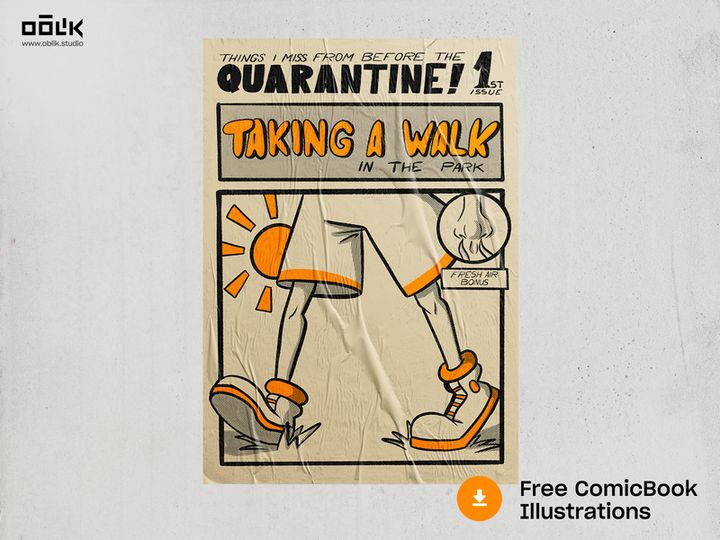
Try Our Free Resources
Download any of these for free - no account required

Why PDF for Illustrations?
PDF has long been more than just a format for static documents—it has evolved into a powerful medium for storing, sharing, and utilizing digital illustrations. While traditionally associated with print-ready files and eBooks, the PDF format offers unique advantages that make it an excellent choice for illustrators, designers, and creative professionals. Its ability to preserve vector graphics, maintain high resolution, and support embedded fonts and metadata ensures that illustrations retain their quality across devices and platforms. This consistency is critical when delivering artwork for clients, printing, or digital publishing.
One of the standout features of PDF for illustrations is its platform independence. Whether you're working on Windows, macOS, or Linux, a PDF illustration will appear exactly as intended. This cross-platform reliability is especially valuable in collaborative environments where team members may use different operating systems. Additionally, PDF supports layers, transparency, and color spaces such as CMYK and RGB, making it suitable for both digital and print illustration workflows. Because PDFs can encapsulate multiple pages, they are ideal for portfolios, storyboards, comic strips, and multi-image projects.
Another compelling reason to use PDF for illustrations is compatibility with a wide range of software. Most graphic design tools—from Adobe Illustrator to open-source editors—can export to and import from PDF, enabling seamless integration into existing creative ecosystems. At EpicPxls, we recognize the versatility of PDF and have curated over 241+ resources specifically optimized for this format. These include vector illustrations, character sets, icons, and scene templates that are not only high quality but also fully compatible with PDF-based workflows. Each resource undergoes rigorous testing to ensure scalability, clarity, and ease of use, empowering creators to work efficiently without compromising on detail. Whether you're building a design library or preparing illustrations for distribution, the PDF format offers a reliable, professional-grade solution that stands the test of time.
Top Illustrations Picks for PDF
With 241+ resources available, selecting the right illustrations for your PDF projects can elevate your creative output significantly. At EpicPxls, we’ve categorized our collection to help users at every skill level find exactly what they need. From beginner-friendly templates to advanced vector sets, our curated library ensures high usability and visual appeal. Whether you're designing educational materials, digital storybooks, or professional presentations, these top picks are designed to streamline your workflow and inspire creativity.
Best for Beginners
If you're new to working with illustrations in PDF, simplicity and clarity are key. Our beginner-friendly selections include pre-designed scene templates, labeled character cutouts, and step-by-step visual guides. These resources come with clear documentation and are optimized for easy drag-and-drop use in common PDF editors. Many feature intuitive layer structures, allowing users to toggle visibility, recolor elements, or rearrange components without advanced design knowledge. These illustrations are ideal for educators, students, and hobbyists who want to create engaging content without a steep learning curve.
Best for Professionals
For experienced designers and illustrators, we offer a suite of advanced, scalable vector illustrations tailored for precision and flexibility. These resources include modular character kits, isometric scene builders, and layered infographics—all optimized for high-resolution output and print readiness. Many are built with master artboards and reusable symbols, enabling rapid prototyping and consistent branding across projects. With support for CMYK color profiles and embedded metadata, these PDF illustrations meet industry standards for publishing, advertising, and client deliverables. Professionals will appreciate the attention to detail and the ability to customize every element to suit complex design requirements.
Best Free Options
High-quality doesn’t have to mean high cost. EpicPxls offers a growing selection of free illustrations for PDF that don’t compromise on quality. These include seasonal templates, minimalist icons, and educational diagrams that are perfect for personal projects, startups, or budget-conscious creatives. Each free resource is thoroughly vetted for resolution, usability, and licensing clarity—ensuring you can use them confidently in both digital and commercial contexts. With regular updates and new additions to the free tier, there’s always something fresh to explore. Whether you're building a prototype or enhancing a presentation, these free illustrations deliver professional results without the price tag.
PDF vs Other Tools for Illustrations
When it comes to managing and distributing illustrations, the choice of format plays a crucial role in workflow efficiency and output quality. While tools like SVG, PNG, and AI files each have their strengths, PDF stands out for its versatility and reliability in handling complex illustration projects. Unlike raster formats such as PNG, which can lose quality when scaled, PDF preserves vector data, allowing illustrations to be resized infinitely without degradation. This makes it ideal for projects that require both digital display and print reproduction.
Compared to SVG, which is excellent for web-based graphics, PDF offers broader compatibility with desktop publishing software and enterprise systems. It supports multi-page documents, embedded fonts, and layered artwork—features that are essential for comprehensive illustration portfolios or instructional materials. Additionally, PDFs can include interactive elements like hyperlinks and form fields, making them suitable not just for static images but also for dynamic, user-engaged content.
The PDF ecosystem also excels in security and metadata handling. Illustrations saved in PDF can be password-protected, watermarked, or encrypted, providing greater control over intellectual property. Metadata such as authorship, creation date, and usage rights can be embedded directly into the file, streamlining asset management and licensing compliance. When working across teams or delivering client work, these features ensure professionalism and traceability. With 241+ resources available in PDF format through EpicPxls, creators have access to a future-proof, universally supported medium that combines the best of portability, quality, and functionality—all in one compact file type.
Setting Up Illustrations in PDF
Integrating illustrations into your PDF workflow is a straightforward process when you follow a structured approach. Whether you're compiling a visual report, designing a children's book, or assembling a design portfolio, these steps will help you import, organize, and effectively use illustrations for maximum impact. With the right setup, you can maintain consistency, improve navigation, and ensure your final document is both visually appealing and technically sound.
- Choose the right PDF editor: Start by selecting a capable PDF software that supports image insertion, layer management, and vector editing. Ensure it can handle high-resolution illustrations and preserve transparency and color fidelity.
- Download illustrations from a trusted source: Visit EpicPxls to access curated, high-quality illustrations optimized for PDF use. Look for files labeled as vector-based or print-ready for best results.
- Import illustrations into your document: Use the “Insert Image” or “Place” function in your editor to add illustrations. Position them precisely using alignment tools and guides to maintain visual harmony.
- Organize with layers and bookmarks: If your PDF software supports layers, assign each illustration or scene element to a separate layer. This allows for easy editing and toggling. Use bookmarks to label major sections for quick navigation.
- Optimize file size and resolution: Balance quality and performance by compressing raster elements where appropriate, while keeping vectors uncompressed. Ensure resolution meets your output needs—300 DPI for print, 150 DPI for digital.
- Test and export: Preview your document on multiple devices to verify illustration clarity and layout integrity. Export as a final PDF with embedded fonts and optimized settings for sharing or printing.
For those managing large collections, consider creating a master index PDF that links to individual illustration files or categories. This makes it easier to locate assets quickly. By following these steps, you’ll ensure a clean, scalable, and professional illustration workflow that leverages the full capabilities of the PDF format.
PDF Workflow Tips
Maximizing efficiency in your illustration projects requires more than just high-quality assets—it demands smart organization, automation, and collaboration. The PDF format, with its robust feature set, enables advanced workflows that can save time and improve output consistency. Whether you're managing a personal library or working with a team, these best practices will help you get the most out of your illustrations for PDF.
Organizing Illustrations Libraries
A well-structured library is the foundation of an efficient workflow. Create a clear folder hierarchy based on categories such as character types, themes, or project types. Within each folder, use consistent naming conventions—for example, “Forest_Trees_Set01.pdf” or “Human_Anatomy_FrontView.pdf”. Consider compiling a master catalog PDF that includes thumbnails, keywords, and usage notes for quick reference. At EpicPxls, our 241+ resources are tagged and categorized to help users locate assets instantly, and you can replicate this system in your own library for faster retrieval.
Batch Operations
When working with multiple illustrations, batch processing can dramatically reduce repetitive tasks. Use your PDF editor’s batch tools to perform actions like renaming, watermarking, compressing, or converting files in bulk. For example, you can apply consistent metadata, add copyright notices, or resize illustrations across dozens of files with a single command. This is especially useful when preparing illustration packs for distribution or archiving completed projects. Automation not only saves time but also ensures uniformity across your outputs.
Collaboration Best Practices
Collaborating on illustration projects in PDF format requires clear communication and version control. Always share annotated PDFs with comments or sticky notes to provide feedback directly on the artwork. Use track changes or layer visibility to compare revisions without altering the original. When multiple team members are involved, designate a single source of truth—such as a cloud folder or project management tool—where the latest version is stored. Avoid editing the same file simultaneously; instead, use a check-in/check-out system to prevent conflicts. With EpicPxls’s ready-to-use illustrations, teams can work faster by starting from consistent, high-quality assets that reduce revision cycles and align visual styles from the outset.
Why Download from EpicPxls?
Commercial License
Use in personal and commercial projects
No Account Required
Download free resources instantly
Quality Curated
Every resource is reviewed for quality
Preview Files
See Figma and Photoshop files before downloading
Who Uses These Illustrations?
Professionals and teams who benefit most from our collection
UI/UX Designers
Speed up your workflow with ready-to-use illustrations for PDF. Perfect for prototyping and client presentations.
Developers
Get production-ready assets without design skills. Export in any format for web and mobile apps.
Startups & Agencies
Save design budget with affordable premium illustrations. Commercial license included for client work.
Marketing Teams
Create professional campaigns faster. All illustrations are optimized for social media and ads.
Illustrations for PDF FAQCommon questions about these resources
Simple, Transparent Pricing
Get unlimited access to all premium resources
Yearly
- 20 downloads per month
- All file formats
- Commercial license
Lifetime
- Unlimited downloads forever
- All file formats
- Commercial license
Ready to Get Started?
Access 4,441+ free design resources today.
Browse Free ResourcesView Premium PlansEarn 85% and
more on all sales
Upload your products and put them up
for sale at whatever price you want.


