Icons for Webs: 221+ Resources
EpicPxls offers 173+ curated icons, all with a commercial license and editable source files (Figma, Sketch, PSD). Purpose-built icons for web projects save time and ensure professional results with design elements tailored to web requirements.
Last updated February 12, 2026
Discover 221+ icons ideal for web design projects.
Trusted by designers at leading companies
Top Icons
Handpicked resources from our curated collection
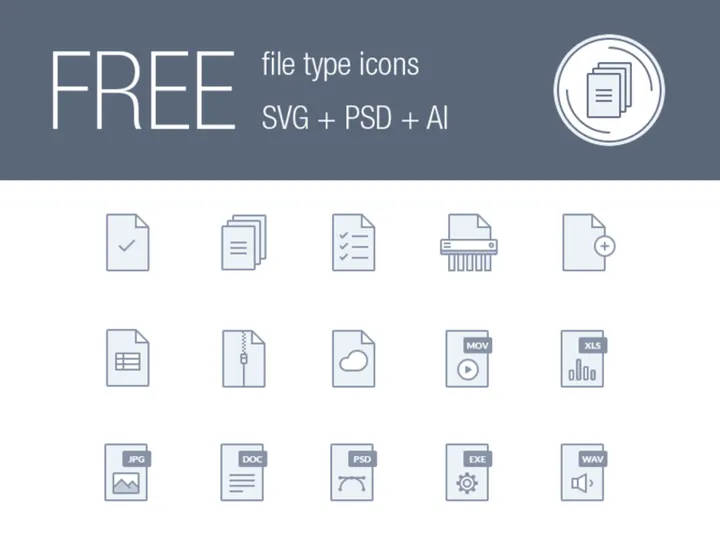
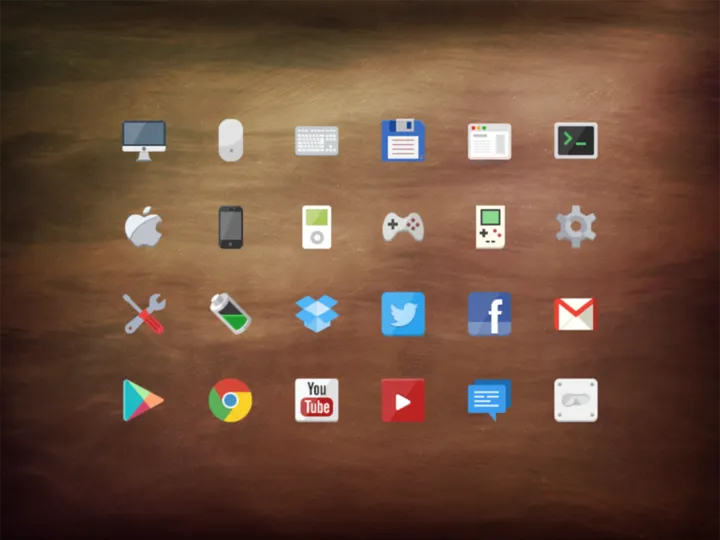
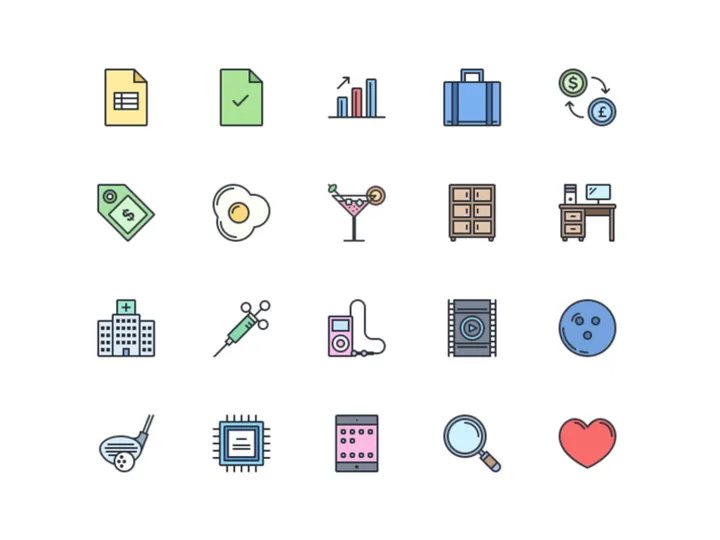






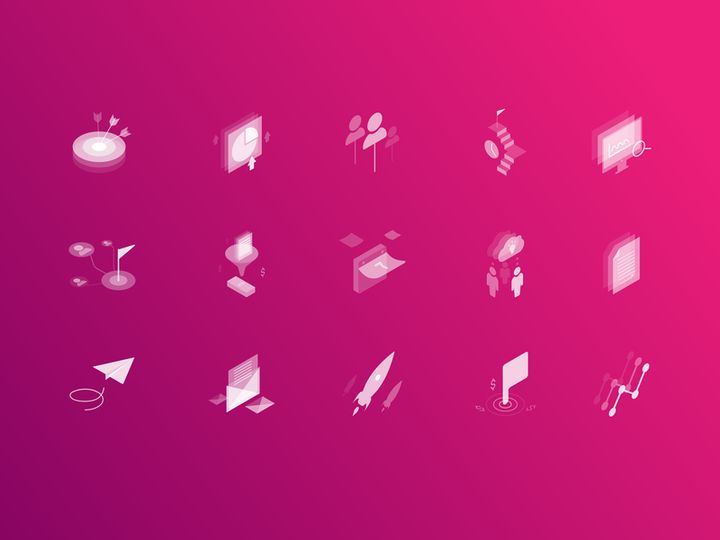
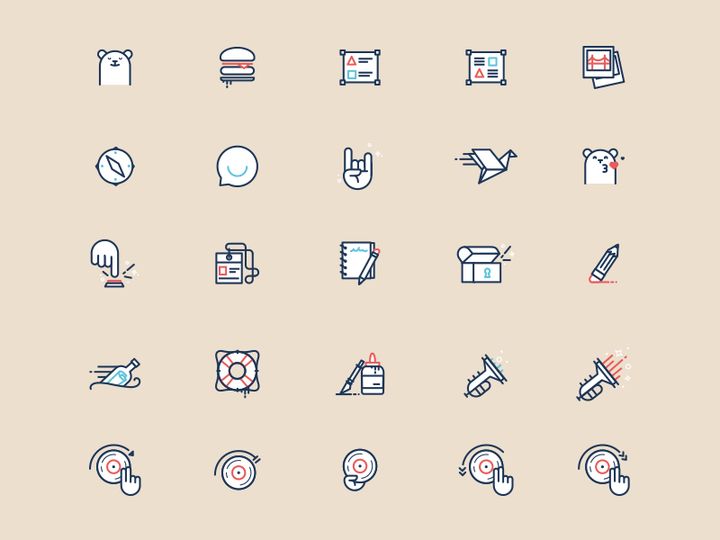
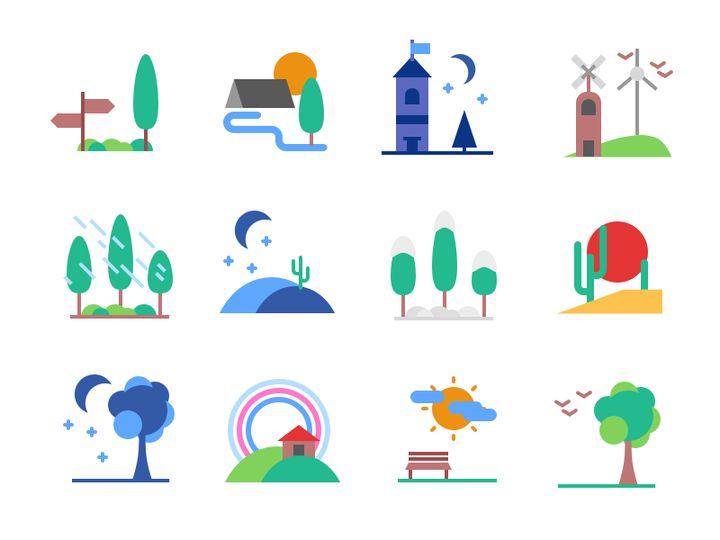
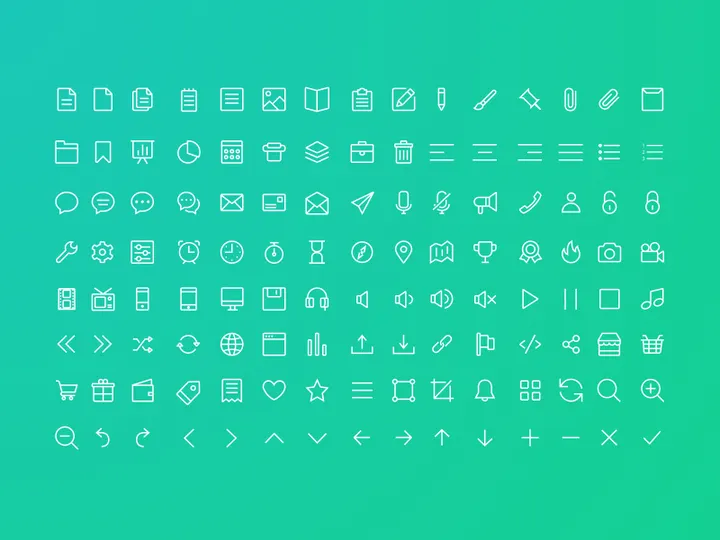
Try Our Free Resources
Download any of these for free - no account required
Why Icons for Web Projects?
Icons play a pivotal role in modern web design, serving as visual shortcuts that enhance user experience, improve navigation, and communicate functionality at a glance. In today’s fast-paced digital environment, web designers need efficient, scalable, and visually cohesive assets to deliver projects on time without compromising quality. Pre-made icons are a game-changer—they drastically reduce design time by offering ready-to-use elements that align with current design trends and technical standards.
For web projects, icons are used across navigation menus, call-to-action buttons, social media links, form fields, and informational sections. They help break up text-heavy content, guide user attention, and create a more intuitive interface. Rather than designing each icon from scratch, which can be time-consuming and inconsistent, designers benefit from curated libraries of pre-built icons tailored for the web. These resources ensure visual harmony, responsiveness, and cross-browser compatibility—critical factors for professional websites.
At EpicPxls, we understand the demands of modern web design. That’s why we’ve curated a comprehensive collection of 221+ web-ready icon resources, vetted for style, scalability, and usability. Each icon set is optimized for digital screens, available in multiple formats, and designed with real-world web applications in mind. Whether you're building a responsive landing page, an e-commerce site, or a SaaS dashboard, our library offers the visual tools you need to create fast, functional, and aesthetically pleasing websites. With such a wide variety of styles—from minimalist line icons to bold filled designs—EpicPxls empowers designers to find the perfect match for any project vision.
What Web Designers Need
Essential Icon Types
Successful web design relies on a strategic selection of icon types that serve both functional and aesthetic purposes. Some of the most commonly used icons in web projects include navigation icons (such as hamburger menus, home, and back arrows), social media icons (Facebook, Twitter, Instagram, LinkedIn), action icons (search, download, share, print), and UI components (checkmarks, close buttons, dropdown indicators). Form-related icons like email, phone, user, and lock are essential for improving data input clarity. Additionally, informational icons—such as help, warning, and success indicators—enhance user feedback and accessibility.
E-commerce websites often require icons for cart, wishlist, shipping, and payment methods, while blogs and content platforms benefit from icons for comments, categories, and timestamps. With 221+ resources available through EpicPxls, designers can quickly source icons for virtually any use case, ensuring no functionality is left unrepresented.
Format Requirements
Choosing the right file format is crucial for maintaining performance and visual fidelity on the web. SVG (Scalable Vector Graphics) is the gold standard for web icons due to its resolution independence, small file size, and support for CSS-based styling and animations. SVG icons scale perfectly across devices without pixelation, making them ideal for responsive design. PNG files are also widely used, especially when transparency is needed or vector support is limited, though they are less flexible than SVGs.
Icon fonts were once popular but have fallen out of favor due to accessibility issues and inconsistent rendering. Modern workflows favor SVG sprites or inline SVGs for better control and performance. Many of the 221+ resources in the EpicPxls library are delivered in SVG format, with fallback PNG options where needed, ensuring compatibility across all web environments.
Quality Standards
Not all icons are created equal. Web-ready icons should meet high standards in design consistency, stroke precision, alignment, and visual balance. They must be pixel-perfect at common sizes (16x16, 24x24, 32x32) and maintain clarity even at small dimensions. Consistent stroke width, corner radius, and visual weight across an icon set are essential for a professional look.
Additionally, icons should be accessible—using proper ARIA labels when implemented in code—and optimized for fast loading. At EpicPxls, every icon set undergoes rigorous quality checks to ensure it meets these benchmarks. Designers can trust that the resources they download are not only beautiful but engineered for real-world web performance and usability.
Web Design Project Walkthrough
- Define Your Project Scope: Begin by identifying the type of website you're building—corporate, portfolio, e-commerce, or blog. This determines the kinds of icons you’ll need. For example, a travel booking site will require destination, calendar, and user review icons, while a tech startup may prioritize app integrations and feature illustrations.
- Choose a Visual Style: Select an icon style that matches your brand—minimalist, flat, outlined, filled, or duotone. Consistency in style helps create a unified design language. Browse the 221+ resources on EpicPxls to find a set that aligns with your overall aesthetic and color scheme.
- Download and Organize Assets: Once you’ve selected your preferred icon set, download the package and organize the files by category (e.g., navigation, social, actions). Use a naming convention that makes icons easy to locate during development.
- Integrate Icons into Design Mockups: Import SVG or PNG icons into your design tool (Figma, Adobe XD, or Sketch). Resize and align them with interface elements, ensuring proper spacing and visual hierarchy. Use grids and guides to maintain alignment across buttons, menus, and cards.
- Optimize for Web Development: Work with developers to convert icons into inline SVGs or SVG sprites for optimal performance. Apply CSS for hover effects, transitions, or color changes. Ensure icons are accessible by adding descriptive alt attributes or aria-labels in the code.
- Test Across Devices: Preview the website on various screen sizes and browsers to confirm icons render correctly. Check touch targets on mobile—icons should be at least 44x44 pixels for easy tapping. Refine spacing, color contrast, and responsiveness as needed before launch.
By following this structured approach, designers can seamlessly incorporate icons into their workflow. Combining multiple icon sets is possible but should be done carefully—ideally using icons from the same designer or family to maintain visual harmony. EpicPxls simplifies this process by offering cohesive, full-featured collections that work well together, reducing the risk of style clashes.
Web Design Workflow Tips
Speed Up Your Process
Time is one of the most valuable resources in web design, and using pre-made icons is one of the most effective ways to accelerate your workflow. Instead of spending hours sketching, vectorizing, and refining individual icons, you can instantly access high-quality, production-ready assets. With EpicPxls, designers can search by category, style, or use case, making it easy to find exactly what they need in minutes. This efficiency allows more time for refining layouts, improving user experience, and iterating on feedback. Reusable icon libraries also reduce redundancy—once you’ve implemented a set, you can reuse it across multiple projects, creating a personal design system that grows over time.
Maintain Consistency
Consistency is the hallmark of professional web design. Icons should match in weight, size, stroke style, and visual language. Mixing icons from different sources without careful editing can lead to a disjointed look. To maintain cohesion, stick to a single icon set whenever possible. If combining multiple sets, adjust stroke widths, corner radii, and colors to unify their appearance. Many of the 221+ resources on EpicPxls are designed as complete systems, with hundreds of icons following the same design principles. This makes them ideal for large-scale projects where visual consistency is non-negotiable. Using a centralized icon library also ensures team members stay aligned, especially in collaborative environments.
Client Presentation
Presenting a polished, professional design builds trust and confidence with clients. Icons contribute significantly to this perception—clean, modern icons signal attention to detail and technical competence. When showcasing your work, explain how icons improve usability and support the brand’s visual identity. Use annotated mockups to highlight how specific icons enhance navigation or user engagement. Offering multiple style options (e.g., light vs. dark mode icons) demonstrates flexibility and foresight. With assets from EpicPxls, you can deliver high-fidelity prototypes that impress stakeholders and speed up approval cycles. Clients appreciate when deliverables are not only beautiful but also functional and ready for development.
Web Design Inspiration
Staying inspired is key to creating standout web experiences. Today’s top trends include neumorphism, glassmorphism, micro-interactions, and bold typography paired with minimalist icons. Designers are favoring simple, monoline icons that don’t compete with content, especially on mobile-first layouts. Dark mode compatibility is also a growing requirement, pushing designers to create or select icons that work across both light and dark themes. Animated icons—such as loading spinners, hover transitions, or interactive buttons—are increasingly popular, adding subtle delight without overwhelming the user.
Leading designers approach web projects with a user-first mindset, using icons not just for decoration but as functional tools that guide behavior. They prioritize clarity, speed, and accessibility, ensuring every icon has a purpose. Platforms like EpicPxls support this philosophy by offering thoughtfully designed, accessible, and technically sound resources. Many of the 221+ icon sets include variations for different states (active, disabled, hover), making it easier to design dynamic interfaces.
To elevate your web work, study award-winning websites, follow design communities, and experiment with new styles. Curate your own library of go-to icon sets from trusted sources. Regularly revisit your icon choices to ensure they align with evolving design standards. With the right inspiration and tools, you can create websites that are not only visually compelling but also intuitive and effective. Whether you're crafting a personal portfolio or a global brand platform, the right icons make all the difference—and with EpicPxls, you’re never short on options.
Why Download from EpicPxls?
Commercial License
Use in personal and commercial projects
No Account Required
Download free resources instantly
Quality Curated
Every resource is reviewed for quality
Preview Files
See Figma and Photoshop files before downloading
Who Uses These Icons?
Professionals and teams who benefit most from our collection
UI/UX Designers
Speed up your workflow with ready-to-use icons for design tools. Perfect for prototyping and client presentations.
Developers
Get production-ready assets without design skills. Export in any format for web and mobile apps.
Startups & Agencies
Save design budget with affordable premium icons. Commercial license included for client work.
Marketing Teams
Create professional campaigns faster. All icons are optimized for social media and ads.
Icons FAQCommon questions about these resources
Simple, Transparent Pricing
Get unlimited access to all premium resources
Yearly
- 20 downloads per month
- All file formats
- Commercial license
Lifetime
- Unlimited downloads forever
- All file formats
- Commercial license
Ready to Get Started?
Access 4,441+ free design resources today.
Browse Free ResourcesView Premium PlansEarn 85% and
more on all sales
Upload your products and put them up
for sale at whatever price you want.


