Icons for Businesss: 260+ Resources
EpicPxls offers 199+ curated icons, all with a commercial license and editable source files (Figma, Sketch, PSD). Purpose-built icons for business projects save time and ensure professional results with design elements tailored to business requirements.
Last updated February 12, 2026
Discover 260+ icons ideal for business design projects.
Trusted by designers at leading companies
Top Icons
Handpicked resources from our curated collection


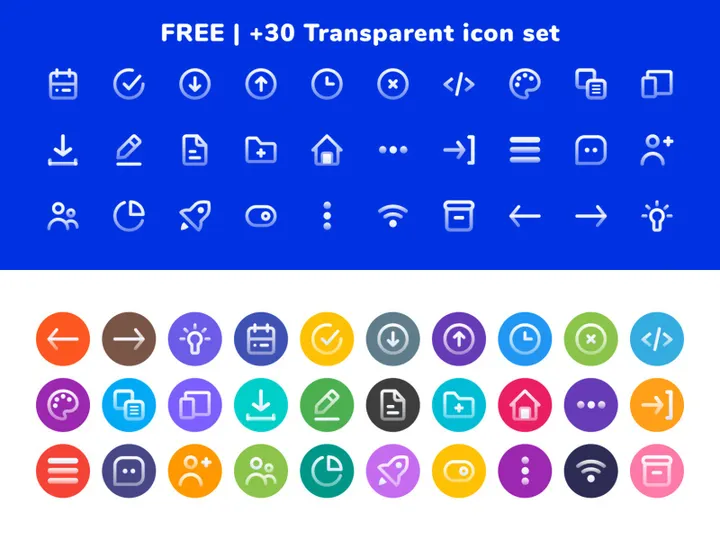
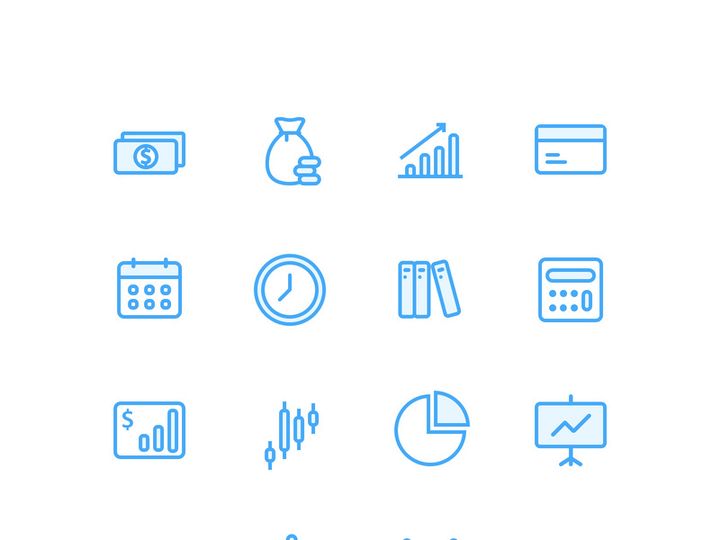
![Free 6000+ Icons [Figma] preview picture](https://imgproxy.epicpxls.com/uUauXZtLPZN2gyuKVtsZYdkCDcjSdp5MDFoNQBy3Q30/rs:fill:720:540:0/g:no/aHR0cHM6Ly9pdGVt/cy5lcGljcHhscy5j/b20vdXBsb2Fkcy9w/aG90by9kNmFhZjJm/MzQzMzk2OWI5MDFk/OWNjZjA1MGYwMDA5/Yw.jpg)

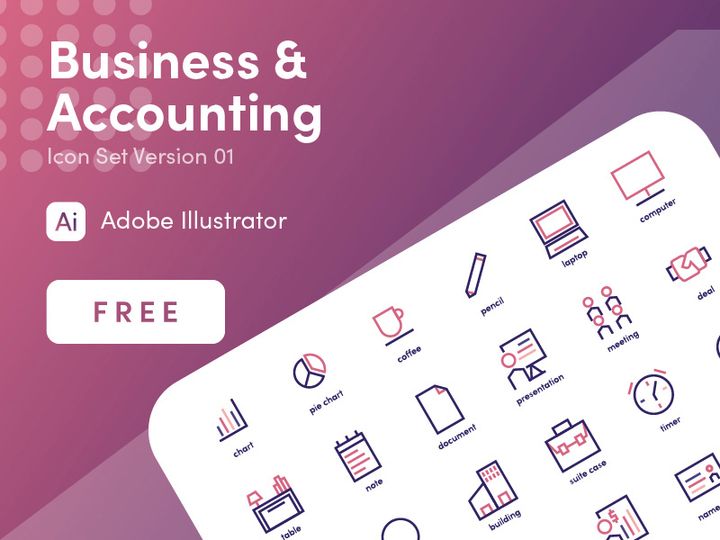
![Business Icon Set [AI, SVG, EPS] preview picture](https://imgproxy.epicpxls.com/9yu2oEZ7M_OuzuHWV7T3APytZWbcczAzPEjc6ZbYBss/rs:fill:720:540:0/g:no/aHR0cHM6Ly9pdGVt/cy5lcGljcHhscy5j/b20vdXBsb2Fkcy9w/aG90by8yMzFkMTQz/NTEwNzBiYzQxYzcw/Njk5YzUzYmVkNjll/Yi5wbmc.jpg)
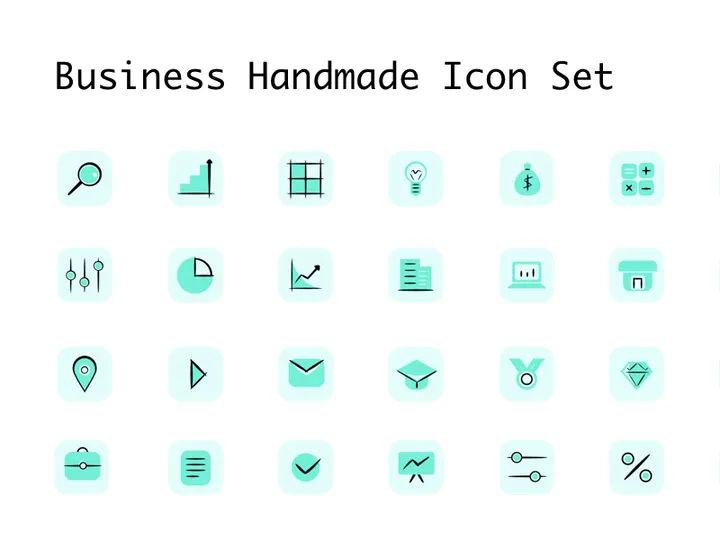


![SWM Icon Pack [300 Figma icons] preview picture](https://imgproxy.epicpxls.com/CBFePP2DUXApBwckrwS5nD00uA_ZoHyeAEhKY08IP20/rs:fill:720:540:0/g:no/aHR0cHM6Ly9pdGVt/cy5lcGljcHhscy5j/b20vdXBsb2Fkcy9w/aG90by82ZWRkNjRl/OWNiMTcwMzU0N2Y3/ZWVmOGNmZWNhNzBk/Zg.jpg)






Try Our Free Resources
Download any of these for free - no account required
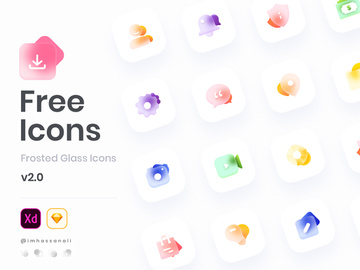
![Free 6000+ Icons [Figma]](https://items.epicpxls.com/uploads/photo/d2c7f9b69f8c8d574b151b4227b4eb25)
Why Icons for Business Projects?
Icons play a vital role in modern business design, serving as visual shorthand that communicates complex ideas quickly and clearly. In fast-paced corporate environments, where time and clarity are critical, well-designed icons help streamline communication across presentations, reports, websites, and internal tools. Pre-made icons significantly accelerate the design process by eliminating the need to create visual elements from scratch. Designers can focus on layout, branding, and messaging while relying on professionally crafted icons to enhance visual appeal and functionality.
Business design projects often require a consistent visual language that aligns with company branding and industry standards. Whether designing a pitch deck, a dashboard interface, or a marketing brochure, professionals need icons that reflect business operations—such as finance, communication, strategy, and technology. These icons must be instantly recognizable, scalable, and adaptable across various mediums. Using pre-designed icons ensures that visual elements meet these requirements without sacrificing quality or coherence.
At EpicPxls, we understand the unique demands of business design. That’s why we’ve curated a collection of 260+ resources specifically tailored for business applications. Each icon is selected for its clarity, relevance, and professional quality, ensuring that designers have immediate access to assets that integrate seamlessly into corporate projects. Our library includes scalable vector formats, consistent stylistic approaches, and diverse thematic coverage—from leadership and teamwork to data analytics and digital transformation. With EpicPxls, business designers can maintain high standards while reducing production time and effort, making it easier than ever to deliver polished, professional results.
What Business Designers Need
Essential Icon Types
Successful business design relies on a well-rounded set of icon types that cover the most common themes in corporate communication. Key categories include organizational structure icons like teams, leadership, and hierarchy; operations icons such as logistics, workflow, and project management; and technology symbols including cloud computing, cybersecurity, and software integration. Financial icons—covering budgeting, investment, and revenue tracking—are also essential for reports and dashboards. Communication and collaboration icons (e.g., video calls, messaging, email) support modern workplace dynamics, while sustainability and innovation themes reflect evolving business priorities.
Additionally, strategic planning icons like SWOT analysis, goal setting, and KPI tracking help visualize business objectives. Customer service, sales funnels, and client management symbols are crucial for marketing and CRM-related designs. The breadth of topics addressed in the 260+ resources at EpicPxls ensures that designers can find the right visual elements for any business context, from startups to multinational enterprises.
Format Requirements
For maximum flexibility in business workflows, icons should be available in multiple formats. SVG is ideal for digital platforms due to its scalability and small file size, making it perfect for websites, apps, and interactive presentations. PNG files with transparent backgrounds are essential for use in slide decks, reports, and print materials where resolution and compatibility matter. PDF versions allow for easy sharing and integration into design software like Adobe Illustrator or InDesign, while EPS supports high-quality vector editing for advanced customization.
Having access to multiple formats ensures that icons can transition smoothly from concept to final delivery across departments and stakeholders. EpicPxls provides all icons in these widely supported formats, enabling seamless use whether you're working in Figma, PowerPoint, or professional design suites.
Quality Standards
Business-ready icons must meet strict quality benchmarks. First, they should exhibit visual consistency in stroke weight, corner radius, and perspective to ensure a cohesive look across a project. Clarity is paramount—icons must be legible at small sizes and still convey their meaning without text. They should follow modern design principles, such as minimalism and flat design, while avoiding unnecessary detail that could distract or confuse.
Professional icons are also meticulously aligned to pixel grids for sharp rendering on screens. At EpicPxls, every icon in our curated library undergoes rigorous evaluation to meet these standards. We ensure that all 260+ resources are created by experienced designers and tested for real-world business applications, giving you confidence in their reliability and effectiveness.
Business Design Project Walkthrough
- Define the project scope and visual goals. Begin by identifying the purpose of your design—whether it’s a corporate presentation, internal training material, or a client-facing dashboard. Determine the key messages and which business themes need visual representation. This step helps narrow down which icons from the EpicPxls library will be most relevant.
- Select icons from the 260+ resources. Browse curated categories such as finance, teamwork, technology, and strategy. Use filters to match your preferred style—line, solid, outlined, or dual-tone. Download multiple options for key concepts to compare during layout.
- Customize icons to match brand guidelines. Adjust colors to align with your company’s palette using vector editing tools. Scale icons proportionally and ensure consistent stroke weights. If needed, combine elements from different icons to create custom visuals while preserving stylistic harmony.
- Integrate icons into layout mockups. Place icons strategically within your design—near headings, alongside data points, or as visual dividers. Use them to guide the viewer’s eye and reinforce content hierarchy. Avoid overcrowding; prioritize clarity and spacing.
- Test across devices and formats. Preview your design on different screens (desktop, tablet, projector) and in various formats (PDF, PPT, web). Verify that icons remain sharp and recognizable, especially when scaled down. Make adjustments as needed for optimal legibility.
- Finalize and deliver the project. Once the design is approved, export all assets with proper naming conventions and documentation. Include source files and usage notes for future updates. Leverage the versatility of the icons from EpicPxls to create a polished, professional deliverable that meets client or stakeholder expectations.
By following this structured workflow, designers can efficiently combine multiple icons into a unified visual narrative. The key is maintaining consistency in style and purpose throughout the project. With a robust library like the one offered by EpicPxls, integrating high-quality icons becomes a seamless part of the creative process, enhancing both efficiency and impact.
Business Design Workflow Tips
Speed Up Your Process
Time is a critical factor in business design, where deadlines are tight and revisions frequent. Using pre-made icons from a trusted source like EpicPxls eliminates hours of custom illustration and反复 iteration. Instead of designing each symbol from scratch, simply search the library by keyword or category—such as "meeting," "growth," or "analytics"—and download ready-to-use assets. Organize frequently used icons into personal style guides or design system libraries to enable rapid reuse across projects. This approach not only accelerates production but also improves accuracy, as professionally designed icons are optimized for clarity and scalability.
Maintain Consistency
One of the biggest challenges in business design is ensuring visual harmony across multiple deliverables. To maintain consistency, stick to a single icon style throughout a project—avoid mixing line and solid icons unless intentionally layered for hierarchy. Use consistent color schemes, stroke weights, and sizing ratios. When combining icons from the 260+ resources at EpicPxls, take advantage of uniform design language across the collection. Create reusable templates with predefined icon placements for recurring formats like quarterly reports or executive summaries, ensuring brand alignment across teams and timelines.
Client Presentation
Presenting business designs to clients or executives requires more than just aesthetic appeal—it demands professionalism and clarity. Icons should enhance understanding, not distract. Use them to highlight key data points, illustrate processes, or break up dense text. During presentations, explain your design choices briefly, emphasizing how icons improve communication efficiency. Provide clients with properly licensed, high-resolution files and, if needed, a style guide showing how icons can be used in future materials. With EpicPxls, all icons come with clear usage rights, making it easy to deliver compliant, client-ready work without legal concerns.
Business Design Inspiration
Today’s top business designs blend functionality with modern aesthetics. Current trends favor minimalist iconography with subtle gradients, soft shadows, and dual-tone palettes that align with contemporary brand identities. Flat design remains dominant, but with increased attention to micro-interactions in digital interfaces—where animated icons enhance user engagement. Monoline styles, where all strokes have uniform weight, are popular for their elegance and scalability, especially in dashboards and mobile applications.
Leading designers approach business projects by starting with user needs: who will view this design, and what action should they take? Icons are selected not just for appearance but for their ability to guide decision-making. For instance, a sales report might use upward-trending arrows and checkmarks to emphasize progress, while a risk assessment could employ caution symbols and stoplight colors. Storytelling through icons—using sequences to represent processes or timelines—adds depth and engagement.
To elevate your business design work, explore curated collections like the 260+ resources at EpicPxls, where every icon is crafted with real-world application in mind. Follow industry publications, attend design webinars, and study award-winning corporate materials to stay ahead of trends. Build personal icon libraries organized by theme and use case, enabling faster access during high-pressure projects. With the right inspiration and tools, you can transform standard business documents into compelling, visually driven experiences that resonate with stakeholders and clients alike.
Why Download from EpicPxls?
Commercial License
Use in personal and commercial projects
No Account Required
Download free resources instantly
Quality Curated
Every resource is reviewed for quality
Preview Files
See Figma and Photoshop files before downloading
Who Uses These Icons?
Professionals and teams who benefit most from our collection
UI/UX Designers
Speed up your workflow with ready-to-use icons for design tools. Perfect for prototyping and client presentations.
Developers
Get production-ready assets without design skills. Export in any format for web and mobile apps.
Startups & Agencies
Save design budget with affordable premium icons. Commercial license included for client work.
Marketing Teams
Create professional campaigns faster. All icons are optimized for social media and ads.
Icons FAQCommon questions about these resources
Simple, Transparent Pricing
Get unlimited access to all premium resources
Yearly
- 20 downloads per month
- All file formats
- Commercial license
Lifetime
- Unlimited downloads forever
- All file formats
- Commercial license
Ready to Get Started?
Access 4,441+ free design resources today.
Browse Free ResourcesView Premium PlansEarn 85% and
more on all sales
Upload your products and put them up
for sale at whatever price you want.


