UI Kits for Socials: 177+ Resources
EpicPxls offers 177+ curated ui kits, all with a commercial license and editable source files (Figma, Sketch, PSD). Purpose-built ui kits for social projects save time and ensure professional results with design elements tailored to social requirements.
Last updated February 13, 2026
Discover 177+ ui kits ideal for social design projects.
Trusted by designers at leading companies
Top UI Kits
Handpicked resources from our curated collection



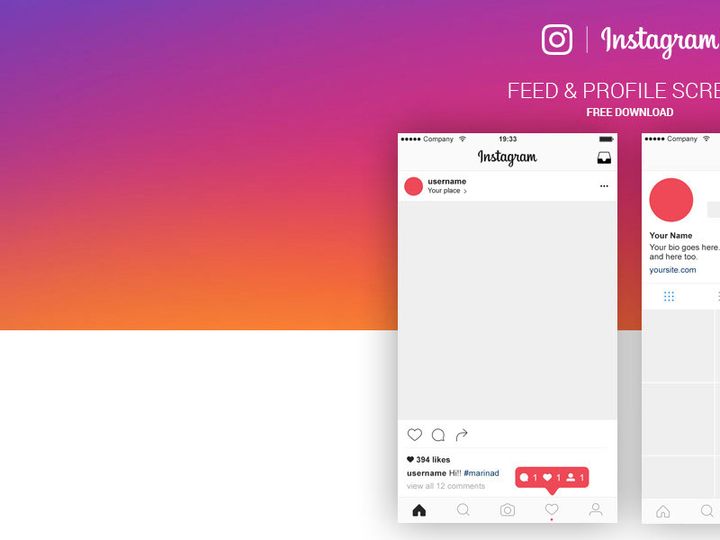
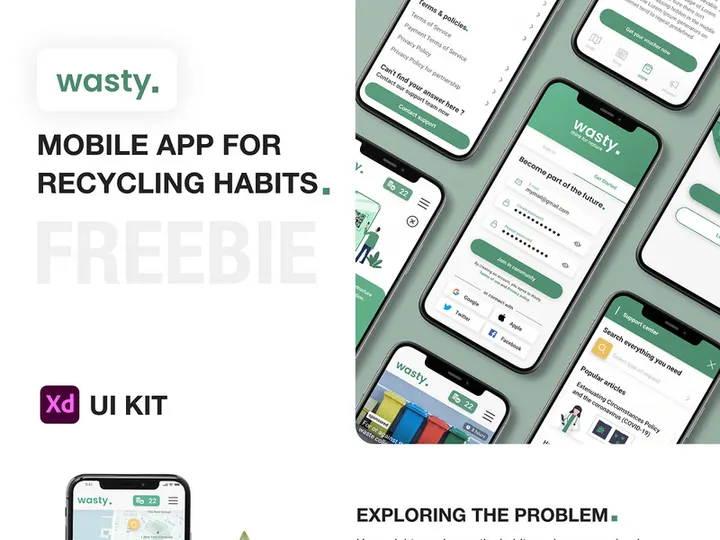
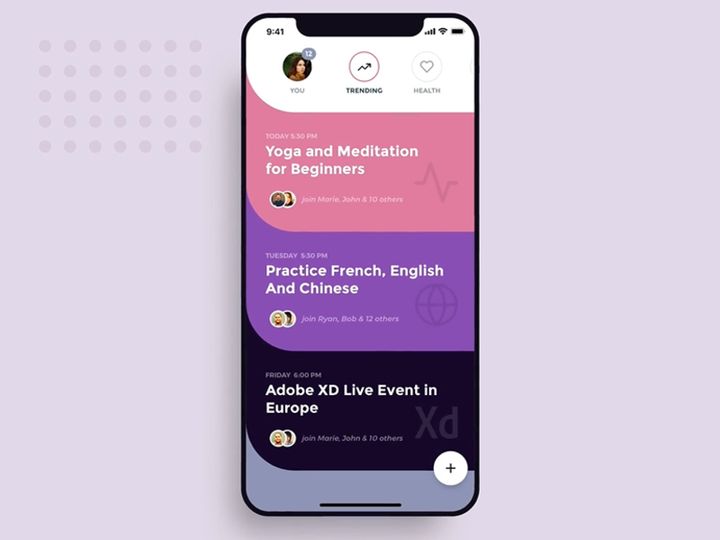
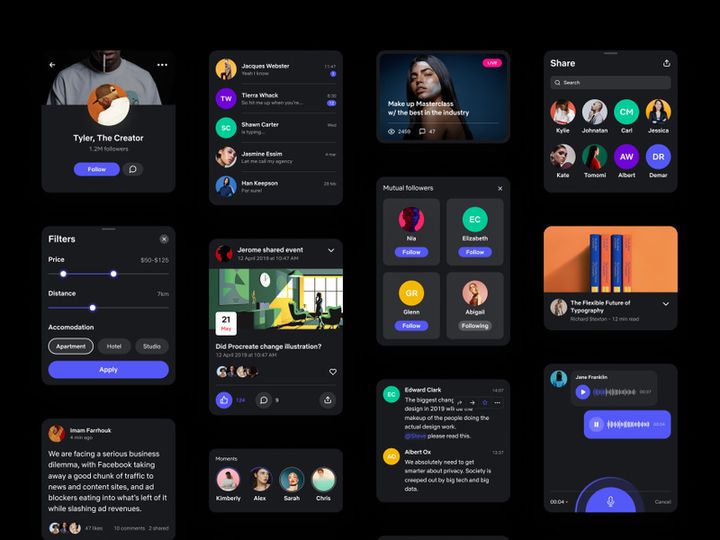


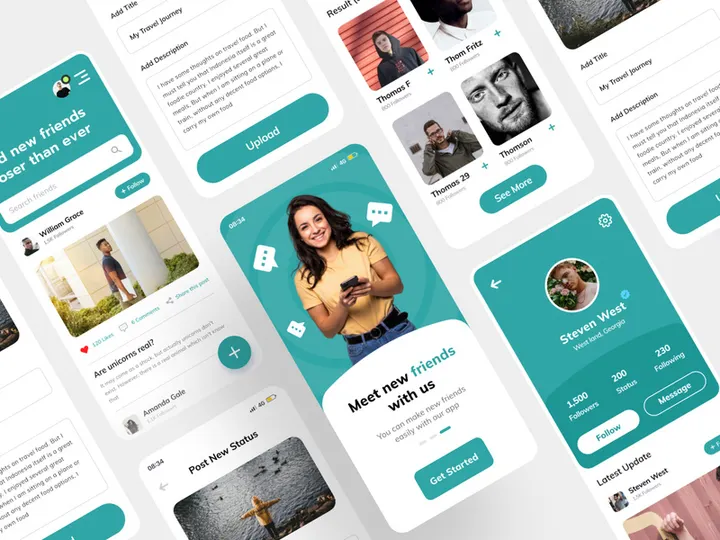
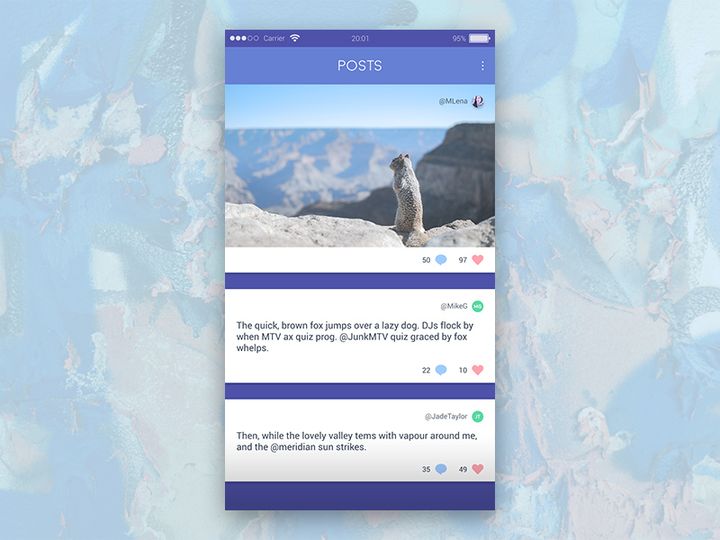
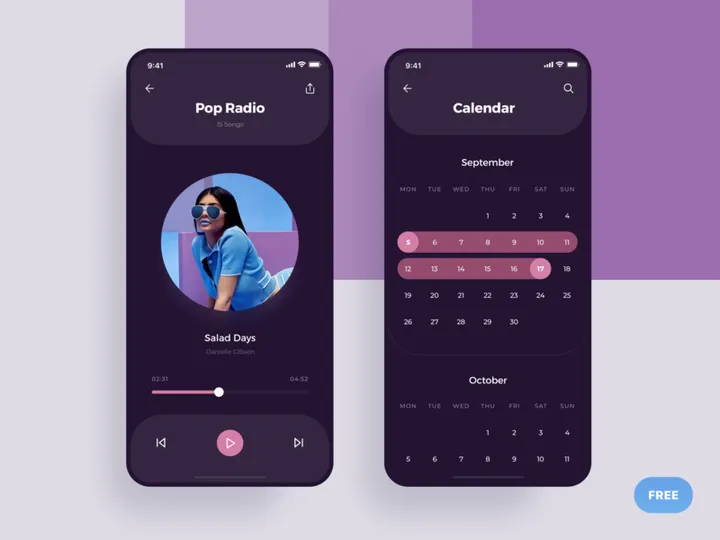
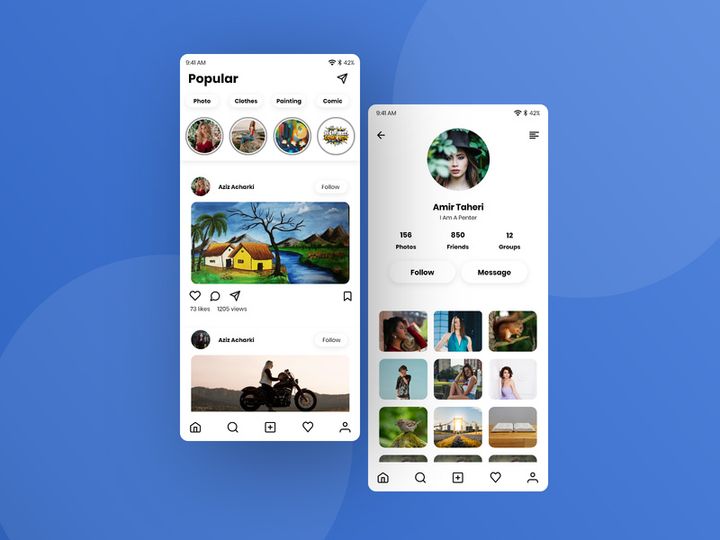
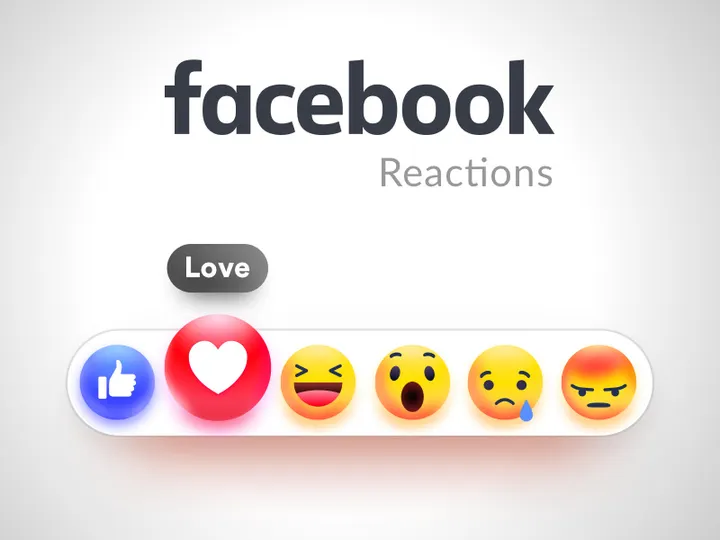
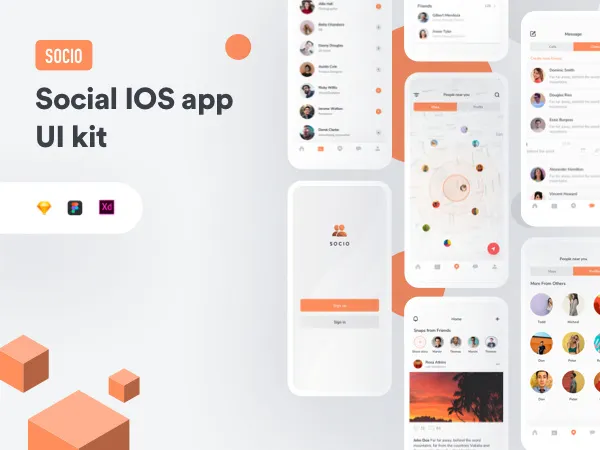
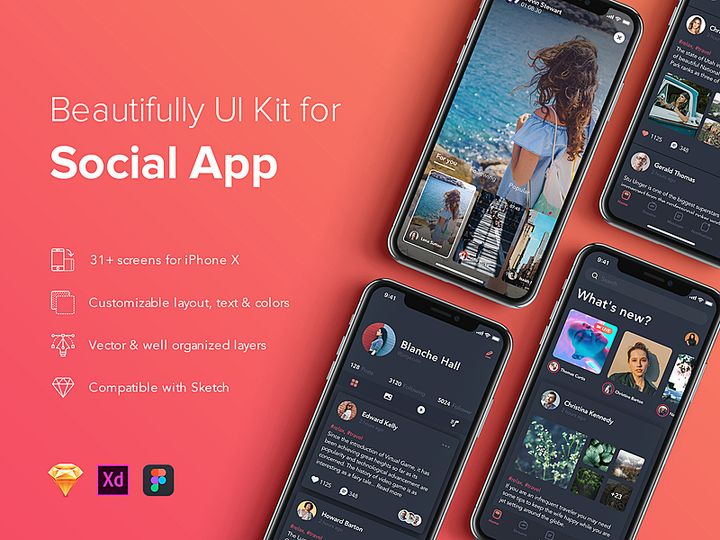
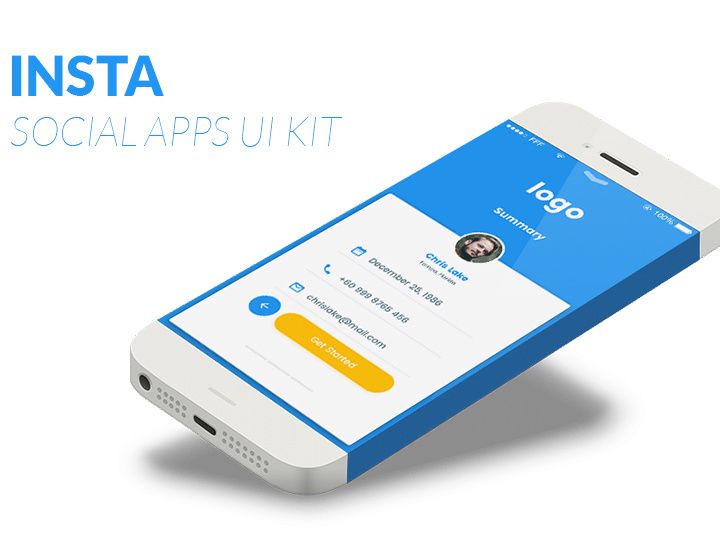


Try Our Free Resources
Download any of these for free - no account required
Why UI Kits for Social Projects?
Creating compelling social media designs quickly and consistently is a top priority for designers, marketers, and agencies alike. With content cycles accelerating and platform requirements evolving, relying solely on custom design from scratch is no longer efficient. This is where UI kits for social design come into play—offering pre-built, professionally crafted components that streamline the creative process. These kits are purpose-built to meet the unique needs of social platforms, from Instagram Stories to TikTok overlays and Facebook ad banners.
Pre-made UI kits drastically reduce design time by providing ready-to-use elements such as typography styles, color palettes, button templates, icons, and layout grids tailored for social dimensions. Designers can bypass repetitive tasks like setting up artboards or aligning content to platform-specific ratios. Instead, they focus on creativity and messaging—key drivers of engagement in social campaigns.
Common social design requirements include vertical and square formats, animation-ready layers, mobile-first readability, and brand consistency across multiple posts. UI kits address these needs with structured, reusable assets that ensure designs are both visually cohesive and technically compliant. Whether you're designing a carousel post, a story highlight, or a promotional video thumbnail, having a library of social-optimized components at your fingertips makes a world of difference.
At EpicPxls, we understand the demands of modern social design. That’s why we’ve curated a comprehensive collection of over 177+ resources—each selected for relevance, usability, and design excellence. Our library includes UI kits specifically filtered for social use cases, ensuring you spend less time searching and more time creating impactful visuals that resonate with audiences.
What Social Designers Need
Essential UI Kits Types
Social media projects vary widely—from static image posts to animated stories and interactive carousels. As such, the right UI kit must match the specific format and platform. Some of the most valuable UI kit types for social design include Story UI Kits (optimized for Instagram, Facebook, and WhatsApp), Social Media Template Kits (covering feed posts, covers, and banners), and Video Overlay Kits for TikTok and Reels. These often include animated text presets, transition effects, and dynamic lower thirds.
Additionally, Icon & Sticker Packs tailored for social communication—like reaction icons, emoji variations, and call-to-action badges—add personality and improve engagement. For brands managing multiple campaigns, Brand Style Kits that bundle fonts, logos, and color swatches in social-ready formats help maintain identity across platforms. Designers working on influencer or community campaigns also benefit from Engagement UI Kits featuring poll templates, Q&A stickers, and swipe-up prompts.
Format Requirements
The file format of a UI kit can make or break its usability in a fast-paced social workflow. Figma and Adobe XD files are ideal for collaborative, web-based design, allowing teams to share, comment, and iterate in real time. Sketch remains popular among macOS users for its vector precision and plugin ecosystem. For motion designers, After Effects templates within UI kits enable quick animations for stories and video ads. Photoshop (PSD) and Illustrator (AI) files are still relevant, especially for final asset export and print-to-digital adaptations.
When selecting UI kits, look for multi-format support and organized layer structures. A well-labeled file with grouped components, named layers, and embedded fonts ensures that even junior designers can adapt the kit efficiently. Kits that include responsive artboards for different social dimensions (1080x1920, 1080x1080, 1200x628, etc.) reduce manual resizing and alignment work.
Quality Standards
Not all UI kits are created equal. High-quality, social-ready kits should meet specific benchmarks. First, they must be visually consistent—with harmonized colors, typography, and icon styles. Second, they should be technically clean, featuring non-destructive editing options like smart objects, vector shapes, and reusable components. Third, they need to be platform-accurate, following current social media guidelines for safe zones, text readability, and aspect ratios.
At EpicPxls, every UI kit in our 177+ resources is evaluated for resolution, scalability, and ease of customization. We prioritize kits that offer dark mode compatibility, accessibility-friendly contrast ratios, and mobile-first design principles. This ensures that designers don’t just save time—they deliver professional-grade work that meets modern standards.
Social Design Project Walkthrough
- Define Your Social Objective: Start by identifying the goal of your design—brand awareness, engagement, lead generation, or product promotion. This guides your choice of UI kit. For example, a poll-based Instagram Story would benefit from an engagement-focused kit, while a product launch post might need a sleek, minimalist template.
- Select the Right UI Kit(s): Browse curated collections like those on EpicPxls to find kits that match your platform and style. Use filters to narrow by format, theme, or design system. Don’t hesitate to combine multiple kits—e.g., using a layout from one and icons from another—for greater flexibility.
- Set Up Your Design Environment: Import your chosen UI kit into your preferred design tool (Figma, Sketch, etc.). Ensure fonts are loaded and colors are synced to your brand. Duplicate and rename artboards for each variation (e.g., Story 1, Story 2, Feed Post).
- Customize Components: Replace placeholder text, swap images, and adjust colors to reflect your brand. Use built-in components like buttons, badges, and progress bars to maintain visual consistency. Leverage pre-animated layers if your kit supports motion.
- Optimize for Platform Specs: Double-check dimensions, font sizes, and safe zones. Avoid placing critical text near edges where it may be cropped. Export assets in the correct resolution—1080x1920 for Stories, 1080x1080 for square posts, etc.
- Review, Export, and Deliver: Preview your designs on device mockups if available. Export in multiple formats (PNG for static, MP4 for video, Lottie for lightweight animations). Compile assets into a shareable folder or presentation for client approval or social scheduling.
Combining multiple UI kits effectively requires a unifying design language. Stick to one typographic hierarchy and a limited color palette—even when pulling elements from different sources. Use global styles in your design tool to ensure buttons, headings, and icons look like they belong together. This approach allows you to mix and match the best components from across the 177+ resources while preserving coherence in the final output.
Social Design Workflow Tips
Speed Up Your Process
Time is of the essence in social media, where trends emerge and fade in days. Using pre-made UI kits is one of the most effective ways to accelerate your workflow. Instead of building layouts from scratch, tap into ready-made grids, templates, and component libraries. Create a personal asset library by saving frequently used elements—customized buttons, branded stickers, or recurring animations—so you can reuse them across projects. Design tools with component libraries (like Figma’s “Local Components”) let you drag and drop consistent elements in seconds. With the right kit, a full 5-part Story series can be designed in under an hour.
Maintain Consistency
Consistency builds brand recognition. When working with multiple UI kits, establish a master style guide early—define your primary font, accent color, icon style, and spacing rules. Even if kits come with different default styles, override them to match your brand. Use global color and text styles in your design software to ensure every button, headline, and caption looks uniform across posts. For teams, sharing a branded UI kit or template file ensures everyone works from the same foundation, reducing revision cycles and style drift.
Client Presentation
Presenting social designs professionally enhances credibility and speeds up approvals. Use mockups to show how your designs appear on actual devices—phones, tablets, or desktop feeds. Compile your deliverables into a clean PDF or interactive prototype (using Figma or Adobe XD) that simulates the user experience of swiping through Stories or scrolling a feed. Include a brief rationale for design choices—color psychology, layout hierarchy, or platform best practices. This not only showcases your expertise but also helps clients understand the strategy behind the visuals. When you use high-quality UI kits from trusted sources like EpicPxls, your final presentation naturally reflects a higher standard of polish and professionalism.
Social Design Inspiration
Staying inspired is key to standing out in crowded social feeds. Current trends in social design emphasize authenticity, with candid photography, handwritten typography, and user-generated content aesthetics. Minimalist layouts with generous white space help messages breathe, while bold color blocking and duotone effects grab attention in fast-scrolling environments. Animated text, micro-interactions, and kinetic typography are increasingly popular in Stories and Reels, adding dynamism without overwhelming the viewer.
Top designers approach social projects as mini-campaigns—not isolated posts. They plan content series with narrative arcs, using consistent visual motifs to tie individual pieces together. For example, a weekly tip series might use the same badge style, color accent, and corner icon across all posts, creating a recognizable pattern for followers. They also A/B test variations, using subtle design changes to measure engagement impact.
To elevate your social design work, explore curated collections that go beyond templates. Look for UI kits that include mood boards, color palettes, and typography pairings inspired by real campaigns. At EpicPxls, our 177+ resources are updated regularly with fresh, trend-aware kits that reflect the latest in digital communication. Whether you're designing for a startup, a lifestyle brand, or a nonprofit, these tools provide both structure and inspiration—helping you create social content that’s not only efficient to produce but also impactful in execution.
Why Download from EpicPxls?
Commercial License
Use in personal and commercial projects
No Account Required
Download free resources instantly
Quality Curated
Every resource is reviewed for quality
Preview Files
See Figma and Photoshop files before downloading
Who Uses These Ui Kits?
Professionals and teams who benefit most from our collection
UI/UX Designers
Speed up your workflow with ready-to-use ui kits for design tools. Perfect for prototyping and client presentations.
Developers
Get production-ready assets without design skills. Export in any format for web and mobile apps.
Startups & Agencies
Save design budget with affordable premium ui kits. Commercial license included for client work.
Marketing Teams
Create professional campaigns faster. All ui kits are optimized for social media and ads.
UI Kits FAQCommon questions about these resources
Simple, Transparent Pricing
Get unlimited access to all premium resources
Yearly
- 20 downloads per month
- All file formats
- Commercial license
Lifetime
- Unlimited downloads forever
- All file formats
- Commercial license
Ready to Get Started?
Access 4,441+ free design resources today.
Browse Free ResourcesView Premium PlansEarn 85% and
more on all sales
Upload your products and put them up
for sale at whatever price you want.


