Graphics for Apps: 553+ Resources
EpicPxls offers 71+ curated graphics, all with a commercial license and editable source files (Figma, Sketch, PSD). Purpose-built graphics for app projects save time and ensure professional results with design elements tailored to app requirements.
Last updated February 12, 2026
Discover 553+ graphics ideal for app design projects.
Trusted by designers at leading companies
Top Graphics
Handpicked resources from our curated collection

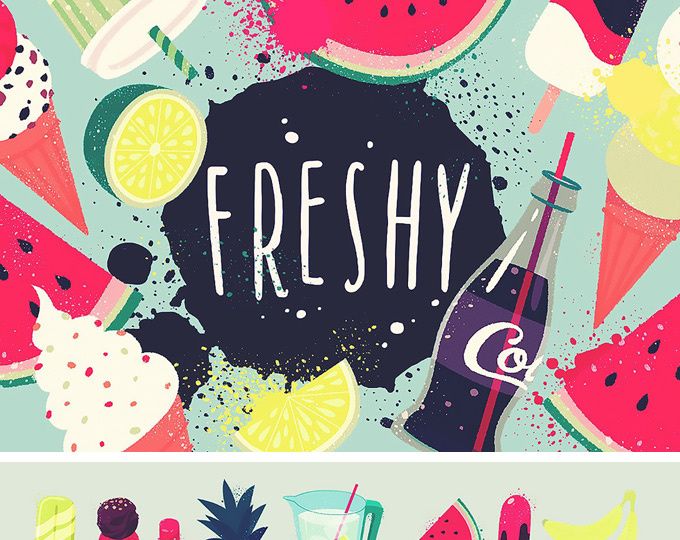
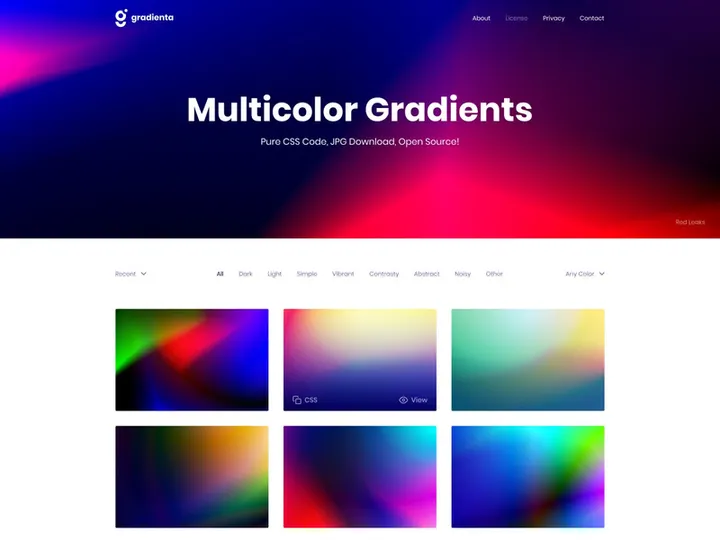
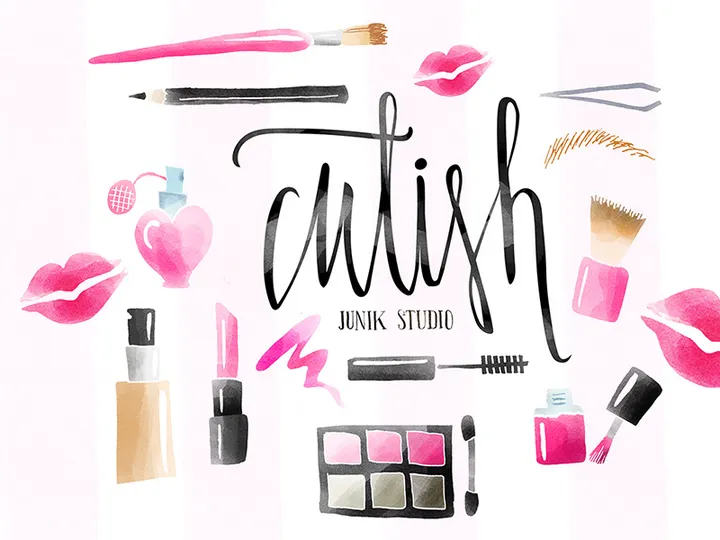

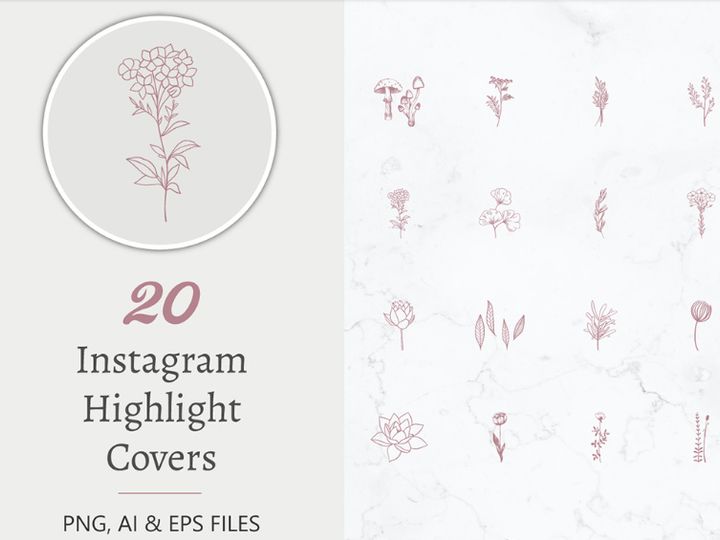




Try Our Free Resources
Download any of these for free - no account required
Why Graphics for App Projects?
Creating a visually compelling app begins long before coding starts—it begins with thoughtful, intentional design. Graphics play a pivotal role in shaping user experience, guiding navigation, and establishing brand identity. For app designers, leveraging pre-made graphics can significantly accelerate the design process without sacrificing quality. Instead of building every icon, button, or background from scratch, designers can tap into curated libraries filled with professionally designed assets that are ready to integrate into any app project.
App development teams—whether solo designers, startups, or agencies—face tight deadlines and evolving user expectations. High-quality graphics help meet those demands efficiently. From intuitive UI elements to engaging illustrations, pre-designed assets reduce production time and allow designers to focus on usability, functionality, and innovation. This is especially valuable in agile environments where rapid prototyping and iteration are essential.
Common app design requirements include scalable icons, responsive UI components, onboarding illustrations, loading animations, and splash screens. Each of these elements must align with platform-specific guidelines (iOS Human Interface Guidelines or Material Design) while maintaining visual consistency. Sourcing assets that already meet these criteria ensures a smoother workflow and faster time-to-market.
This is where EpicPxls stands out. With a carefully curated collection of 553+ app-ready resources, the platform offers designers instant access to high-fidelity graphics tailored for mobile and web applications. Every asset is vetted for usability, resolution, and design coherence, ensuring that what you download integrates seamlessly into real-world app projects. Whether you're designing a fitness tracker, social media platform, or productivity tool, EpicPxls delivers the visual foundation you need to build faster and smarter.
What App Designers Need
Essential Graphics Types
Successful app design relies on a variety of graphic elements, each serving a specific purpose in the user interface. Understanding which types of graphics are essential helps designers make informed choices when selecting pre-made assets. Key graphics include:
- Icons – Used for navigation, actions, and status indicators. These must be clear, consistent, and scalable across devices.
- UI Kits – Collections of pre-built buttons, cards, sliders, and form elements that speed up interface assembly.
- Illustrations – Custom artwork for onboarding screens, empty states, and feature explanations that enhance emotional engagement.
- Avatars & User Elements – Pre-designed profile placeholders, badges, and activity indicators that personalize the user experience.
- Animations & Microinteractions – Lightweight motion graphics for feedback, transitions, and loading states that improve perceived performance.
- Backgrounds & Patterns – Subtle textures and gradients that add depth without distracting from content.
Having access to a broad range of these elements allows designers to maintain visual harmony across all app screens.
Format Requirements
The right file format ensures graphics perform well across devices and development environments. App designers should prioritize formats that support scalability, transparency, and ease of integration:
- SVG (Scalable Vector Graphics) – Ideal for icons and illustrations due to infinite scalability and small file size. Perfect for responsive design.
- PNG – Best for raster graphics requiring transparency, such as logos, badges, or UI overlays.
- PDF – Often used by designers for vector assets, especially when handing off to developers or printing design specs.
- JSON (Lottie) – Common format for animated elements, enabling smooth, lightweight animations in apps without heavy video files.
- Figma & Sketch Files – Design source files that allow teams to customize UI components directly within popular design tools.
Ensuring compatibility with your team’s workflow tools is crucial—many resources from EpicPxls come in multiple formats, allowing seamless adoption regardless of platform.
Quality Standards
Not all graphics are created equal. App-ready assets must meet high standards to ensure professional results. Look for the following qualities:
- Resolution & Scalability – Vector-based assets should scale flawlessly; raster images should support at least 2x and 3x retina displays.
- Consistent Style – All elements in a set should share the same stroke weight, color palette, and design language.
- Pixel-Perfect Alignment – Clean edges, proper spacing, and grid adherence prevent blurriness or layout issues.
- Accessibility Compliance – Sufficient color contrast and legible iconography ensure inclusivity.
- Well-Organized Layers – Especially important in design files, where developers or collaborators need to extract or modify elements easily.
High-quality graphics reduce revision cycles and improve collaboration between designers and developers. The 553+ resources available through EpicPxls are selected with these standards in mind, giving designers confidence in every asset they use.
App Design Project Walkthrough
- Define Your App’s Purpose and Target Audience – Begin by outlining your app’s core functionality and user demographics. Are you building a fintech app for professionals or a lifestyle tracker for teens? This informs the tone, color scheme, and type of graphics needed.
- Select a Cohesive Set of Graphics from EpicPxls – Browse the 553+ resources to find a matching UI kit or illustration pack. Look for collections that include icons, buttons, and screens in a unified style. For example, a minimalist line icon set pairs well with flat design backgrounds.
- Import Assets into Your Design Tool – Whether using Figma, Sketch, or Adobe XD, import your chosen graphics. Use organized layer naming and grouping to keep your workspace clean. Many EpicPxls downloads include pre-structured files for faster setup.
- Build Key Screens Using Pre-Made Components – Start with core screens like the onboarding flow, home dashboard, and settings. Drag and drop buttons, navigation bars, and icons from your resource library. Customize colors and labels to match your brand.
- Integrate Illustrations and Animations for Engagement – Add personality with custom illustrations for empty states or success messages. Incorporate Lottie animations for loading screens or interactive feedback. These small touches improve user satisfaction and retention.
- Review, Test, and Export for Development – Check all graphics for consistency across screen sizes. Test contrast and readability. Export assets in appropriate formats—SVG for icons, PNG for complex images, and JSON for animations. Deliver a well-documented design file to your development team with asset specifications and usage guidelines.
By following this structured workflow, designers can efficiently transform ideas into polished, functional app interfaces. The ability to combine multiple graphics—such as pairing a sleek icon set with vibrant illustrations—enriches the design without slowing down production. With EpicPxls, every step is supported by reliable, professional-grade resources.
App Design Workflow Tips
Speed Up Your Process
Time is one of the most valuable resources in app design. Using pre-made graphics eliminates repetitive tasks like redrawing icons or rebuilding common UI patterns. Instead of designing a navigation bar from scratch, simply apply a ready-to-use template from your resource library. This allows you to focus on solving user problems and refining interactions. Create reusable components from downloaded assets—turn a button style into a master component in Figma, or save icon categories as symbols in Sketch. These small efficiencies compound over time, cutting design hours in half. By leveraging the 553+ resources at your disposal, you can prototype faster, iterate quicker, and respond to client feedback with agility.
Maintain Consistency
A cohesive visual language is critical for professional app design. Inconsistent icon styles, mismatched colors, or varying corner radii can make even a functional app feel unpolished. To maintain uniformity, choose a single design system or resource pack from EpicPxls and stick with it throughout the project. If you mix multiple packs, ensure they share the same aesthetic—such as stroke width, color saturation, and level of detail. Use a style guide to document typography, spacing, and color codes derived from your graphics. This not only keeps your design consistent but also simplifies handoff to developers and future updates.
Client Presentation
How you present your app design impacts client approval and trust. Use high-fidelity mockups that incorporate real graphics to convey the final product’s look and feel. Instead of placeholder boxes, show actual buttons, icons, and illustrations in context. Annotate your screens to explain interactions and highlight key UI elements sourced from professional libraries. When clients see polished, realistic designs, they’re more likely to appreciate the value of your work. Additionally, mention the use of premium, app-ready assets to reinforce the project’s quality and scalability. With EpicPxls, you’re not just delivering a design—you’re delivering a professionally backed visual foundation.
App Design Inspiration
Staying current with design trends helps apps feel modern and intuitive. Today’s leading apps emphasize minimalism, bold typography, and purposeful motion. Designers are moving toward neumorphism, glassmorphism, and dynamic color systems that adapt to user preferences or time of day. Microinteractions—like a subtle button press or a smooth screen transition—are no longer luxuries but expectations. Illustrations are increasingly personalized, with custom characters and storytelling elements that make onboarding engaging rather than transactional.
Top designers approach app projects with user empathy at the core. They begin with research, create user personas, and map out journey flows before touching a single graphic. They treat design systems as living documents, building scalable component libraries that evolve with the product. Many rely on curated asset platforms to maintain high output without reinventing common elements. By combining strategic thinking with high-quality resources, they deliver apps that are both beautiful and functional.
To elevate your own app work, explore diverse design inspirations—from Dribbble showcases to real-world app tear-downs. Study how color, spacing, and iconography influence usability. Then, apply those insights using reliable, professionally crafted graphics. With EpicPxls and its 553+ resources, you have immediate access to the tools top designers use to build stunning, user-centered apps. Whether you're refreshing an existing product or launching a new concept, the right graphics can transform your vision into reality—faster and with greater impact.
Why Download from EpicPxls?
Commercial License
Use in personal and commercial projects
No Account Required
Download free resources instantly
Quality Curated
Every resource is reviewed for quality
Preview Files
See Figma and Photoshop files before downloading
Who Uses These Graphics?
Professionals and teams who benefit most from our collection
UI/UX Designers
Speed up your workflow with ready-to-use graphics for design tools. Perfect for prototyping and client presentations.
Developers
Get production-ready assets without design skills. Export in any format for web and mobile apps.
Startups & Agencies
Save design budget with affordable premium graphics. Commercial license included for client work.
Marketing Teams
Create professional campaigns faster. All graphics are optimized for social media and ads.
Graphics FAQCommon questions about these resources
Simple, Transparent Pricing
Get unlimited access to all premium resources
Yearly
- 20 downloads per month
- All file formats
- Commercial license
Lifetime
- Unlimited downloads forever
- All file formats
- Commercial license
Ready to Get Started?
Access 4,441+ free design resources today.
Browse Free ResourcesView Premium PlansEarn 85% and
more on all sales
Upload your products and put them up
for sale at whatever price you want.


