Fonts for Businesss: 161+ Resources
EpicPxls offers 163+ curated fonts, all with a commercial license and editable source files (Figma, Sketch, PSD). Purpose-built fonts for business projects save time and ensure professional results with design elements tailored to business requirements.
Last updated February 12, 2026
Discover 161+ fonts ideal for business design projects.
Trusted by designers at leading companies
Top Fonts
Handpicked resources from our curated collection





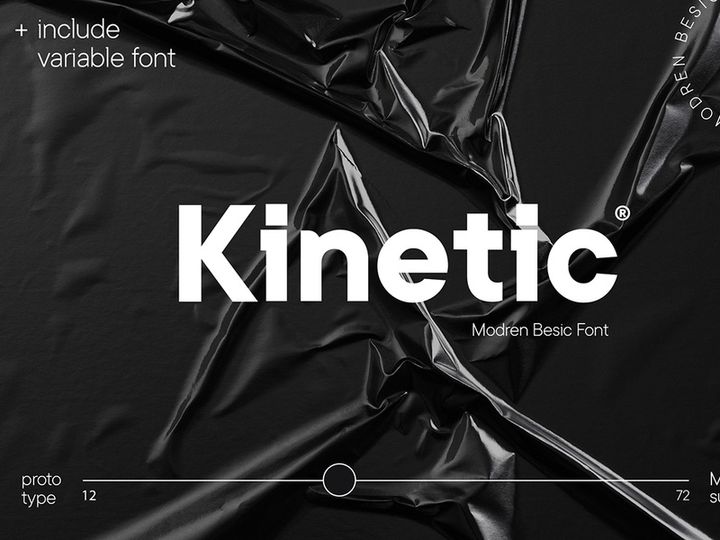
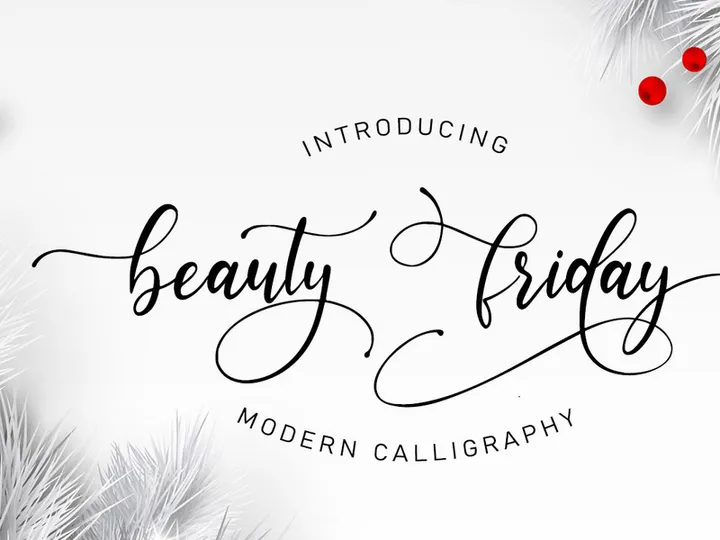

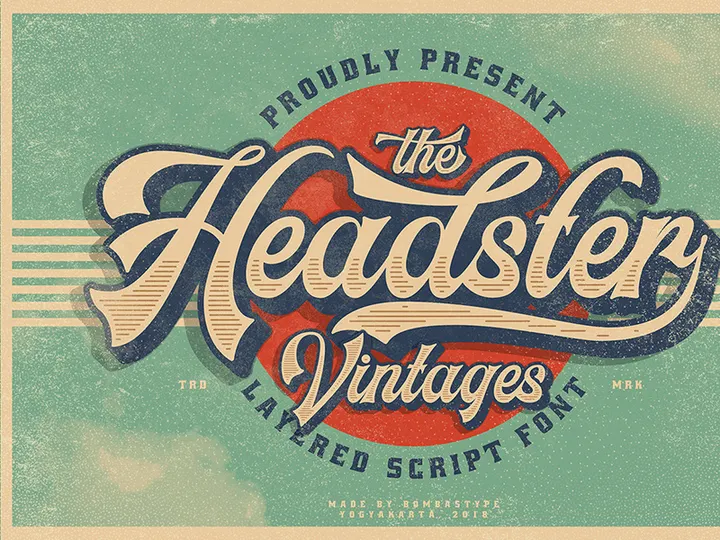

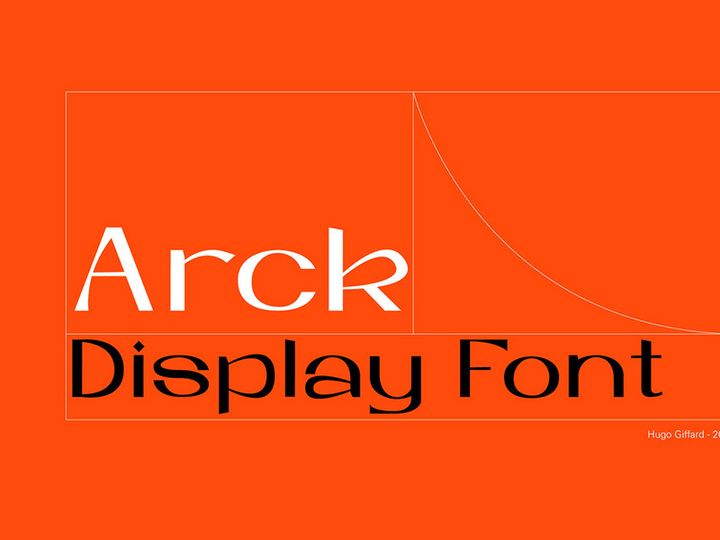
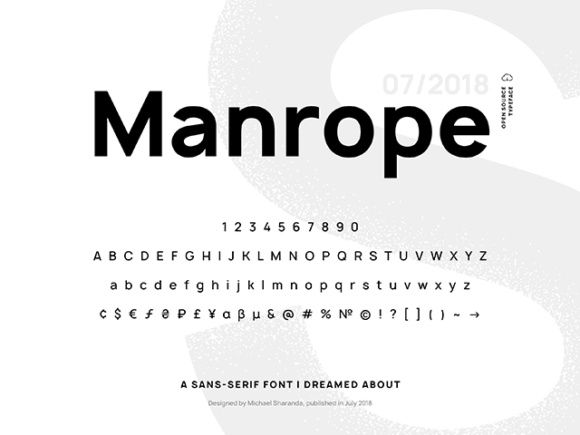
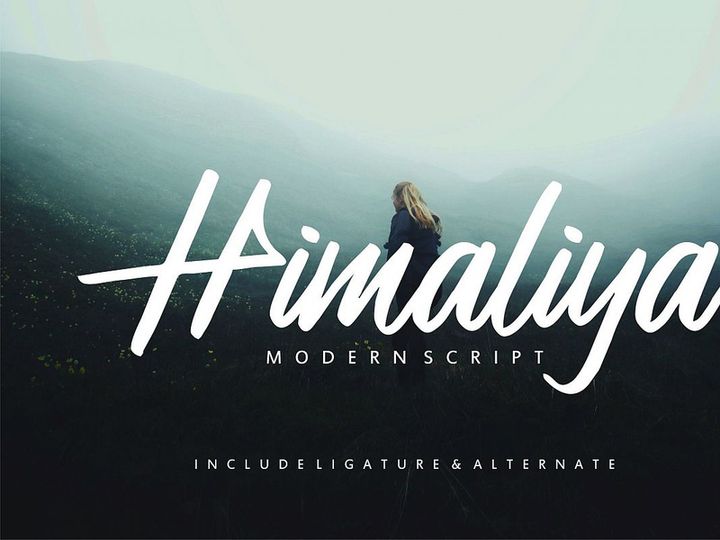

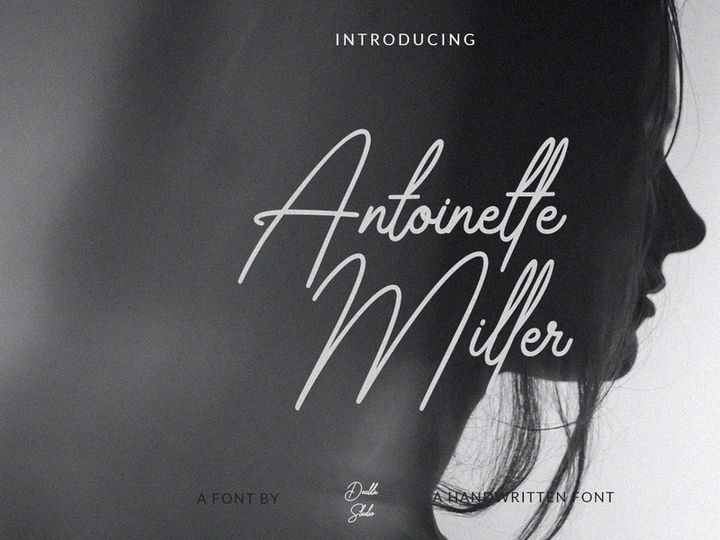
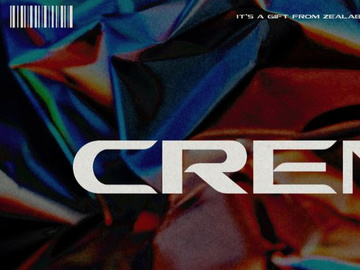
![Maragsâ — a display typeface [FREE] preview picture](https://imgproxy.epicpxls.com/O6_MRcYfRaIQ1HVypj4x0yY-2mLJstPqU11s86lW5D4/rs:fill:720:540:0/g:no/aHR0cHM6Ly9pdGVt/cy5lcGljcHhscy5j/b20vdXBsb2Fkcy9w/aG90by8wNWZjNGM1/YjBmZGU0MTJkMTM0/ZDkzMjJjYjczOWU2/Yg.jpg)
Try Our Free Resources
Download any of these for free - no account required
Why Fonts for Business Projects?
Typography plays a pivotal role in shaping the identity and perception of a business. The right font can communicate professionalism, innovation, trust, or creativity—qualities that are essential in today’s competitive market. For designers working on business projects, selecting the appropriate fonts isn’t just about aesthetics; it’s a strategic decision that influences how a brand is received by clients, stakeholders, and the public. Pre-made, professionally designed fonts significantly accelerate the design process by eliminating the need to create typefaces from scratch. This efficiency is crucial in fast-paced business environments where deadlines are tight and consistency across materials is non-negotiable.
Business design projects often require a wide range of deliverables—everything from corporate presentations and pitch decks to annual reports, brochures, business cards, and digital assets like email templates and social media graphics. Each of these materials benefits from a coherent typographic system that supports the brand’s visual language. Fonts that are optimized for readability, scalability, and cross-platform compatibility ensure that content remains clear and impactful, whether viewed on a mobile screen or printed in high-resolution format.
At EpicPxls, we understand the unique demands of business design. That’s why we’ve curated a collection of over 161+ resources tailored specifically for professionals who need reliable, high-quality fonts. Our selection includes typefaces designed for clarity, elegance, and versatility—perfect for corporate branding, executive communications, and client-facing materials. Each font in our library is vetted for technical quality, licensing suitability, and design relevance, ensuring that business designers can focus on creativity rather than compatibility issues. With access to such a robust library, designers can maintain brand consistency across all touchpoints while saving valuable time in the production workflow.
What Business Designers Need
Essential Fonts Types
Not all fonts are created equal when it comes to business applications. Designers must choose typefaces that align with the tone and purpose of the project. Sans-serif fonts like Helvetica, Montserrat, or Lato are widely used in modern business design due to their clean lines, excellent readability, and neutral appearance—ideal for digital interfaces and corporate reports. Serif fonts such as Georgia, Merriweather, or Playfair Display bring a sense of tradition, authority, and sophistication, making them suitable for legal documents, executive letters, and luxury brand materials.
For branding and logo design, display or custom fonts can help establish a unique identity. These are often bolder, more stylized, and used sparingly to create visual impact. Meanwhile, monospaced fonts like Courier New or Roboto Mono are valuable for technical documents, coding presentations, or data-heavy reports where alignment and character spacing matter. Script and handwritten fonts should be used with caution—they can add a personal touch but may compromise legibility if overused.
Format Requirements
Professional business workflows demand fonts in reliable, widely supported formats. The most common and versatile formats include OpenType (.OTF), TrueType (.TTF), and Web Open Font Format (.WOFF or .WOFF2) for online use. OTF is often preferred for print and high-resolution output due to its advanced typographic features like ligatures, alternate characters, and small caps. TTF remains widely compatible across operating systems and design software. For responsive websites and digital presentations, WOFF ensures fast loading and cross-browser consistency.
Designers should also look for fonts that include multiple weights (light, regular, bold, etc.) and language support, especially when creating multilingual business materials. At EpicPxls, our 161+ resources are delivered in optimized formats, ensuring seamless integration into any business design pipeline.
Quality Standards
Business-ready fonts must meet high technical and aesthetic standards. Key indicators of quality include consistent stroke weight, balanced spacing (kerning and tracking), and clean glyph rendering at various sizes. Poorly designed fonts can appear pixelated, uneven, or distorted—especially when scaled or printed—damaging the professionalism of the final product.
Additionally, licensing is a critical factor. Business projects often require commercial use rights, so designers must ensure that fonts are licensed appropriately for client work, mass distribution, or brand identity systems. Free or personal-use fonts may not offer these permissions, leading to legal risks. EpicPxls ensures that every font in its collection comes with clear, business-friendly licensing, giving designers peace of mind and full creative freedom.
Business Design Project Walkthrough
- Define the Project Scope: Begin by understanding the business objective—whether it’s a brand launch, investor presentation, or marketing campaign. Identify the audience and the desired tone (e.g., formal, innovative, trustworthy). This clarity will guide your font selection.
- Select Fonts from Trusted Resources: Browse curated libraries like EpicPxls to find fonts that match the project’s personality. Use filters to narrow down by category (e.g., sans-serif, serif, display), format, and licensing. With over 161+ resources available, you can quickly find professional-grade options tailored to business needs.
- Establish a Typographic Hierarchy: Choose a primary font for headlines and a complementary font for body text. Limit your selection to 2–3 typefaces to maintain visual harmony. For example, pair a bold sans-serif headline font with a readable serif for paragraphs.
- Test Across Mediums: Apply your chosen fonts to mockups of business cards, slides, and web banners. Check legibility on screens and in print. Adjust size, spacing, and weight to ensure clarity in all contexts.
- Ensure Brand Consistency: Create a simple style guide outlining font usage—specify which font is used for titles, subheadings, captions, and data. This ensures that team members or external collaborators maintain uniformity across documents.
- Finalize and Export: Once the design is approved, export assets in appropriate formats (PDF, PNG, SVG) with embedded fonts where necessary. Verify that all licensing requirements are met, especially if delivering files to a client or printer.
Combining multiple fonts effectively requires balance. Use contrast—such as pairing a geometric sans-serif with an elegant serif—to create visual interest without clutter. Avoid fonts with similar characteristics, as they can appear mismatched rather than complementary. Tools like font pairing guides and preview utilities can help streamline this process, ensuring your business designs look polished and intentional.
Business Design Workflow Tips
Speed Up Your Process
Time is a critical resource in business design, and using pre-made, high-quality fonts can dramatically reduce production time. Instead of sourcing, testing, and troubleshooting fonts from disparate websites, designers can rely on curated collections like those at EpicPxls to access ready-to-use typefaces. These resources are pre-vetted for quality, format compatibility, and licensing, eliminating common bottlenecks. With instant downloads and organized categorization, you can go from concept to layout in minutes. Many of the 161+ resources also come with bonus elements like ligatures, multilingual support, and variable font options, further enhancing efficiency.
Maintain Consistency
Consistency builds trust—both within a company and with its clients. To ensure uniformity across all business materials, establish a core set of fonts at the start of a project and stick to them. Use naming conventions in your design files (e.g., “Heading – Montserrat Bold,” “Body – Lato Regular”) to make templates easy to follow. When working in teams, share a digital style guide that includes font names, sizes, colors, and usage rules. This approach prevents version drift and ensures that presentations, reports, and marketing collateral all feel like part of the same brand ecosystem.
Client Presentation
How you present your design work influences client perception as much as the design itself. When delivering business projects, accompany your visuals with a brief explanation of your typographic choices—highlight how font selection supports brand values, improves readability, or enhances user experience. Use high-resolution exports and embed fonts properly to avoid display issues. Consider providing a downloadable font kit (with proper licensing) if the client will be using the typefaces internally. This level of professionalism, supported by reliable resources from EpicPxls, reinforces your credibility and attention to detail.
Business Design Inspiration
Staying informed about current trends helps business designers create work that feels modern and relevant. Right now, minimalist typography with generous whitespace is dominating corporate branding—clean sans-serifs with subtle geometric touches convey clarity and innovation. Variable fonts, which allow dynamic adjustment of weight, width, and slant within a single file, are gaining traction for their flexibility and efficiency in responsive design. Additionally, there’s a growing preference for humanist typefaces that feel approachable yet professional, bridging the gap between corporate formality and customer connection.
Top designers approach business projects with intentionality. They don’t just pick fonts they like—they consider how each typeface supports the message, medium, and audience. They conduct A/B testing on font legibility, use data-driven design tools, and often create custom font variations for major brands. Their work reflects a deep understanding of hierarchy, contrast, and brand storytelling through typography.
To elevate your own business design work, explore curated collections that offer more than just fonts—look for resources that include style guides, pairing suggestions, and real-world usage examples. EpicPxls provides exactly that: a thoughtfully assembled library of over 161+ resources designed to empower business-focused creatives. Whether you’re crafting a startup pitch deck or rebranding a multinational corporation, these tools help you deliver polished, professional results with confidence. By combining inspiration with practical assets, you can turn every business design project into a showcase of clarity, credibility, and creativity.
Why Download from EpicPxls?
Commercial License
Use in personal and commercial projects
No Account Required
Download free resources instantly
Quality Curated
Every resource is reviewed for quality
Preview Files
See Figma and Photoshop files before downloading
Who Uses These Fonts?
Professionals and teams who benefit most from our collection
UI/UX Designers
Speed up your workflow with ready-to-use fonts for design tools. Perfect for prototyping and client presentations.
Developers
Get production-ready assets without design skills. Export in any format for web and mobile apps.
Startups & Agencies
Save design budget with affordable premium fonts. Commercial license included for client work.
Marketing Teams
Create professional campaigns faster. All fonts are optimized for social media and ads.
Fonts FAQCommon questions about these resources
Simple, Transparent Pricing
Get unlimited access to all premium resources
Yearly
- 20 downloads per month
- All file formats
- Commercial license
Lifetime
- Unlimited downloads forever
- All file formats
- Commercial license
Ready to Get Started?
Access 4,441+ free design resources today.
Browse Free ResourcesView Premium PlansEarn 85% and
more on all sales
Upload your products and put them up
for sale at whatever price you want.


