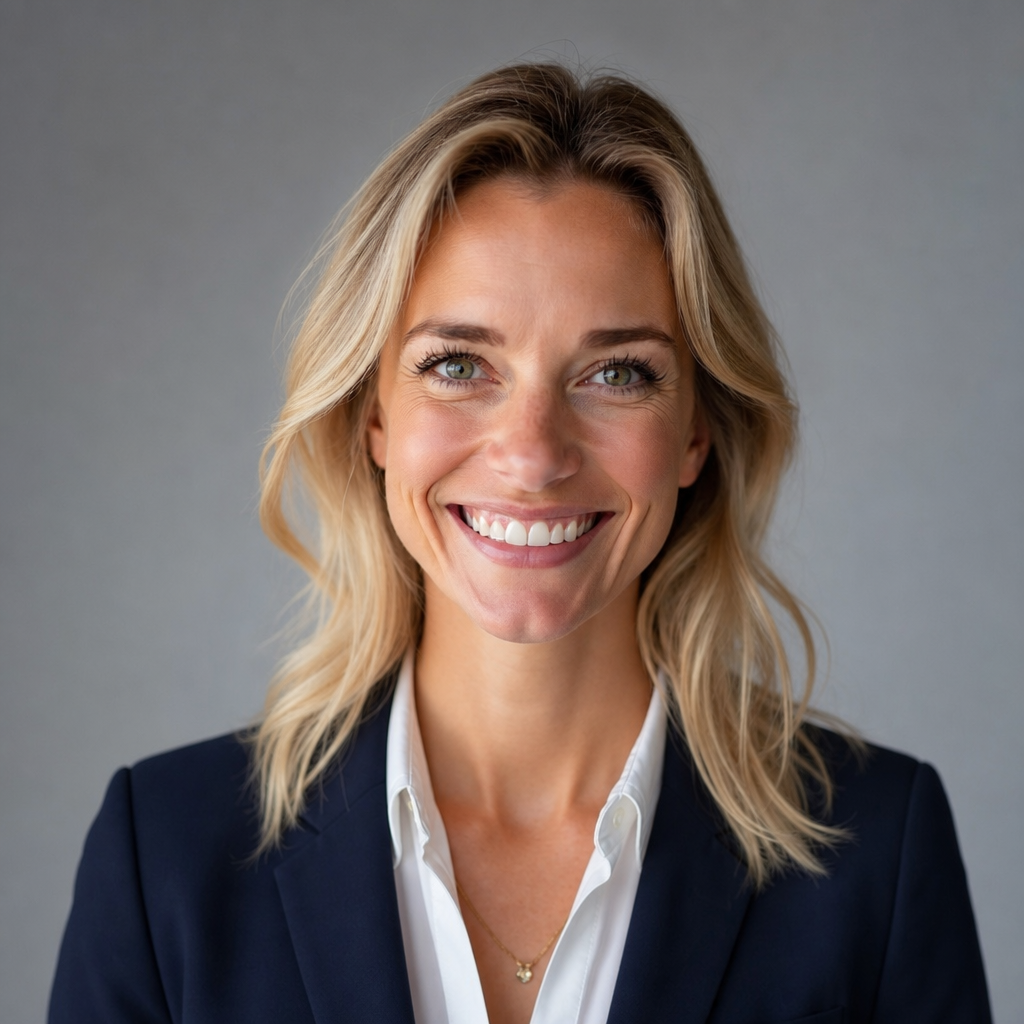
Get a professional headshot from a regular photo
Upload a normal photo and get back a clean, professional headshot for LinkedIn, a resume, a company page, or a speaker bio. No studio booking and no photographer — just a well-lit, business-ready portrait made from a picture you already have.
- ✓High-resolution download
- ✓Ready in about two minutes
- ✓Yours to print & share
How it works
- 1
Upload your photo
Open the studio, sign in, and add a clear, well-lit photo of your subject.
- 2
Pick a style
Choose your style and fill in any details it asks for, like a name or a headline.
- 3
Generate & download
Generate the design and download the high-resolution result, ready to share or print.
Frequently asked questions
What photo should I upload?
Use a recent photo where your face is clearly visible, evenly lit, and looking toward the camera. A plain background helps, but everyday backgrounds work too. Avoid sunglasses, heavy shadows, and group shots.
Will it still look like me?
The goal is a polished version of you, not a different person. Start from a clear photo and generate a few times, then pick the result that keeps your features and expression recognizable.
Is it good enough for LinkedIn and resumes?
Yes — a clean headshot with professional lighting is exactly what those profiles call for. The download is high-resolution, so it stays sharp as a profile picture and on a printed resume.
Can I get different looks?
Each generation varies slightly in lighting and framing, so run it a few times to compare. Choose the one that fits the tone you want, whether that's approachable or more formal.
Ready to make your own?
Upload one photo and have it in minutes — no studio, no design skills. Browse styles free; sign in when you're ready to generate.
Earn 85% and
more on all sales
Upload your products and put them up
for sale at whatever price you want.


