Design Resources for Students: 1823+ Resources
EpicPxls offers 200+ curated design resources, all with a commercial license and editable source files (Figma, Sketch, PSD). This collection includes 200+ resources across UI kits, icons, fonts, templates, mockups, and illustrations - all curated for your specific needs.
Last updated February 13, 2026
Build your portfolio with professional design assets — many free for students.
Trusted by designers at leading companies
Featured Resources
Handpicked resources from our curated collection


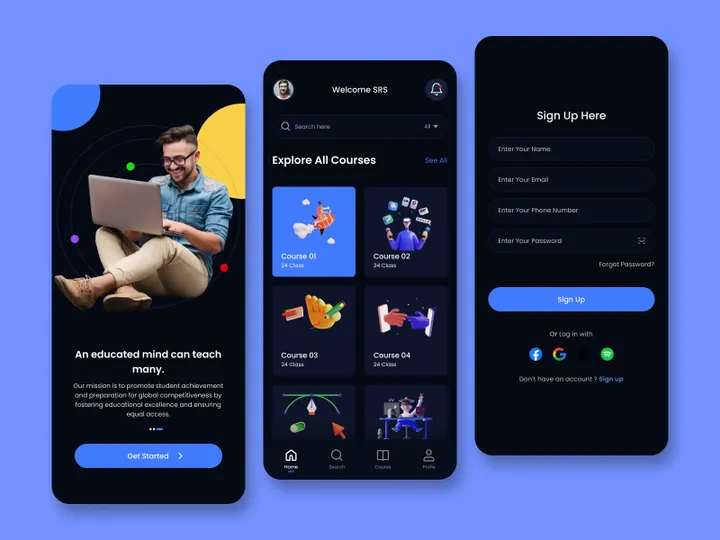
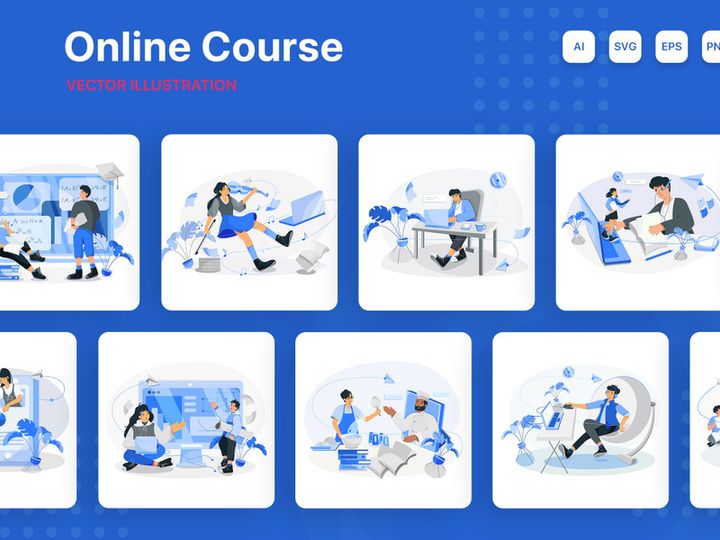
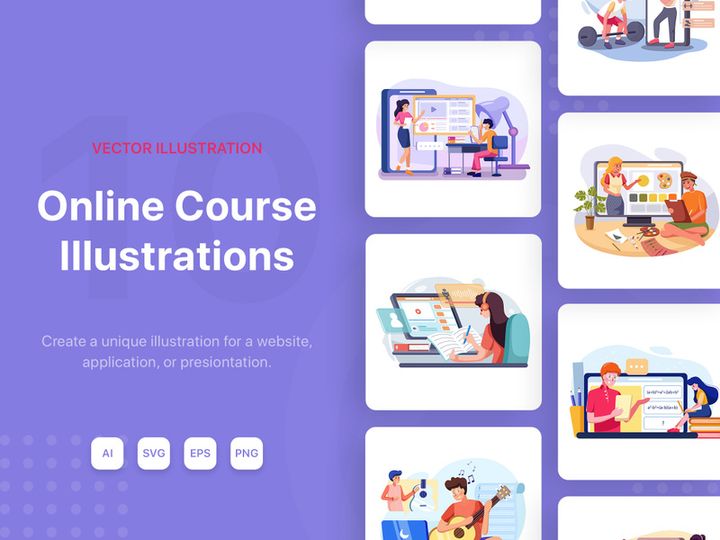
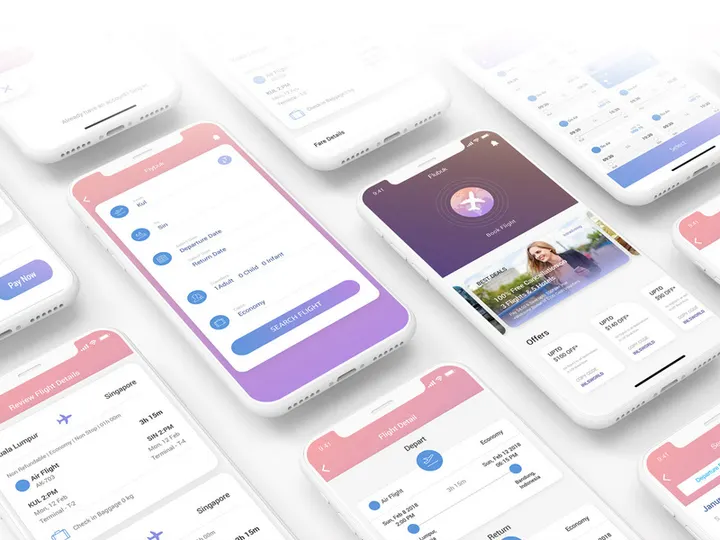
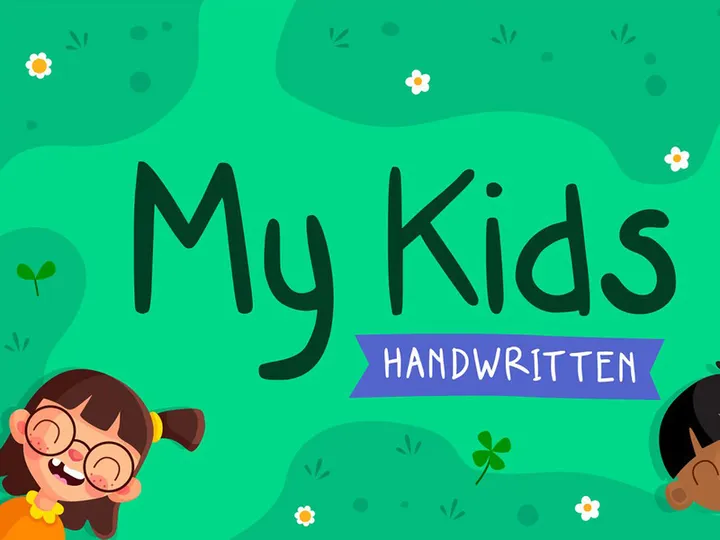
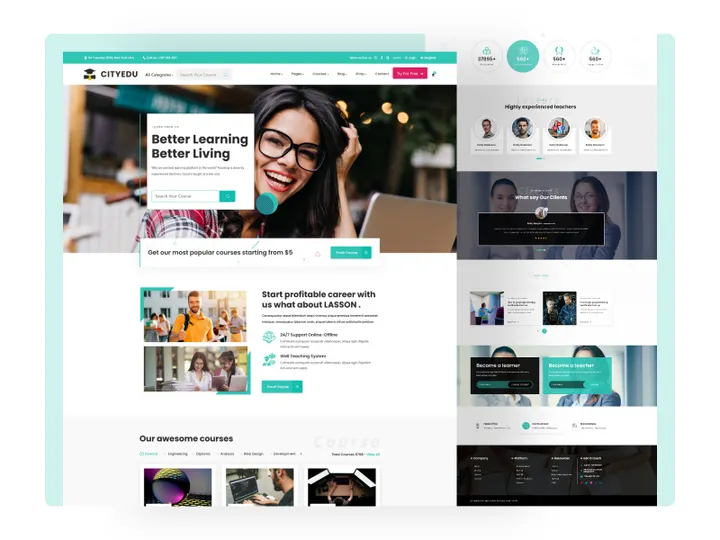
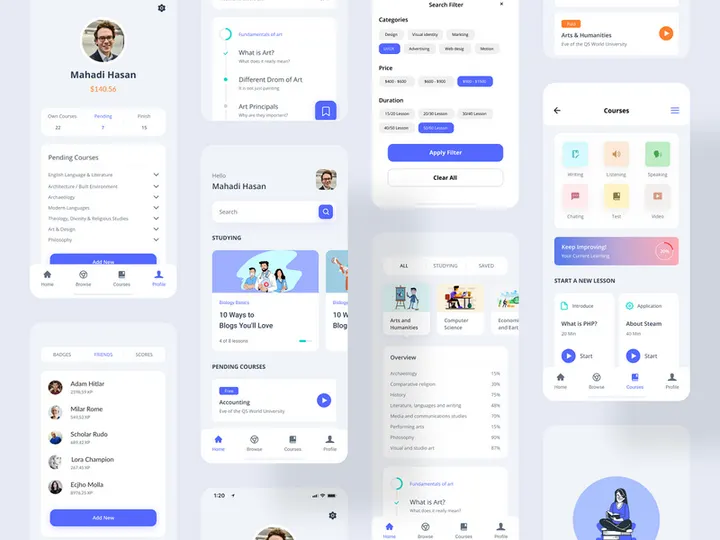
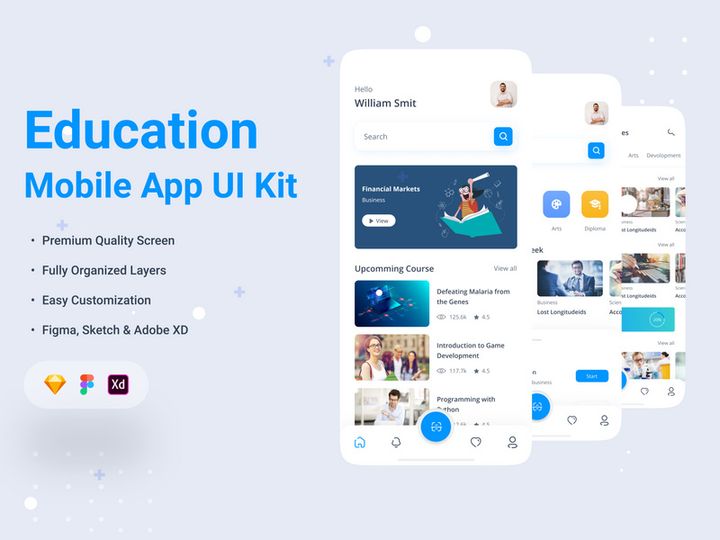
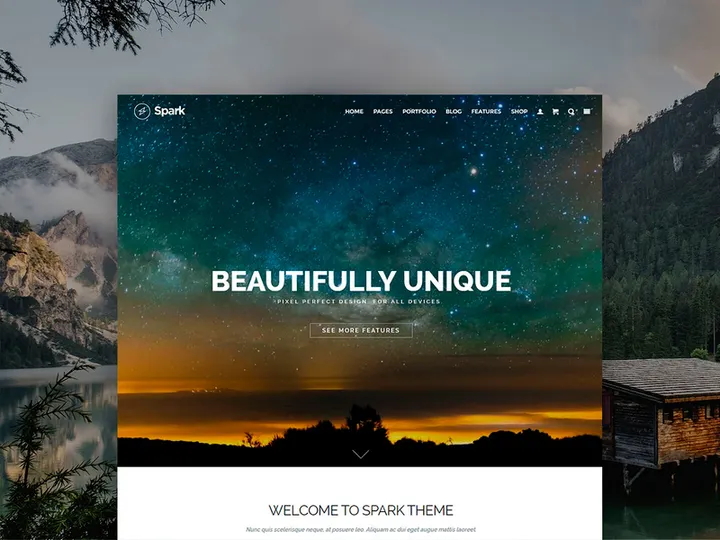
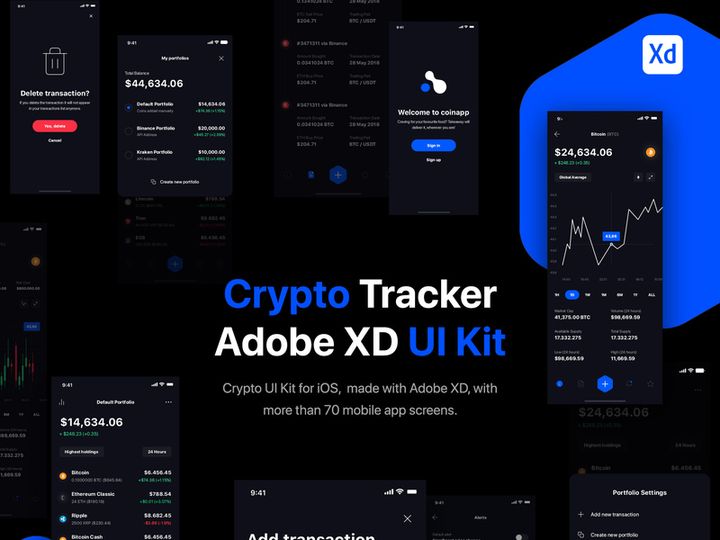
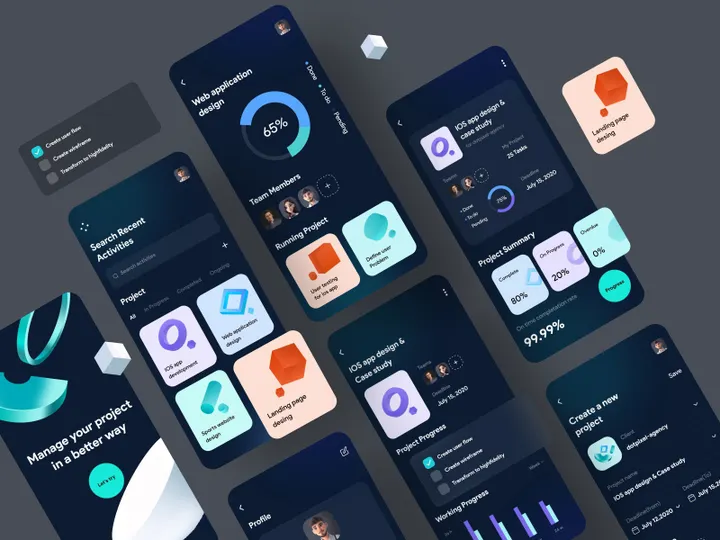
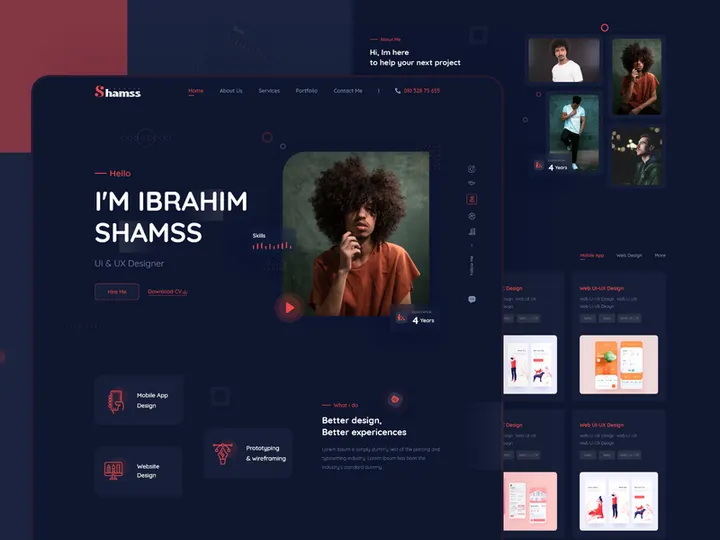
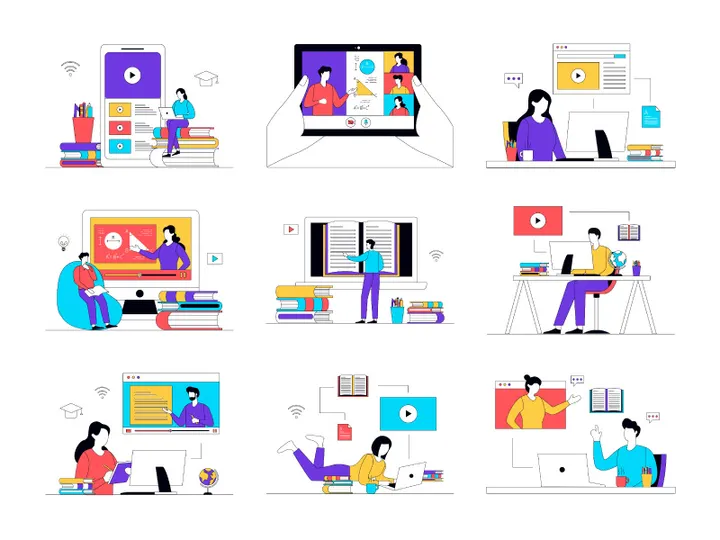
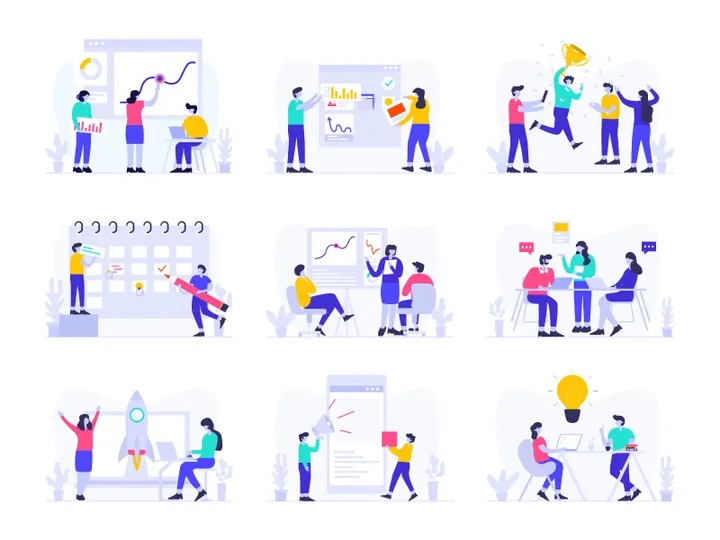
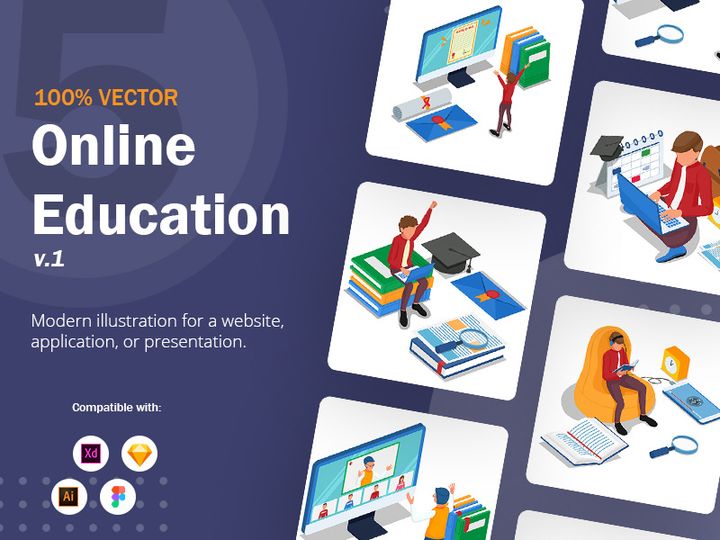
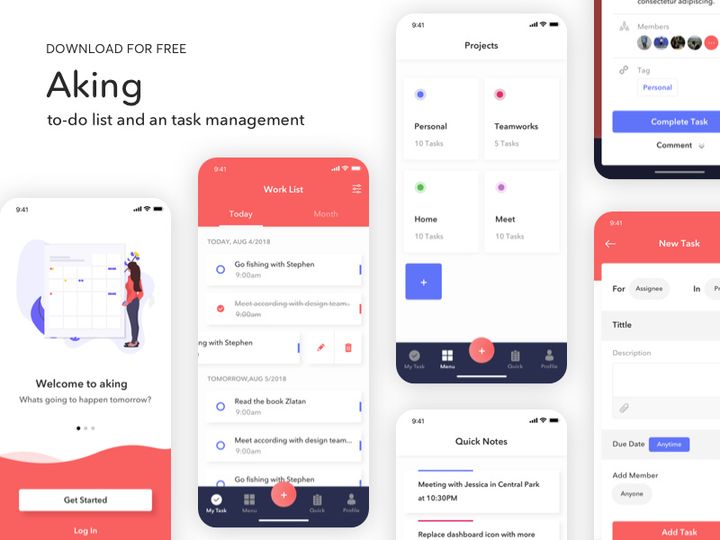
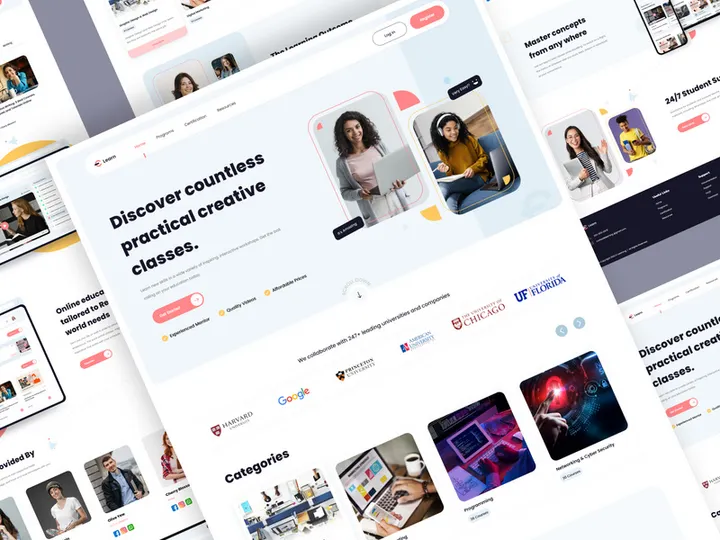
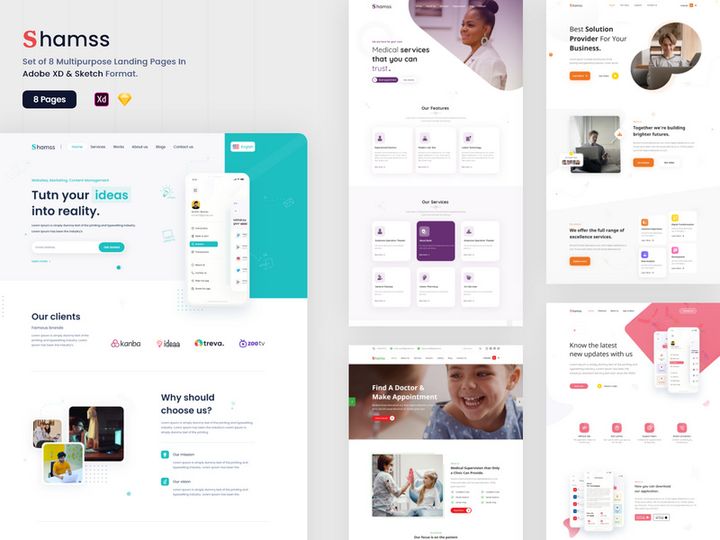
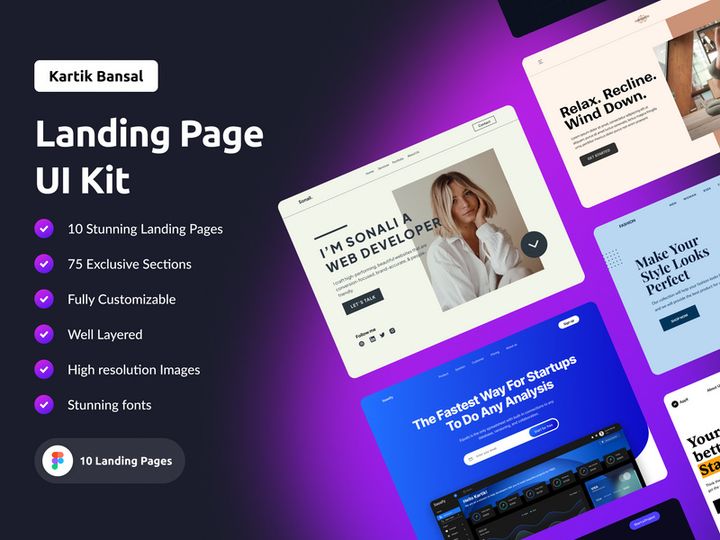
Try Our Free Resources
Download any of these for free - no account required
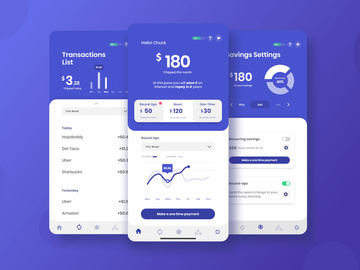
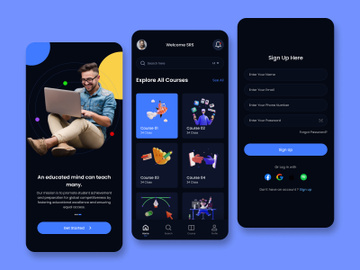
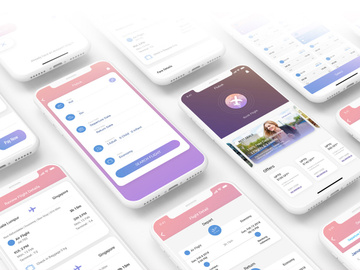
Design Challenges for Students
Design students face a unique set of challenges when building their skills and portfolios. Whether working on class projects, freelance gigs, or personal experiments, many students struggle with balancing creativity and practicality. One of the most common pain points is the pressure to produce high-quality work under tight deadlines. With packed academic schedules and limited experience, starting every design from scratch can be overwhelming and inefficient.
Time and budget constraints are especially pressing for students. Most are juggling coursework, part-time jobs, and extracurricular activities, leaving little room for lengthy design processes. At the same time, many students are just beginning to explore freelancing or internships, which means they often need professional-looking results without the resources of a full design studio. Purchasing individual assets, software subscriptions, or hiring illustrators is often out of reach financially.
This is where pre-made design resources become a game-changer. Access to ready-to-use templates, graphics, icons, mockups, and design systems allows students to focus on creativity and problem-solving rather than reinventing the wheel. With tools that streamline production, students can iterate faster, experiment more freely, and deliver polished work—exactly what’s needed to stand out in competitive academic and early-career environments. Platforms like EpicPxls offer a vast library of over 200+ resources tailored to real-world design needs, empowering students to work smarter, not harder. By leveraging quality assets, students gain a professional edge while staying within their time and financial limits.
How EpicPxls Helps Students
Curated Collections
One of the standout benefits of EpicPxls for students is its thoughtfully curated collections. Instead of sifting through thousands of generic assets, students gain access to hand-selected resources that align with common academic and entry-level design needs. Whether it's branding kits for a school project, presentation templates for a pitch competition, or UI kits for a mobile app prototype, the collections are designed with student workflows in mind. These focused groupings make it easier to find exactly what you need without wasting time on irrelevant downloads.
Time Savings
When you're on a deadline, every minute counts. Starting from a blank canvas can eat up hours that students simply don’t have. With over 200+ ready-to-use assets available on EpicPxls, students can skip the tedious setup phase and jump straight into designing. Need a social media template for a campaign? It's there. Looking for a clean resume layout or a wireframe for a UX assignment? Already available. These pre-built tools reduce repetitive tasks and let students focus on refining their ideas, experimenting with layouts, and improving overall design quality—without burning out.
Commercial Licensing
Many students use school projects as stepping stones to freelance work or internships. That’s why EpicPxls includes commercial licensing with its resources. This means students can confidently use these assets in client work, pitch decks, or portfolio pieces intended for professional use. Unlike free resources that often come with restrictions or attribution requirements, the assets from EpicPxls allow for both personal and commercial applications, giving students the freedom to build real-world experience without legal concerns. It’s an invaluable advantage when transitioning from classroom to career.
Getting Started: A Guide for Students
- Identify Your Project Needs: Before browsing, take a moment to define the scope of your project. Are you creating a brand identity, a website layout, or a presentation deck? Knowing your goal helps you narrow down the most relevant resource types on EpicPxls.
- Explore the Collections: Head to the EpicPxls platform and browse through categories that match your project. Use filters to sort by format, style, or use case. With over 200+ resources, organized collections make navigation simple and efficient.
- Preview Before Downloading: Take advantage of preview options to see how a template or asset looks in context. This helps ensure it aligns with your vision and saves time on trial-and-error editing later.
- Download and Organize: Once you’ve selected your resources, download them and save them in a dedicated project folder. Consider creating a personal library structure—by category, date, or project type—to stay organized as you collect more assets.
- Customize for Your Project: Open the files in your preferred design software (like Figma, Photoshop, or Illustrator) and begin customizing. Replace placeholder text, adjust colors to match your brand palette, and tweak layouts to fit your unique needs. The goal is to make the resource feel original and authentic.
- Use in Real-World Applications: Whether it’s a class assignment, freelance job, or portfolio piece, apply your customized design with confidence. Thanks to commercial licensing, you can even use EpicPxls resources in work you’re being paid for—great for building credibility and a strong design portfolio.
Tips for students: Always credit the resource in your process documentation if required by your instructor—even with commercial licenses, academic integrity matters. Also, revisit your downloads after completing a project; you might find reusable elements for future work. By following this structured approach, students can integrate EpicPxls seamlessly into their design workflow and maximize both efficiency and creativity.
Recommended Resource Types for Students
Must-Have Categories
Not all design resources are created equal—some are simply more essential than others for students. Among the most valuable types are presentation templates, which are perfect for delivering project proposals, thesis defenses, or client pitches with a polished look. UI kits and wireframe templates are indispensable for those studying digital design or UX, enabling quick prototyping for apps and websites. Brand identity kits—including logos, color palettes, and business card templates—are ideal for branding projects and help students understand cohesive design systems. Additionally, social media templates allow students to create consistent, engaging content for campaigns across platforms. These categories appear frequently in student workflows and are well-represented among the 200+ resources available on EpicPxls.
Hidden Gems
Beyond the obvious, there are several underused but highly impactful resources that students should explore. Design system templates teach best practices in consistency and scalability, which are crucial for real-world design roles. Mockup scenes help bring flat designs to life by placing them in realistic environments—perfect for portfolio presentations. Typography pairings and icon sets may seem minor, but they save time and elevate the professionalism of any project. Students who experiment with these less obvious tools often discover new ways to enhance their work and impress instructors or clients. Platforms like EpicPxls make it easy to discover these hidden gems through intuitive categorization and search features.
Free vs Premium
While free resources are tempting, they often come with limitations—lower resolution, fewer customization options, or restrictive licenses. Premium resources, like those offered by EpicPxls, provide higher quality, consistent formatting, and broader usage rights. For students, the smart strategy is to use free assets for practice and exploration, but invest in premium resources for portfolio pieces, client work, or academic submissions where quality matters most. Many premium platforms offer student discounts or one-time bundles, making it affordable to access professional-grade tools. By prioritizing value over cost, students can build stronger portfolios and avoid the pitfalls of generic or overused free designs. With over 200+ resources available, EpicPxls offers an excellent balance of affordability and professional utility.
Success Tips for Students
To get the most out of design resources, students should adopt a strategic mindset. First, focus on quality over quantity—choose assets that align with your personal style and project goals, rather than downloading everything available. Thoughtful selection leads to more authentic and impactful designs. Customize every resource you use; avoid leaving placeholder content or default colors, as this makes your work look generic. Tailoring templates to your vision demonstrates skill and attention to detail—qualities that instructors and employers value.
Building a personal design library is another key to long-term success. As you download and use resources from EpicPxls, save the ones you love in a well-organized folder system. Over time, this library becomes a go-to toolkit for future projects, speeding up your workflow and maintaining consistency in your design voice. Categorize by type (e.g., logos, UI, mockups) or by project, and consider adding notes about how you modified each asset—this builds valuable documentation habits.
Finally, stay current. Design trends evolve quickly, and so do resource libraries. Regularly check back on EpicPxls for new additions, updated templates, or seasonal collections. Subscribing to updates or setting a monthly reminder ensures you don’t miss out on fresh, relevant assets. By treating design resources as both tools and learning materials, students can accelerate their growth, produce higher-quality work, and build a standout portfolio—laying a strong foundation for a successful design career.
Why Download from EpicPxls?
Commercial License
Use in personal and commercial projects
No Account Required
Download free resources instantly
Quality Curated
Every resource is reviewed for quality
Preview Files
See Figma and Photoshop files before downloading
Who Uses These Resources?
Professionals and teams who benefit most from our collection
UI/UX Designers
Speed up your workflow with ready-to-use resources for design tools. Perfect for prototyping and client presentations.
Developers
Get production-ready assets without design skills. Export in any format for web and mobile apps.
Startups & Agencies
Save design budget with affordable premium resources. Commercial license included for client work.
Marketing Teams
Create professional campaigns faster. All resources are optimized for social media and ads.
Frequently Asked QuestionsCommon questions about these resources
Simple, Transparent Pricing
Get unlimited access to all premium resources
Yearly
- 20 downloads per month
- All file formats
- Commercial license
Lifetime
- Unlimited downloads forever
- All file formats
- Commercial license
Ready to Get Started?
Access 4,441+ free design resources today.
Browse Free ResourcesView Premium PlansEarn 85% and
more on all sales
Upload your products and put them up
for sale at whatever price you want.


