UI Kits
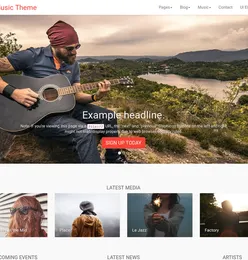
Durchsuchen Sie 6 UI-Kits zur Verwendung in der Theme-Entwicklung, Seitengestaltung, sozialen Medien und Landingpages. Jede Website kann die UI-Elemente, Wireframe-Kits und Vorlagen verwenden, die auch Bootstrap-Integration für eine schnellere Entwicklung haben.
6 RessourcenFrag die KI dazu: ChatGPT · Claude · Claude Code / Codex


Empfohlene Kategorien
Schaue dir unsere kuratierte Auswahl an Produkten an, die wir für dich zusammengestellt haben. Wir haben diese ausgewählt, um deine Suche nach dem perfekten Theme, Template oder Design zu beschleunigen.


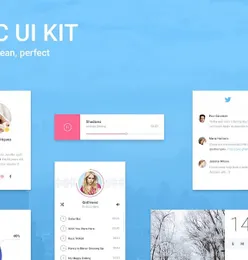
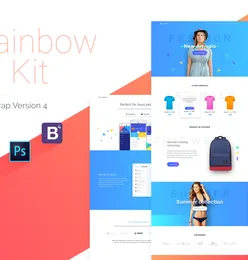
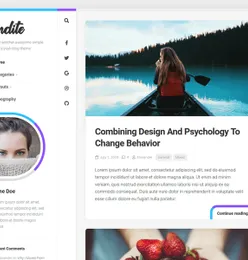
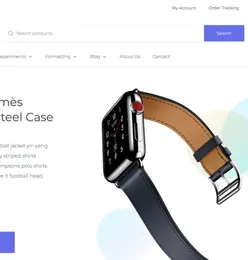
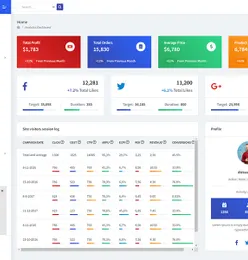
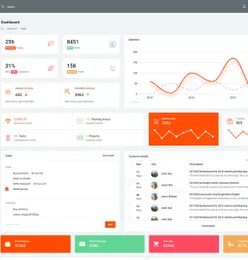
Bootstrap UI kit
UI kits that can help you build your website faster


Halloween items
icons and illustration that can help you build your Halloween themed projects easier.


Fintech Mobile Apps
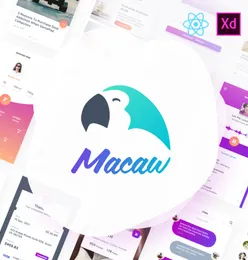
Useful resources that can help you develop or build your own projects.React Native useful resources
Cool react native resources that can help you create interesting products


WordPress Themes
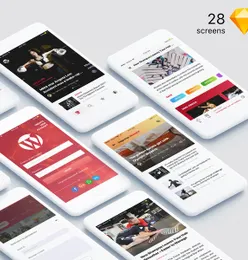
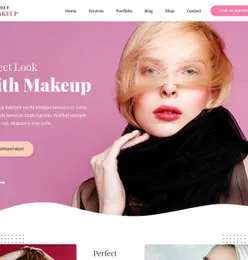
We've collected some of our epic WordPress themes to help you build excellent and remarkably functional WordPress websites.


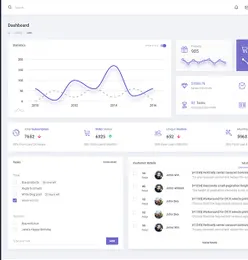
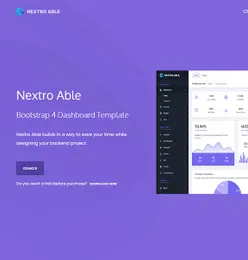
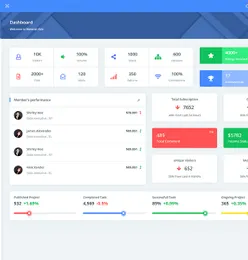
Bootstrap Admin Templates
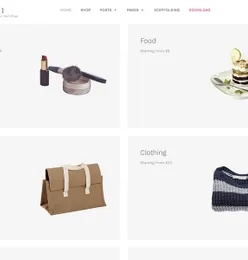
Create fast & stunning web apps with the help of our easily customizable Bootstrap admin templates


Häufig gestellte Fragen
What is a UI kit and how do I use one?
A UI kit is a collection of pre-designed interface components -- buttons, forms, cards, navigation bars, and more -- that you can assemble to build app or website designs quickly. Download the kit, open it in your preferred design tool (Figma, Sketch, or Adobe XD), and drag components onto your canvas.
Which design tools are compatible with EpicPxls UI kits?
Most UI kits on EpicPxls include files for Figma, Sketch, and Adobe XD. Some also include HTML/CSS versions or Framer components. Check each product's details for specific format compatibility.
What is the difference between a UI kit and a design system?
A UI kit provides ready-made interface components. A design system goes further with documented guidelines, spacing rules, color tokens, and component variants. Many premium UI kits on EpicPxls include design system elements.
Can I customize the UI kit components for my brand?
Yes. All UI kits are fully editable in their respective design tools. Change colors, typography, spacing, and content to match your brand. Most kits use organized layers and components for easy customization.
How do I install a Figma UI kit?
Download the .fig file from EpicPxls, then open Figma and use File > Import to add it to your workspace. The components will be available in your local components library.
Verdienen Sie 85% und
mehr bei allen Verkäufen
Laden Sie Ihre Produkte hoch und stellen Sie sie
zum Verkauf zu jedem beliebigen Preis zur Verfügung.


