Mockups
Durchsuchen Sie 1 coole Mockups, die von talentierten Designern erstellt wurden. Mockups sind eine Möglichkeit, Benutzeroberflächen auf Papier oder in Computerbildern zu gestalten. Ein Software-Mockup sieht also wie das echte Ding aus, leistet aber keine nützliche Arbeit über das hinaus, was der Benutzer sieht.
1 RessourcenFrag die KI dazu: ChatGPT · Claude · Claude Code / Codex


Empfohlene Kategorien
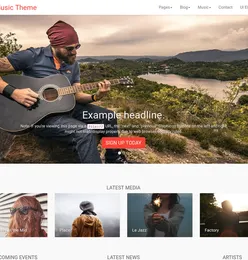
Schaue dir unsere kuratierte Auswahl an Produkten an, die wir für dich zusammengestellt haben. Wir haben diese ausgewählt, um deine Suche nach dem perfekten Theme, Template oder Design zu beschleunigen.


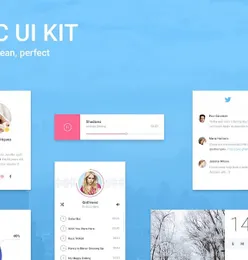
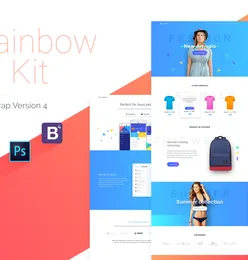
Bootstrap UI kit
UI kits that can help you build your website faster


Halloween items
icons and illustration that can help you build your Halloween themed projects easier.


Fintech Mobile Apps
Useful resources that can help you develop or build your own projects.React Native useful resources
Cool react native resources that can help you create interesting products


WordPress Themes
We've collected some of our epic WordPress themes to help you build excellent and remarkably functional WordPress websites.


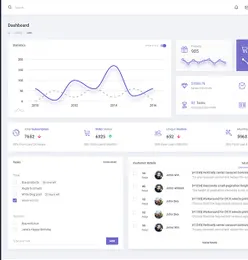
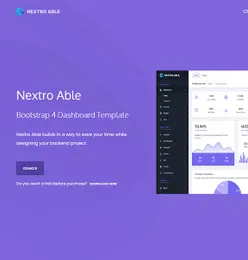
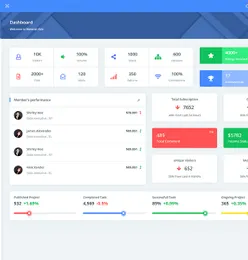
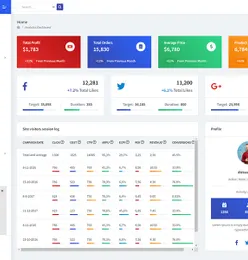
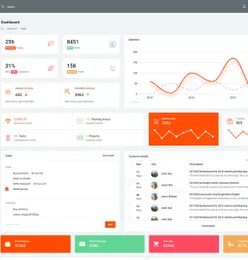
Bootstrap Admin Templates
Create fast & stunning web apps with the help of our easily customizable Bootstrap admin templates
Häufig gestellte Fragen
What devices are available for mockup templates?
Browse mockups for iPhone, MacBook, iPad, Android devices, Apple Watch, desktops, and more. Also includes packaging, stationery, apparel, and billboard mockups.
How do I place my design into a mockup?
Most mockups use Photoshop Smart Objects. Double-click the smart object layer, paste your design, save, and the mockup updates automatically with perspective and lighting.
What is the difference between a flat mockup and a perspective mockup?
Flat mockups show your design straight-on without perspective distortion. Perspective mockups show your design at an angle, creating a more realistic, three-dimensional presentation.
Can I use these mockups for client presentations?
Yes. All mockups include a commercial license. Use them in client presentations, portfolio pieces, Dribbble shots, social media, and marketing materials.
What file formats are mockup templates available in?
Most mockups are PSD files with Smart Objects. Some include Figma, Sketch, and Adobe XD versions. Check each product for specific formats.
Verdienen Sie 85% und
mehr bei allen Verkäufen
Laden Sie Ihre Produkte hoch und stellen Sie sie
zum Verkauf zu jedem beliebigen Preis zur Verfügung.


