Fonts for Cricut & Craft Cutting
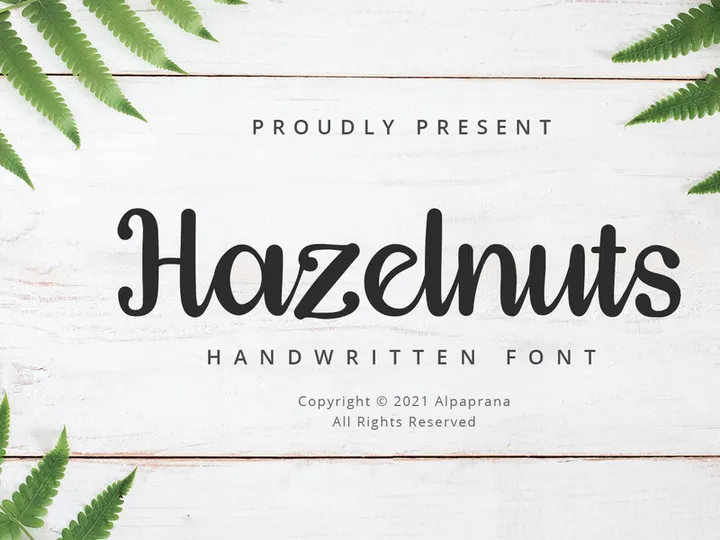
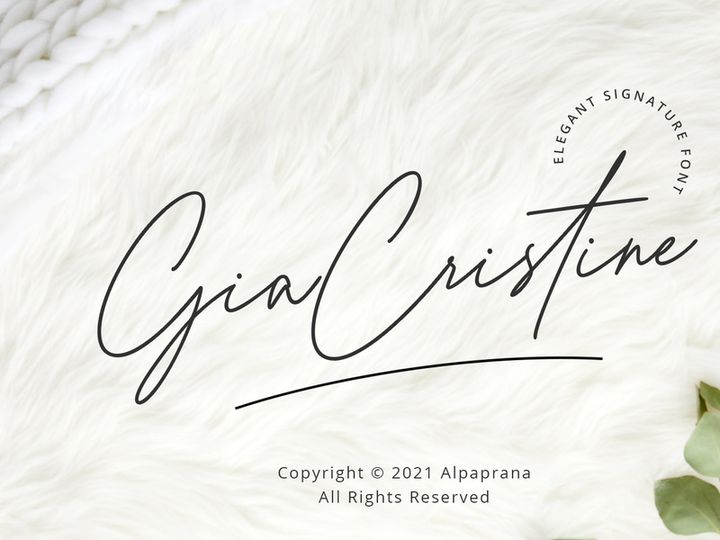
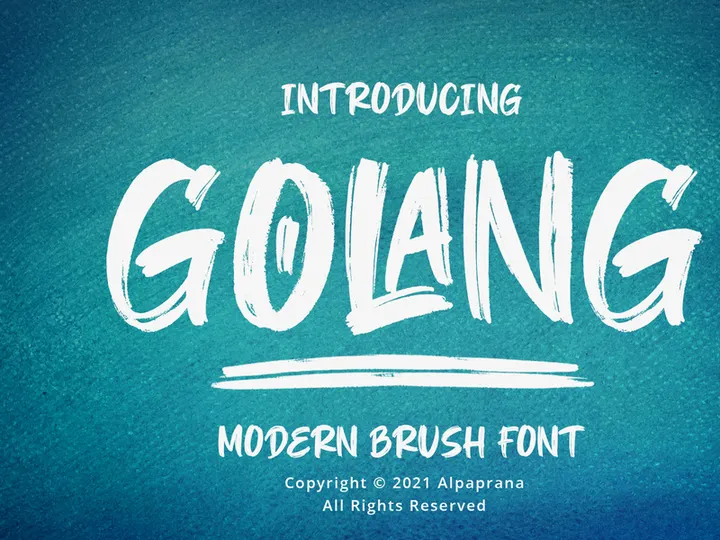
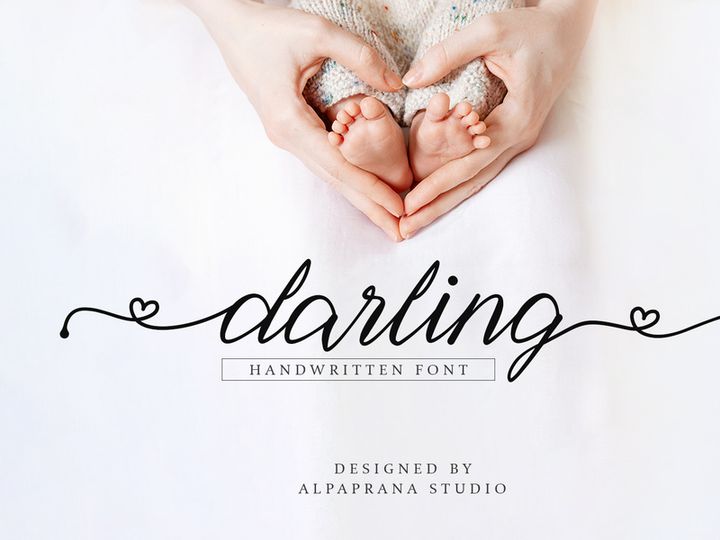
Script and cursive fonts that weld cleanly, single-line writing fonts for Cricut pens, and bold display faces for vinyl titles work best on a cutting machine. Each font shown here includes OTF or TTF in its download. Install those desktop files on your computer to use the typeface under System fonts in Design Space after you restart the app. This page shows 24 matching fonts with a free badge or price on each card.
Items sold with the Basic license allow commercial use in end products when the license applies—check each font's product page (personal-use, demo, or trial fonts may be restricted). See the commercial license explainer for crafts for how licensing applies to crafts and print-on-demand.
Updated Jumat, 13 November 2026
Fonts for Cricut cutting and pen projects
Script, handwritten, and display fonts from EpicPxls designers for vinyl, iron-on, pens, and paper crafts.
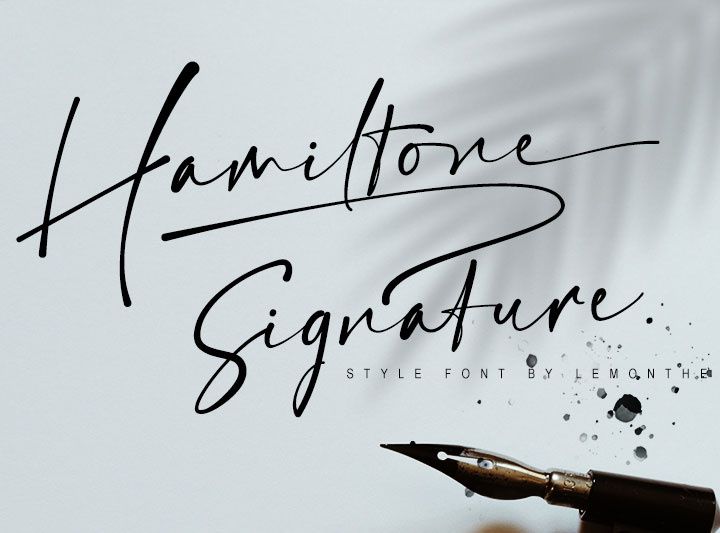

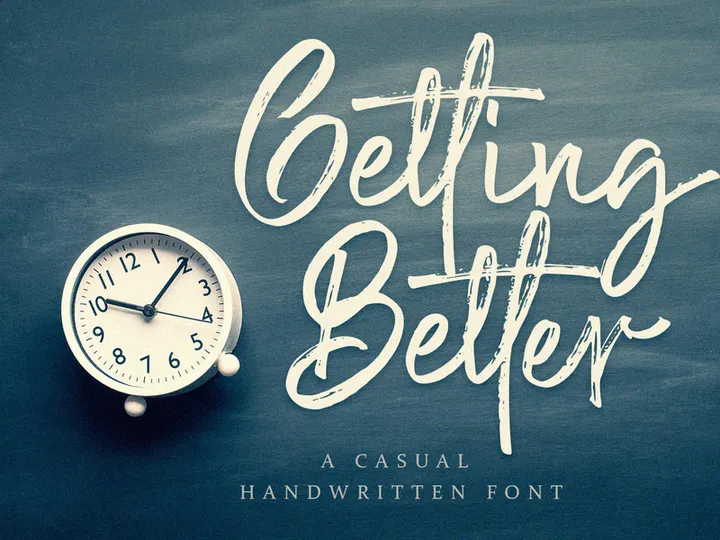


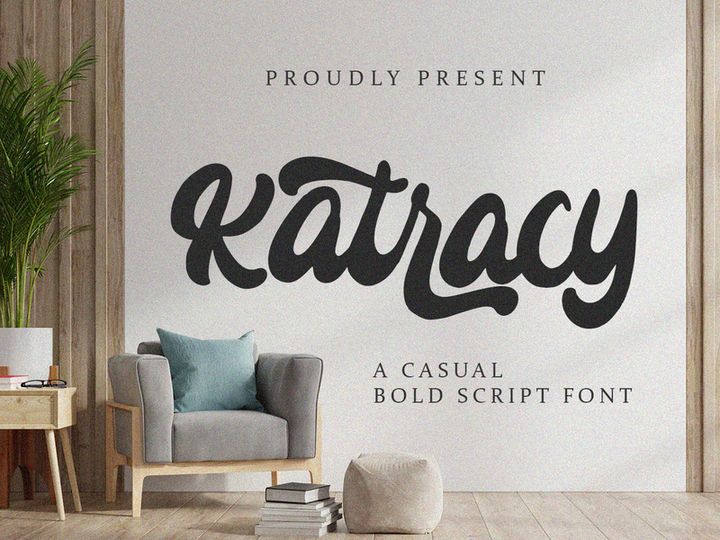
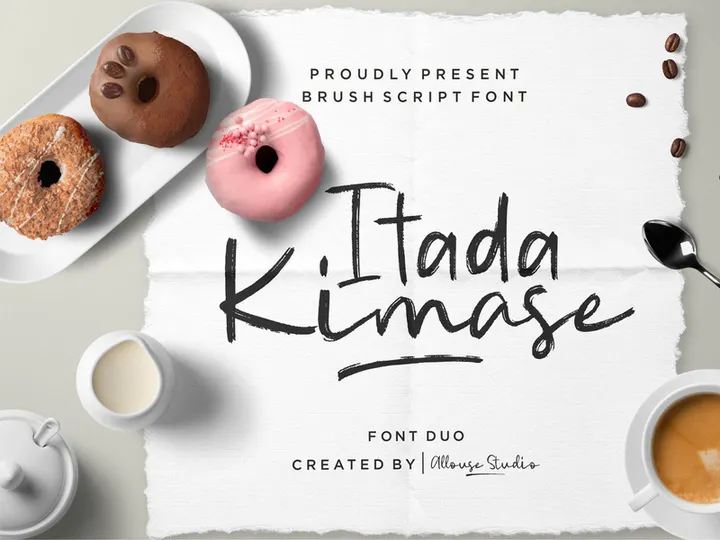









How to add a font to Cricut Design Space
This page lists Fonts category items whose EpicPxls download includes OTF or TTF. Cricut uses those desktop files once they are installed on your computer—not WOFF or WOFF2 from the same ZIP. Unzip the package, install the OTF or TTF, restart Design Space, then choose the font under System fonts.
- Download the font ZIP from EpicPxls and unzip it on your computer.
- Install the OTF or TTF file (right-click → Install on Windows; double-click → Install Font on Mac).
- Quit Cricut Design Space completely and open it again so it refreshes the system font list.
- Add a text layer and find the font under System fonts. Adjust size, weld script text if needed, then cut or draw.
Frequently asked questions
How do I add a font to Cricut Design Space?
Download the font from EpicPxls, unzip the folder on your computer, and install the OTF or TTF file. On Windows, right-click the font file and choose Install for all users. On Mac, double-click the font and click Install Font. Quit Cricut Design Space completely, reopen it, add a text layer, and pick the font under System fonts (not Cricut fonts). It can take a minute to show up after install.
How do I weld script letters in Cricut Design Space?
In Design Space, script fonts often need Weld so touching letters cut as one path instead of separate shapes. Type your word, select the text, click Weld, and preview the mat before you cut. Pick a font whose letters overlap naturally; very loose scripts may need Letter Space adjusted before you weld.
Which fonts work with Cricut pens (writing fonts)?
Single-line or writing-style fonts are often chosen for pen and foil projects because they trace a thinner path than filled lettering. After you install the OTF or TTF from the download, set the text operation to Draw in Design Space to use a pen—any installed font's outlines can be drawn, though results vary by typeface. Filled script or display fonts are usually cut as shapes unless you switch to Draw.
Can I sell projects made with these fonts?
It depends on each item's license. Items sold with the EpicPxls Basic license allow commercial use in end products you sell, but some fonts are marked personal-use, demo, or trial—check the product page before you sell work made with a font. You cannot resell or redistribute the font files themselves. Read the full terms on our licensing page and the commercial license explainer for crafts for Cricut and POD examples.
What font file formats do EpicPxls downloads include?
Font downloads are ZIP archives. Most EpicPxls font packages include OTF and TTF files you install on your computer; many also bundle WOFF or WOFF2 for websites, which Cricut Design Space cannot use. For cutting or pen projects, install the OTF or TTF only. Open the product page to confirm the files in that package before you buy or download.
Dapatkan 85% dan
lebih banyak dari semua penjualan
Unggah produk Anda dan letakkan mereka
untuk dijual dengan harga berapa pun yang Anda inginkan.


